

Everything Hitch can do.
49 features that bring your Android phone into your Mac: 15 free, 32 in Pro and 2 coming soon. Pick any one to see how it works and its limits.
Showing 49 of 49 features
Calls
- Calls on your Mac
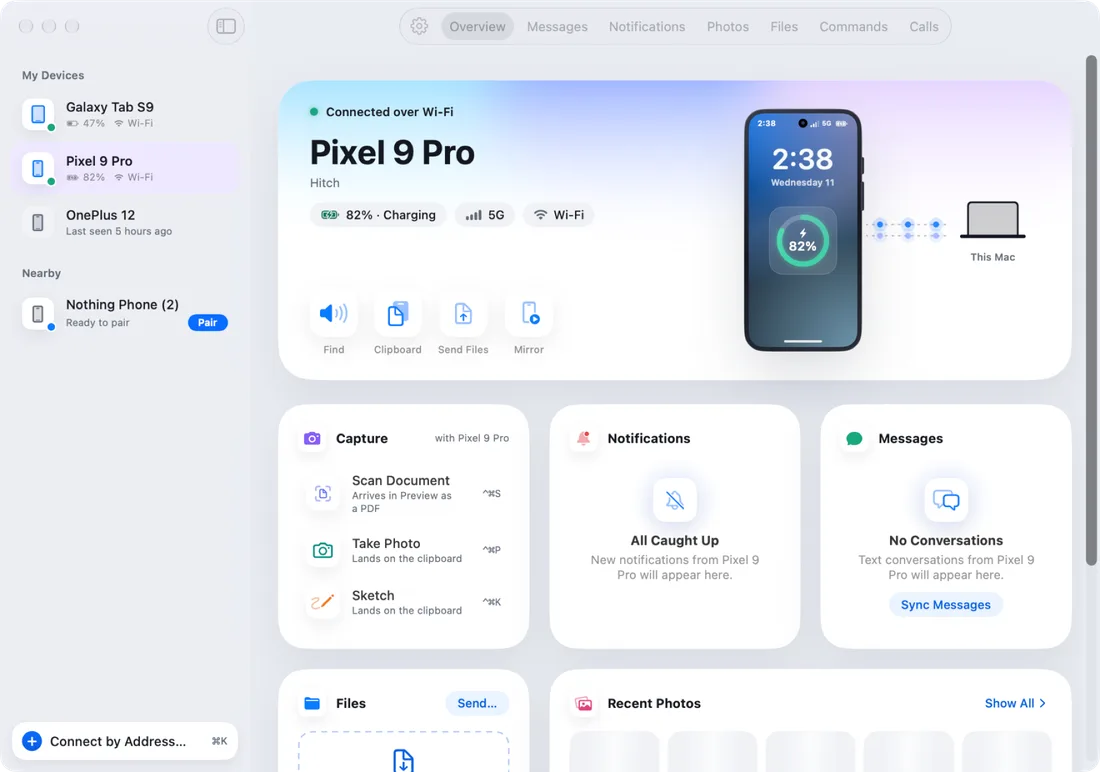
When your phone rings, your Mac rings too.
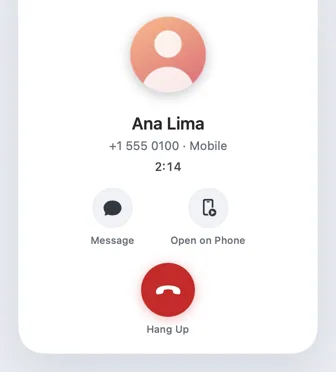
- The call window
A small window that stays with you for the whole call.
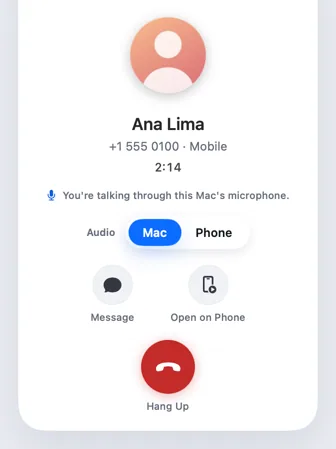
- Talk through your Mac
Hear the caller on your Mac, and talk into its microphone.
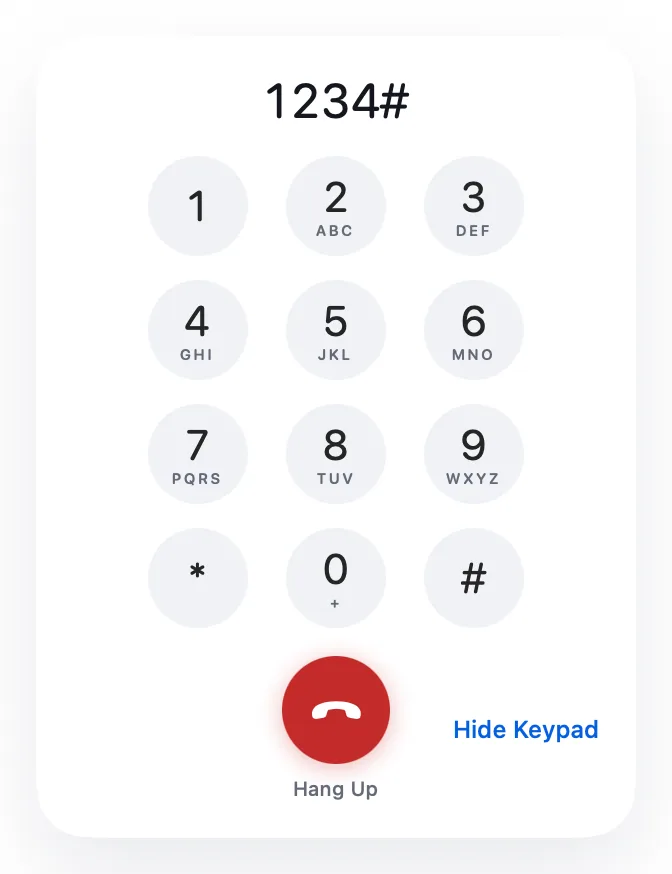
- Keypad, hold and audio route
Everything a call needs while it's going on.
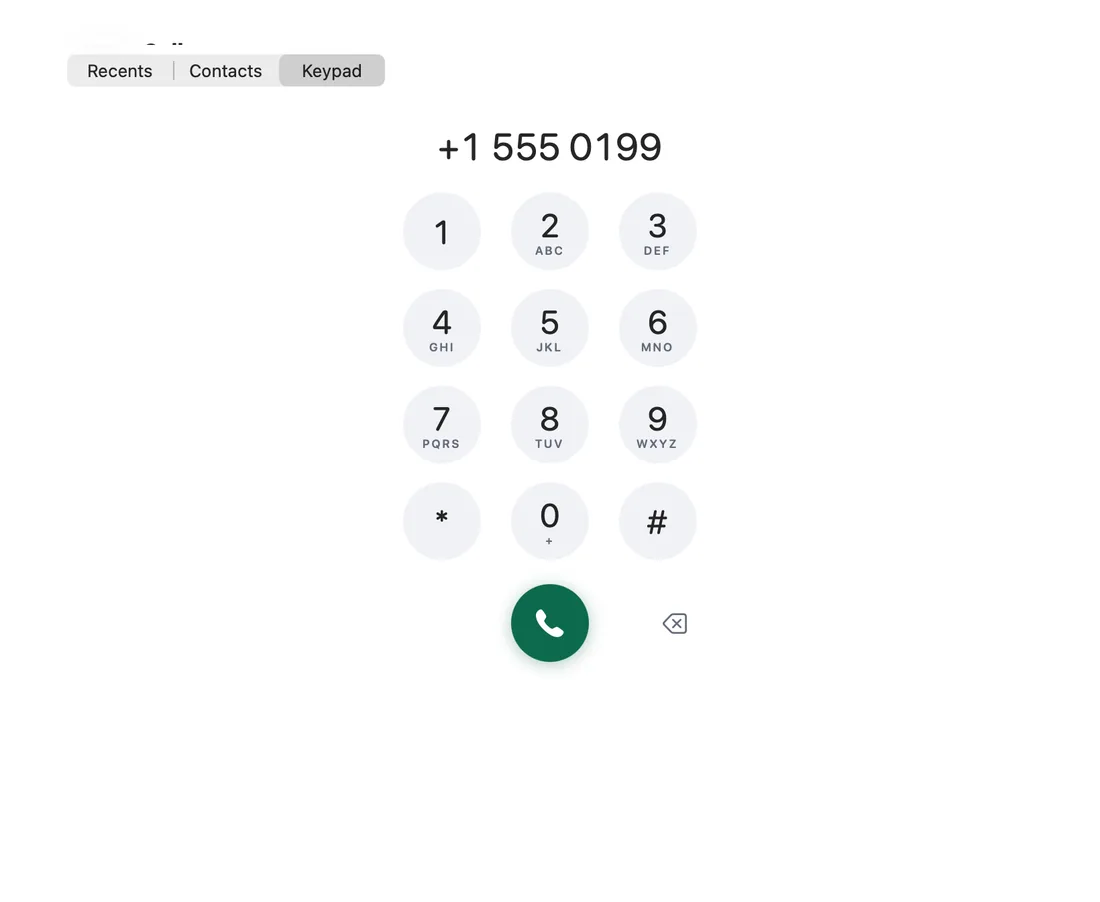
- Recents and dialer
Your call log and a keypad, on the Mac.
- Click to call or textNew
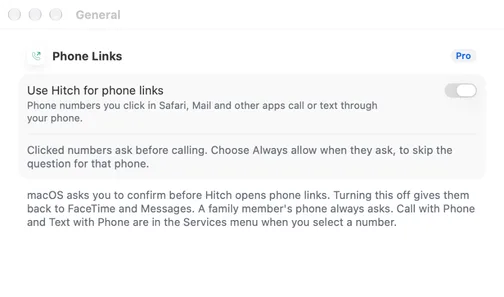
Click a phone number on your Mac. Your phone makes the call.

Messages and chats
- Texts on your Mac
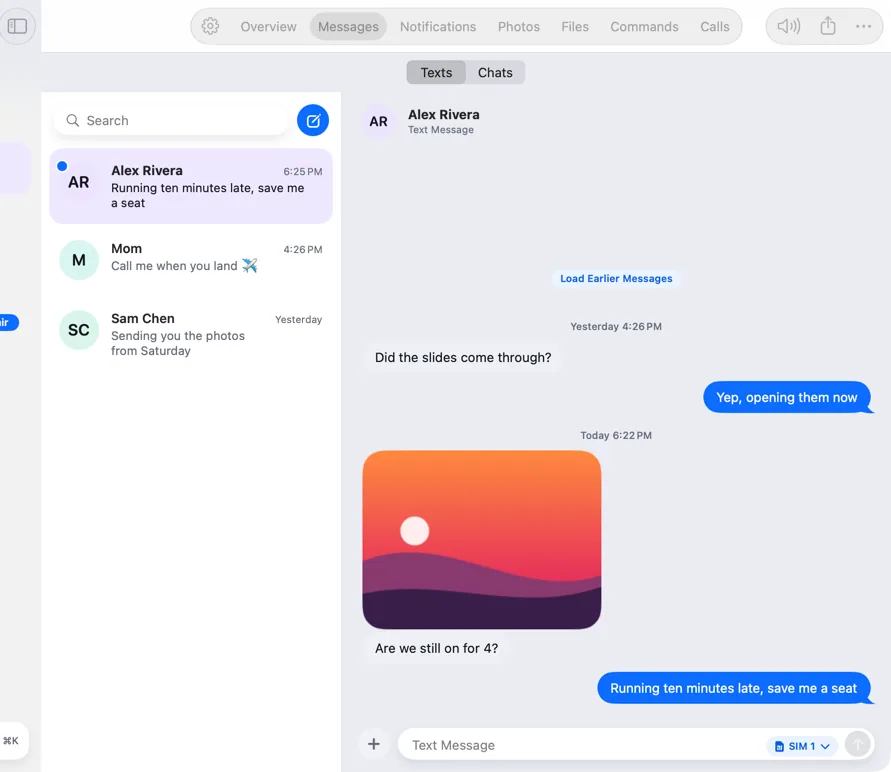
Read, reply and send pictures from your keyboard.
- Chats from your chat apps
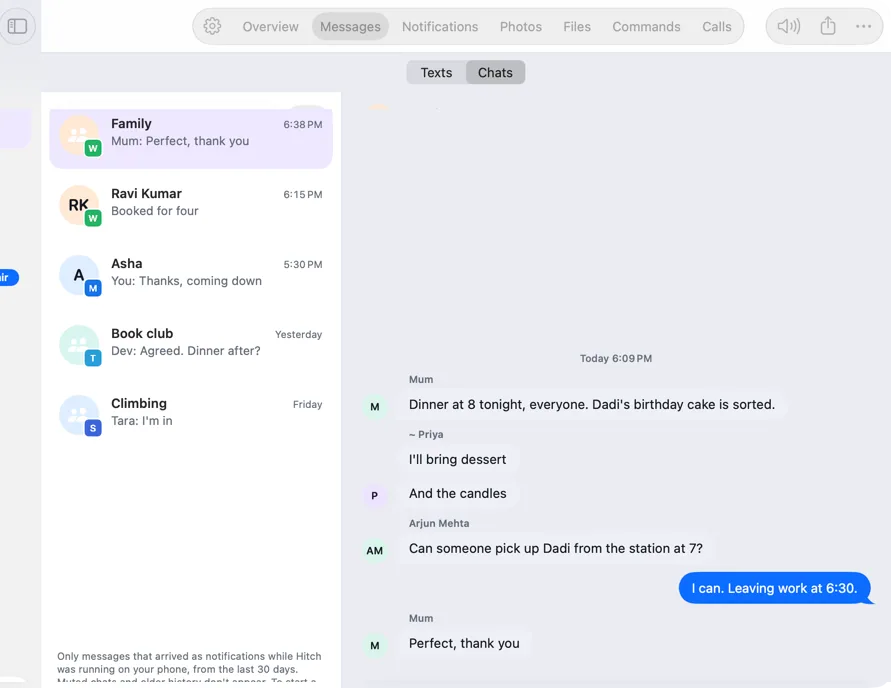
Conversations from the chat apps on your phone, in one place.
- Notifications with replies
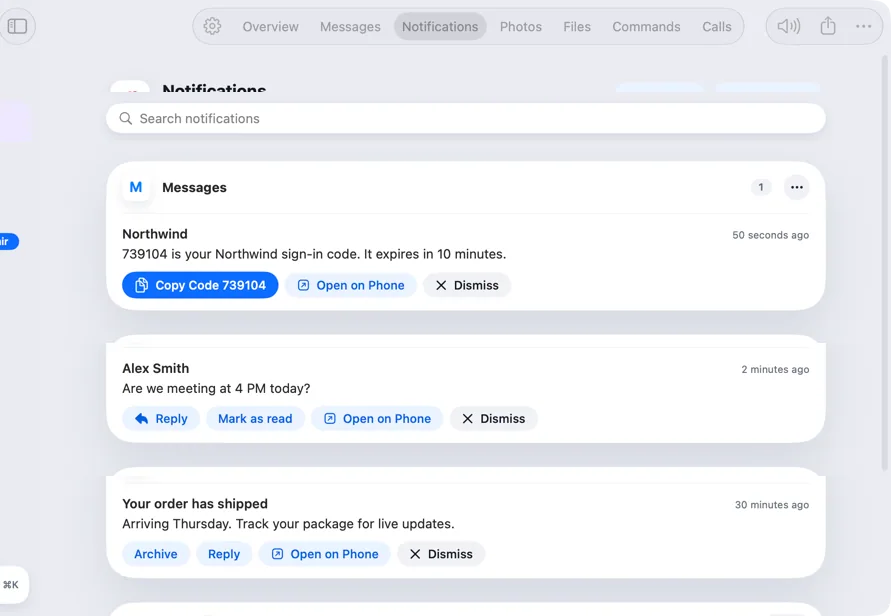
Your phone's notifications, where you're already looking.
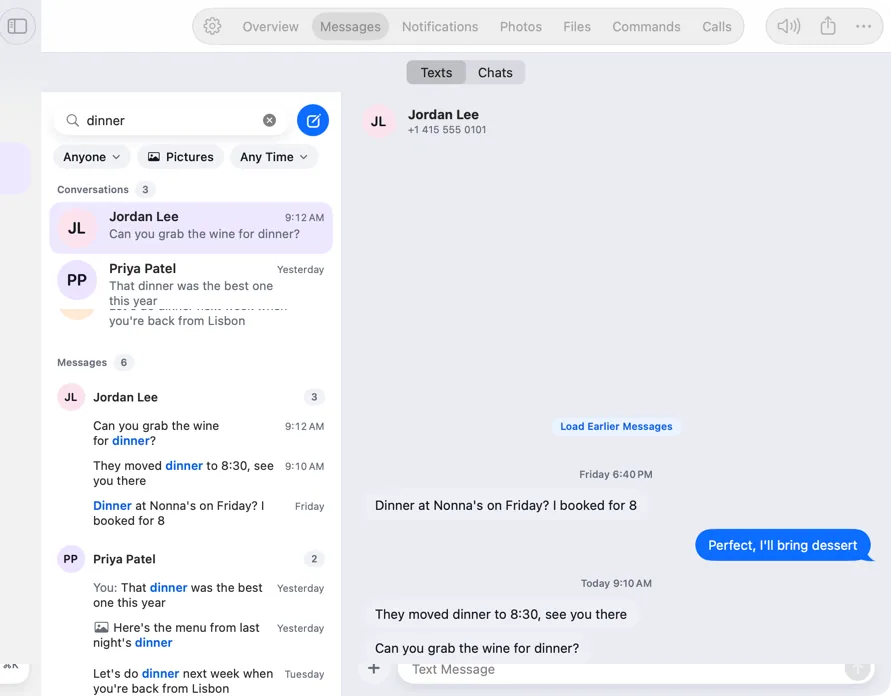
- Message search and Spotlight
Find any message, contact or photo in seconds.
Your phone on your Mac
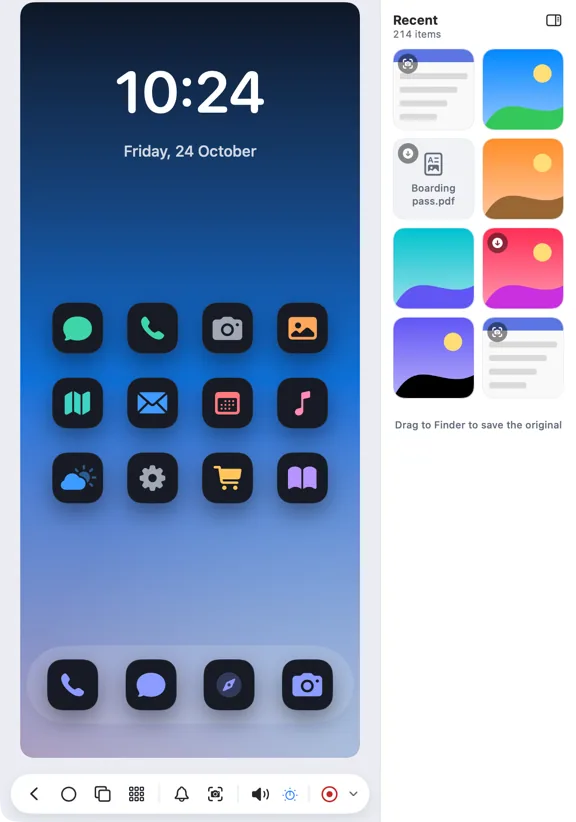
- Phone mirroring
Your phone's screen in a window, and you're in control.
- Open on Phone, apps and drag and drop
Mirroring that works the way you'd expect.
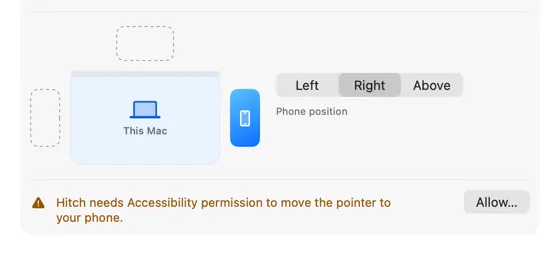
- Universal Control
Push your pointer off the screen and onto your phone.
- Phone apps in their own windows
Open an Android app as a window of its own.
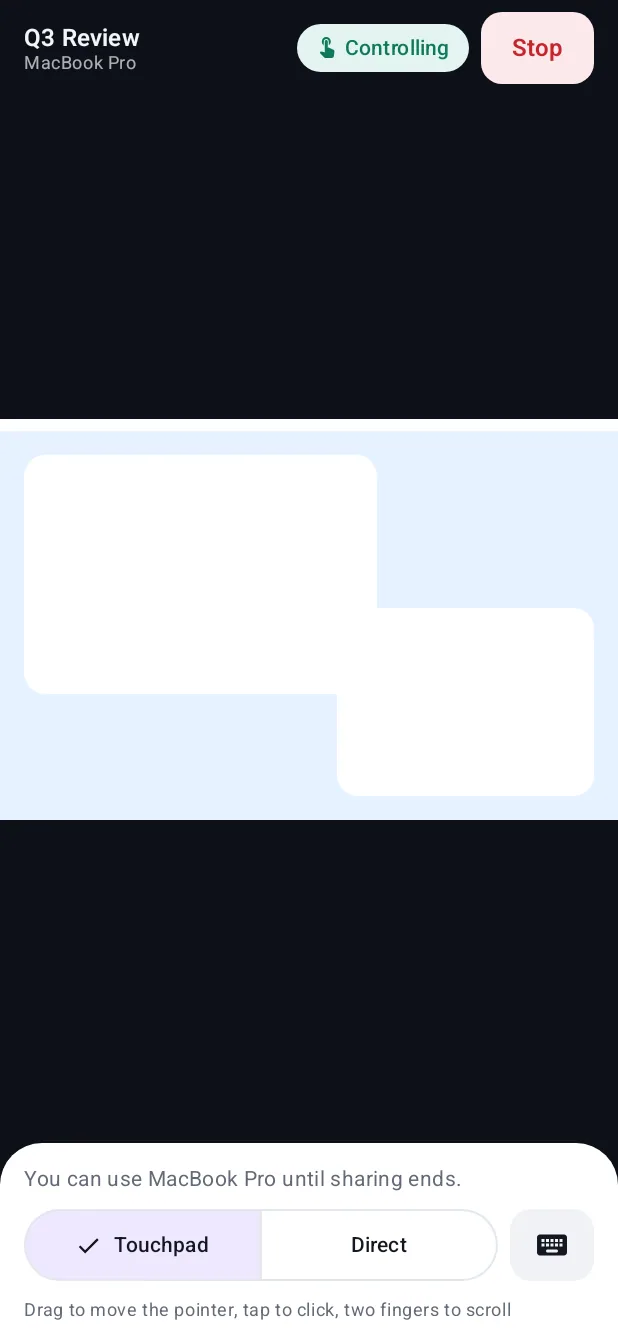
- Your Mac's screen on your phone
See your Mac from the sofa, or show someone something.
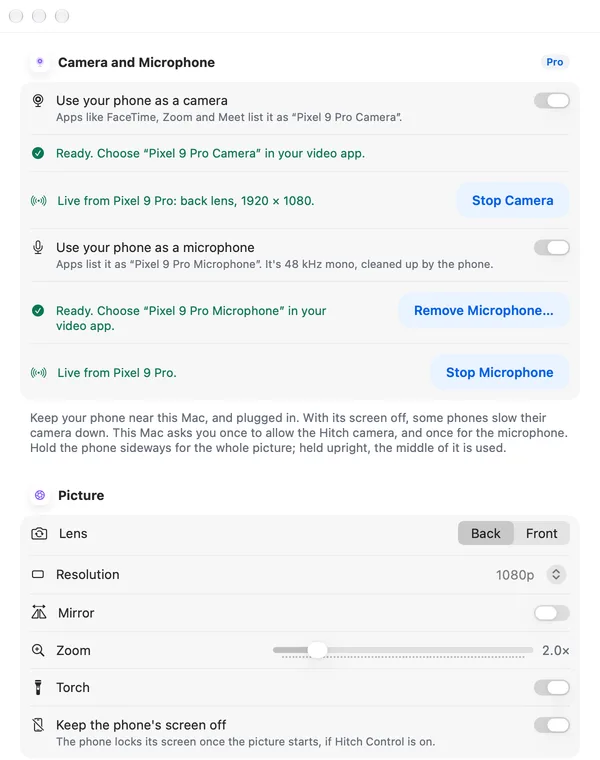
- Your phone as webcam and microphoneNew
Use your phone's camera and microphone in video calls on the Mac.
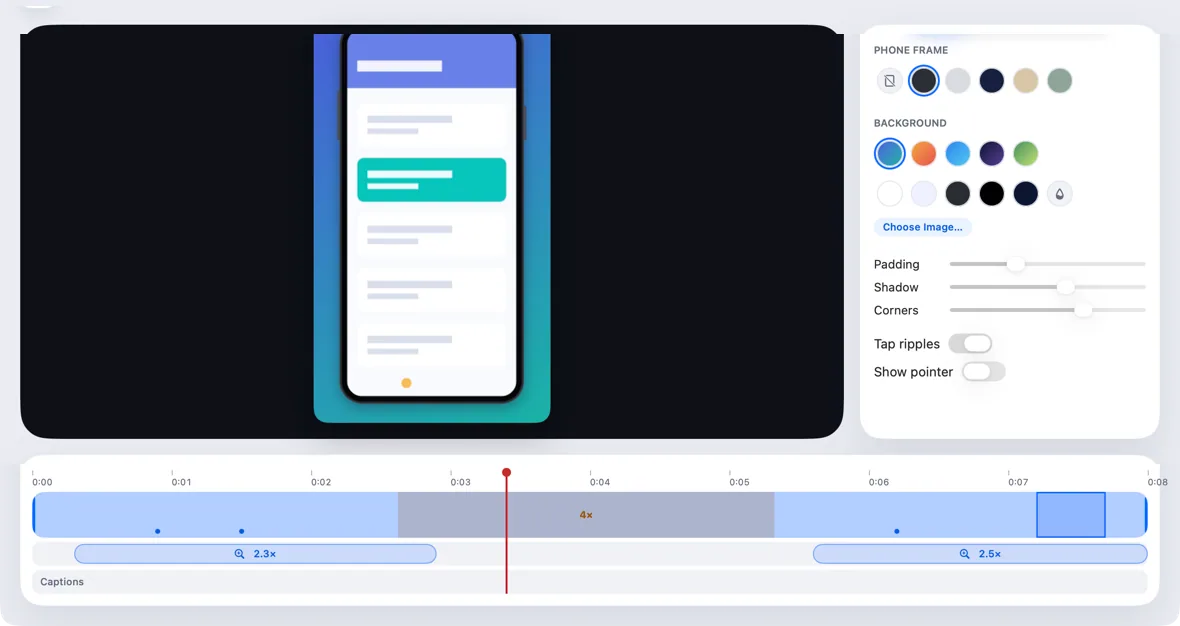
- Phone Studio
Polished screen recordings of your phone, made on your Mac.
Files and clipboard
- Send files both ways
Drop it on one, it's on the other.
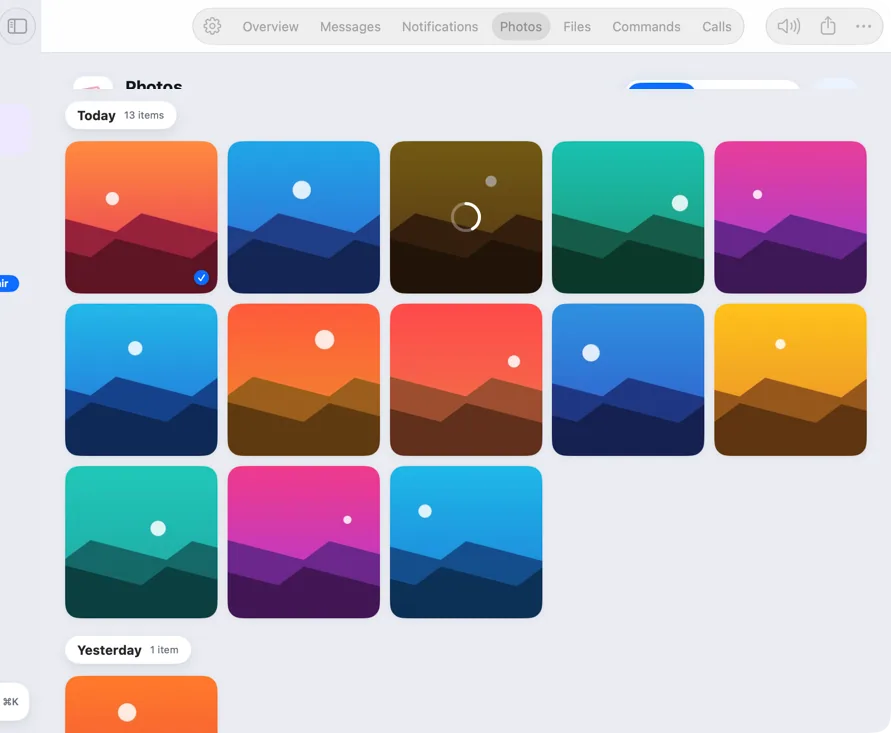
- Your phone's photos
Your whole library on the Mac, a drag away.
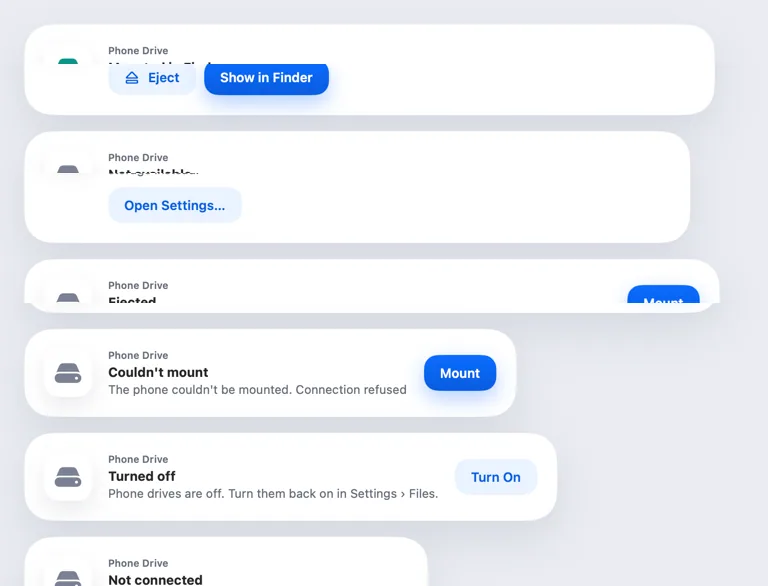
- Your phone in Finder
Your phone's storage, mounted like a drive.
- Shared clipboard
Copy on one, paste on the other.
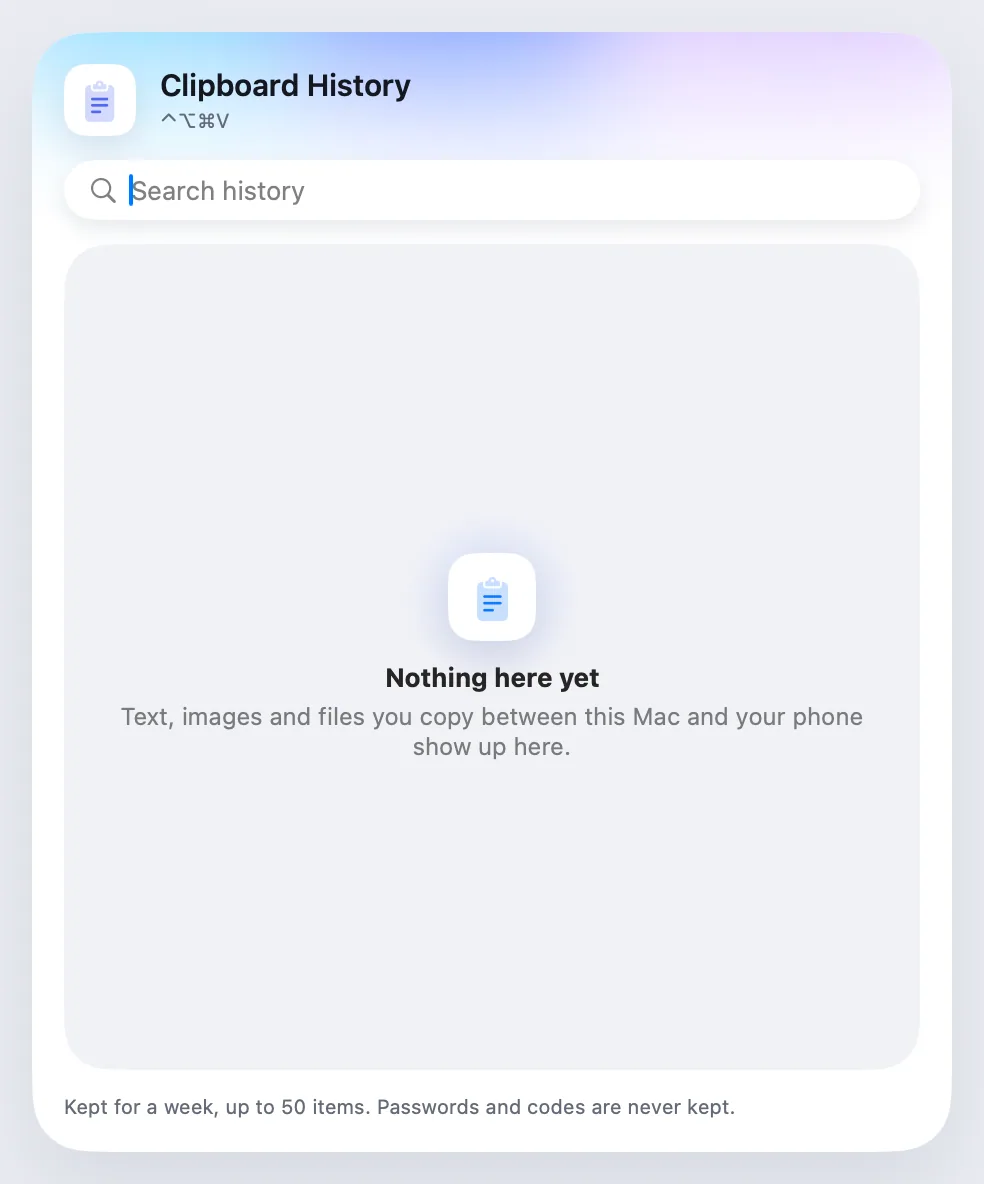
- Clipboard history
Everything that crossed between phone and Mac, kept for a week.
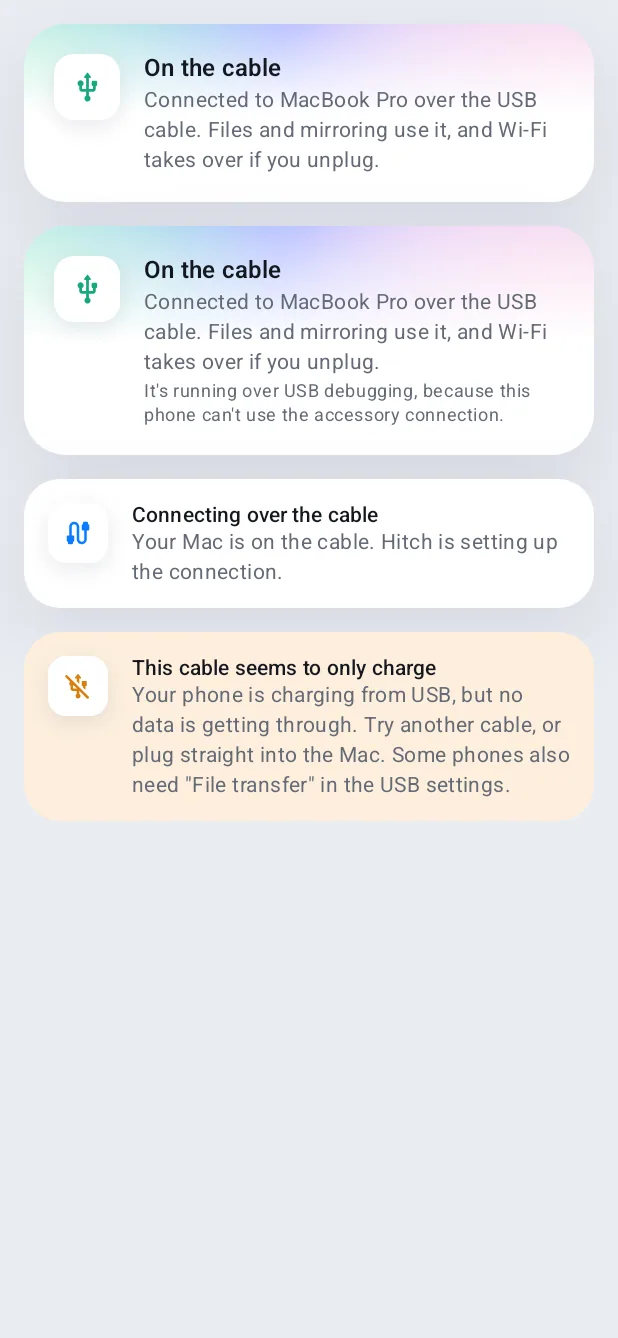
- USB connection
Plug in a cable and it just works.
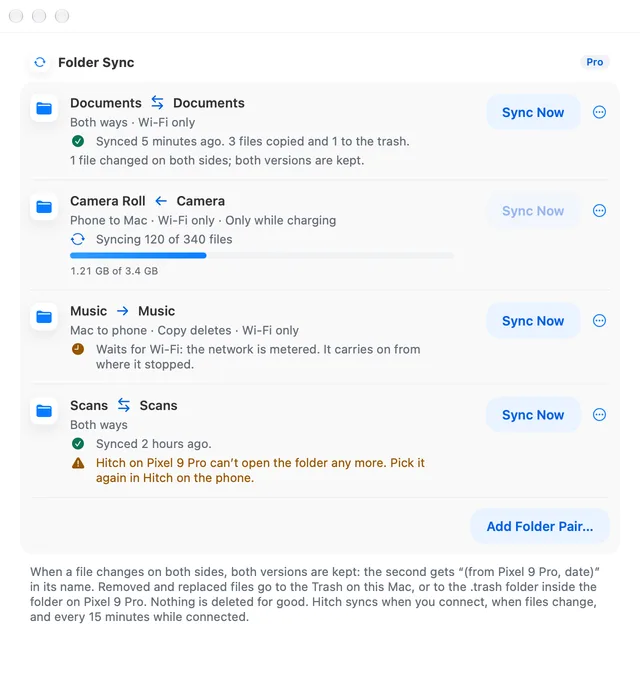
- Folder syncNew
Keep a Mac folder and a phone folder in step.
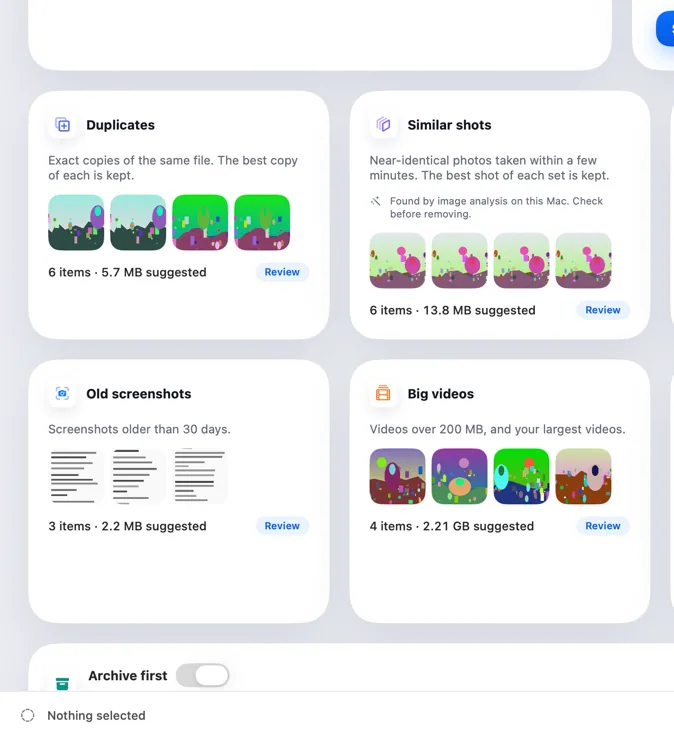
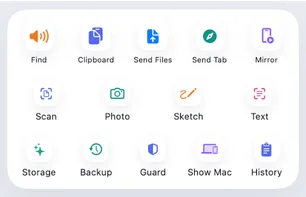
- Storage Rescue
Clean up your phone on your Mac's big screen.
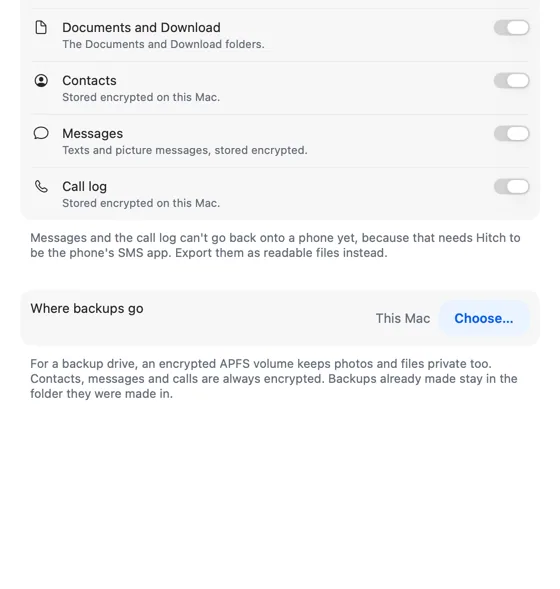
- Phone Backup
Automatic, versioned backups of your phone, on your Mac.

Productivity
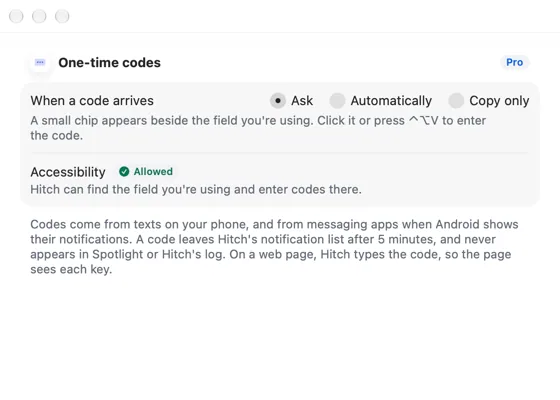
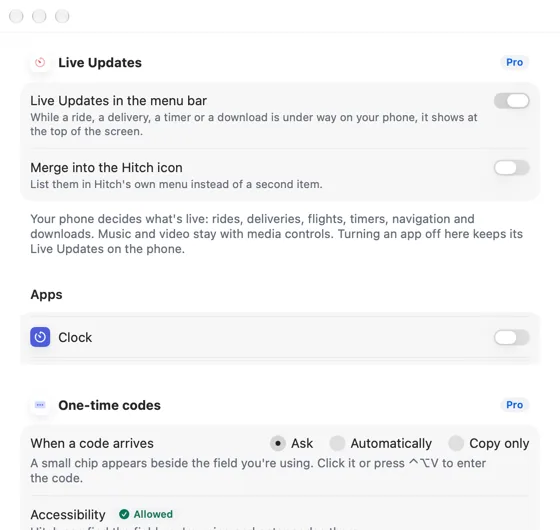
- One-time codes, filled in
The code arrives on your phone. One keystroke puts it in the field on your Mac.
- Live Updates in the menu bar
Rides, deliveries, timers and downloads, at the top of your screen.
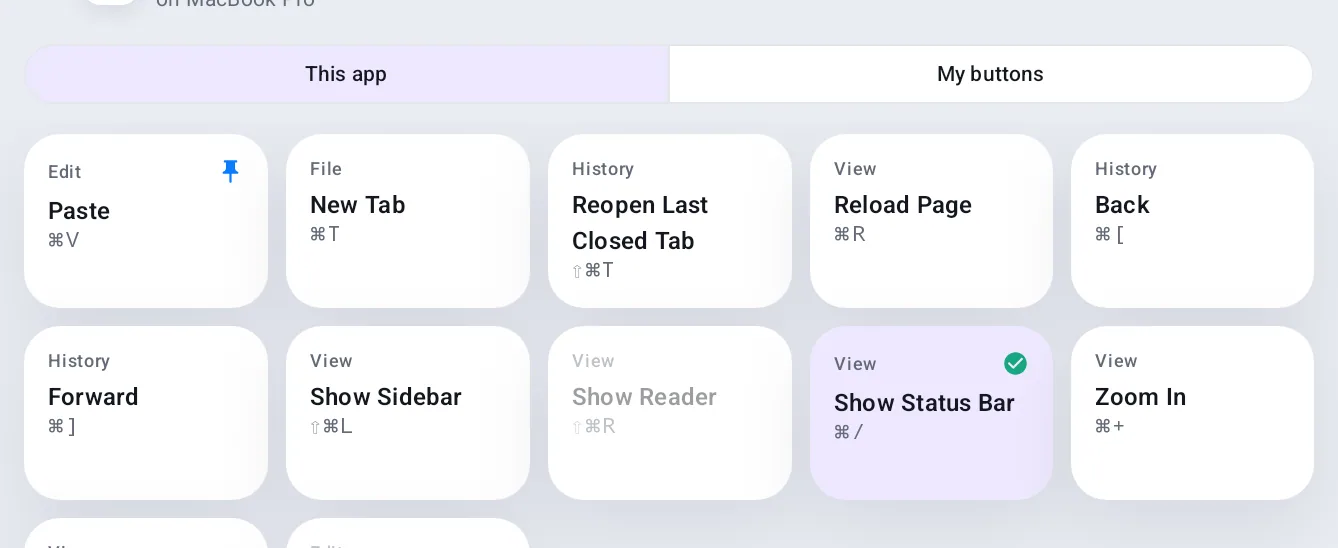
- The Button Deck
Your phone becomes a panel of big buttons for the app in front.
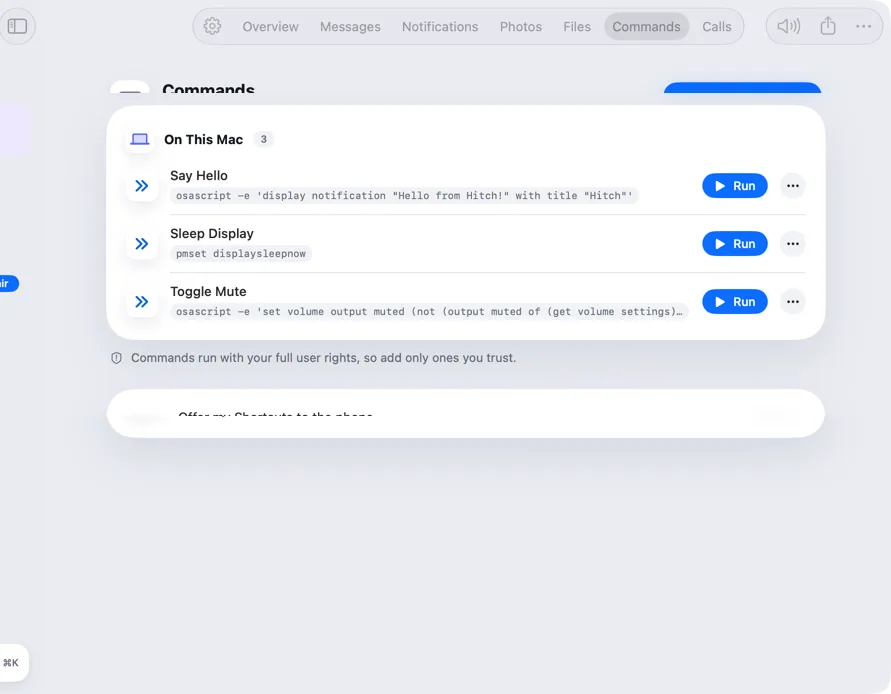
- Commands and Shortcuts
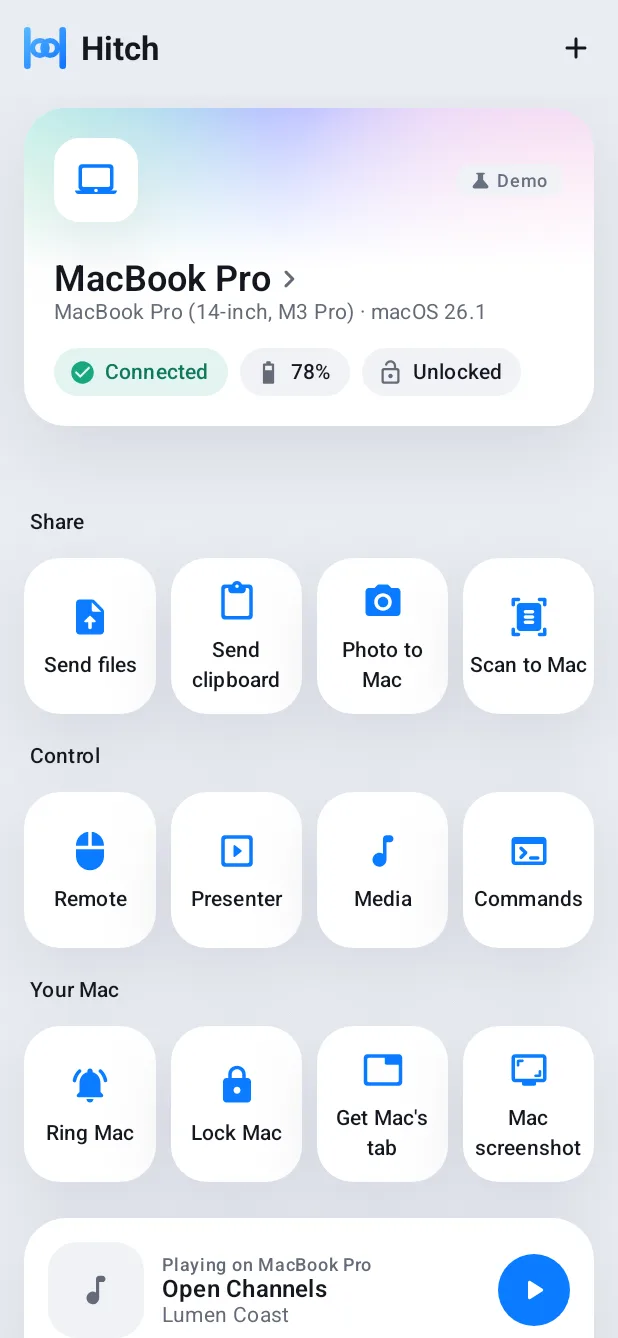
Run things on your Mac from your phone.
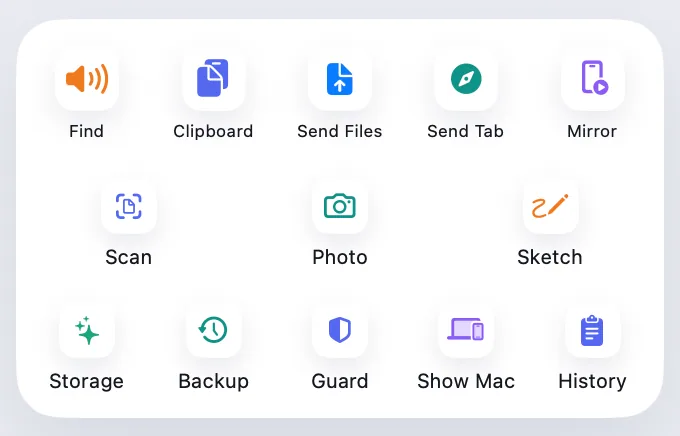
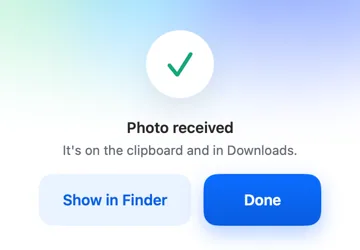
- Scan, photo and sketch
Use your phone's camera for your Mac.
- Insert from phoneNew
Your phone's camera, inside any Mac app.
Everyday
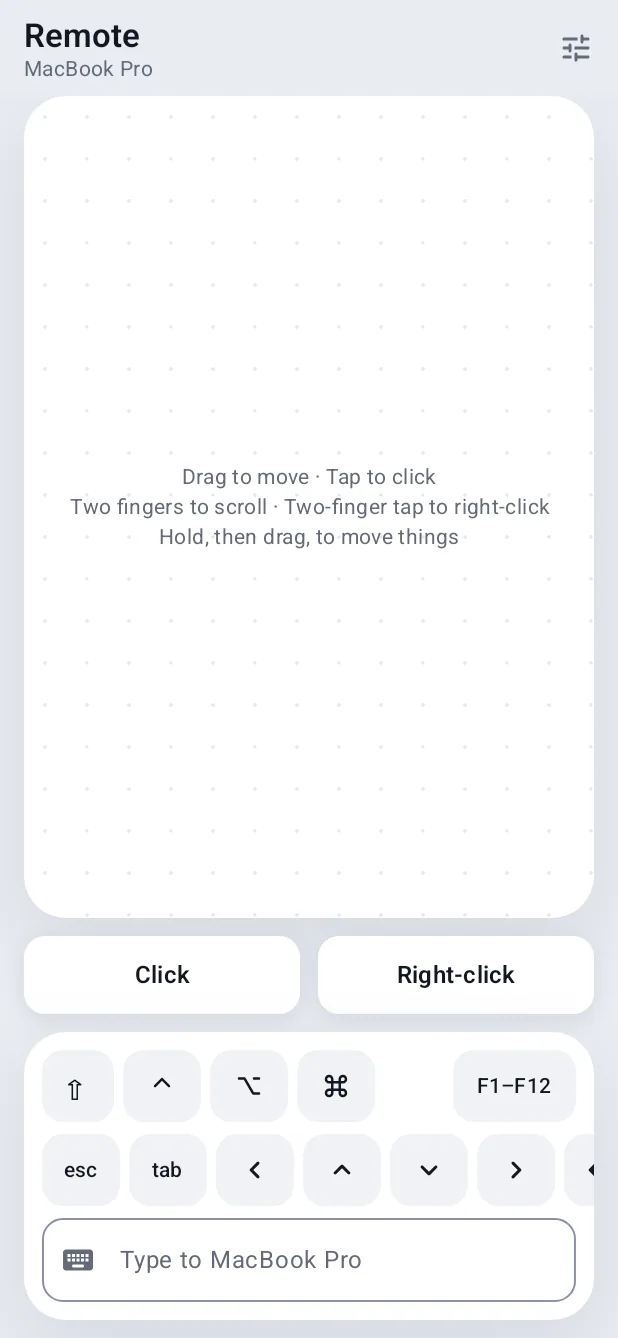
- Your phone as a remote
A touchpad, keyboard and slide clicker in your pocket.
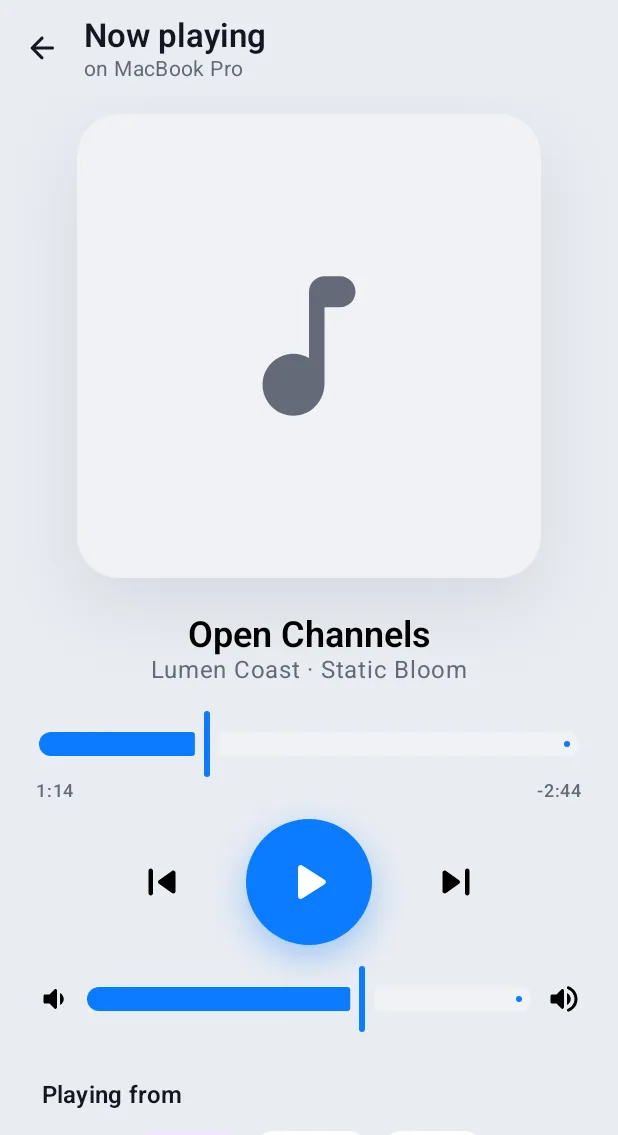
- Media controls
Play, pause and skip on either device from the other.
- Find, ring and battery
Ring a lost phone, or a lost Mac, from the other.
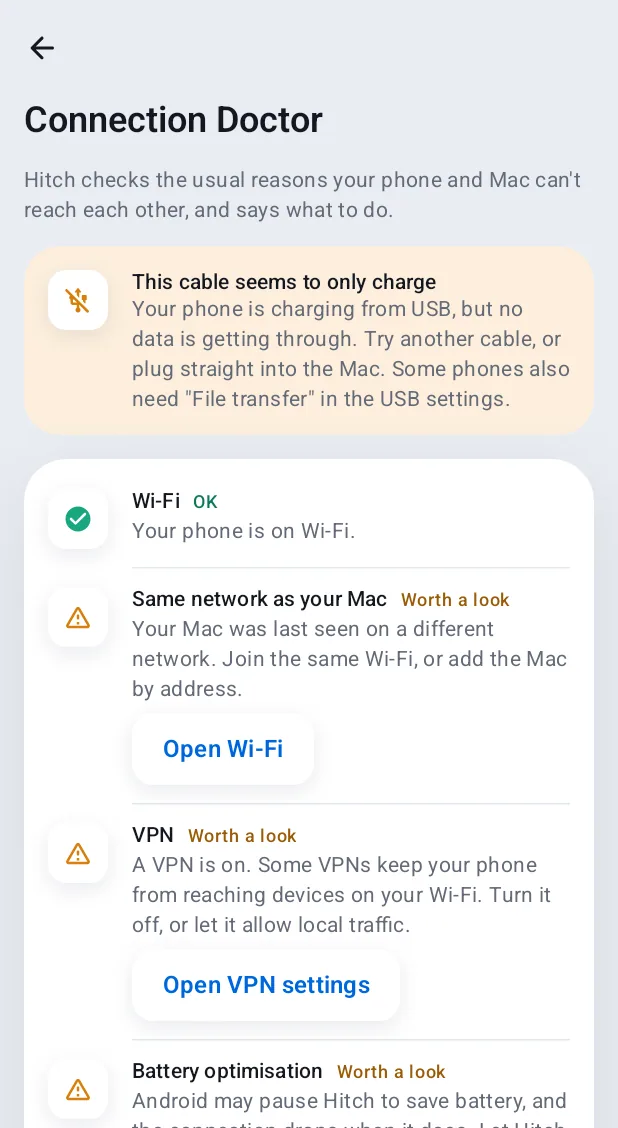
- Connection Doctor
When they can't see each other, it finds out why.
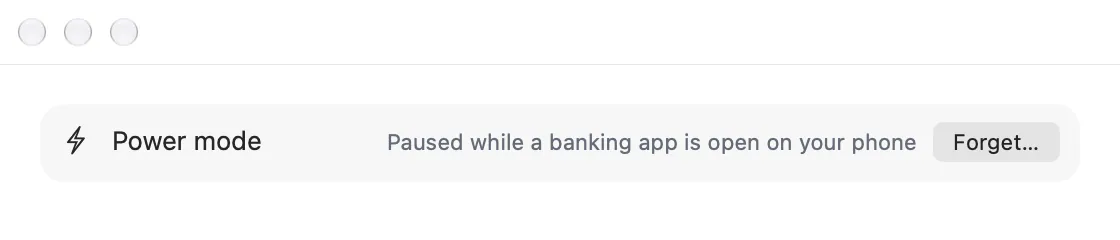
- Power mode
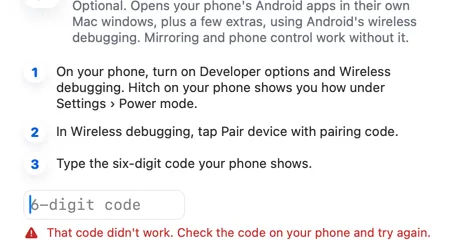
Optional extras, using Android's wireless debugging.
- ThemesNew
Hitch, Frost, Ink and Sage, in light and dark.
- More languagesNew
Hitch in your own language.

Safety and family
- Pause for banking apps
Power mode steps aside so you can always pay.
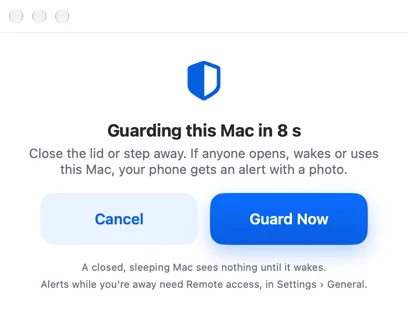
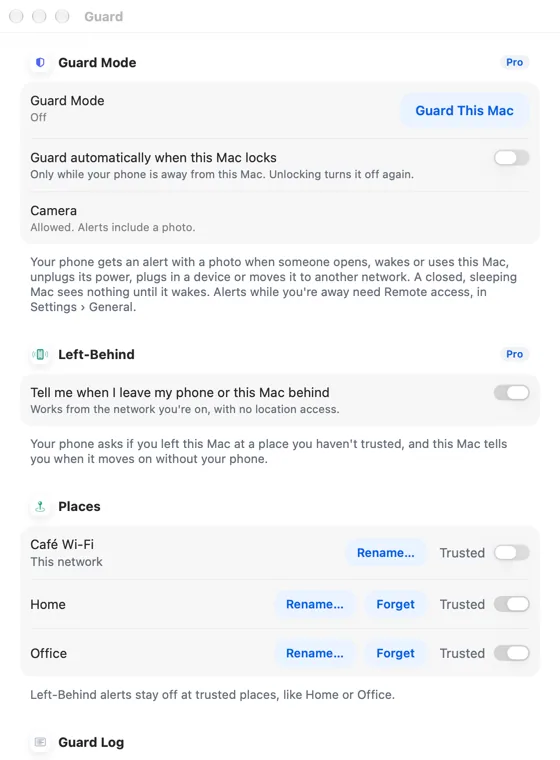
- Guard Mode
Your Mac watches itself and tells your phone.
- Left-Behind
Walk off without your Mac, or your phone, and you'll know.
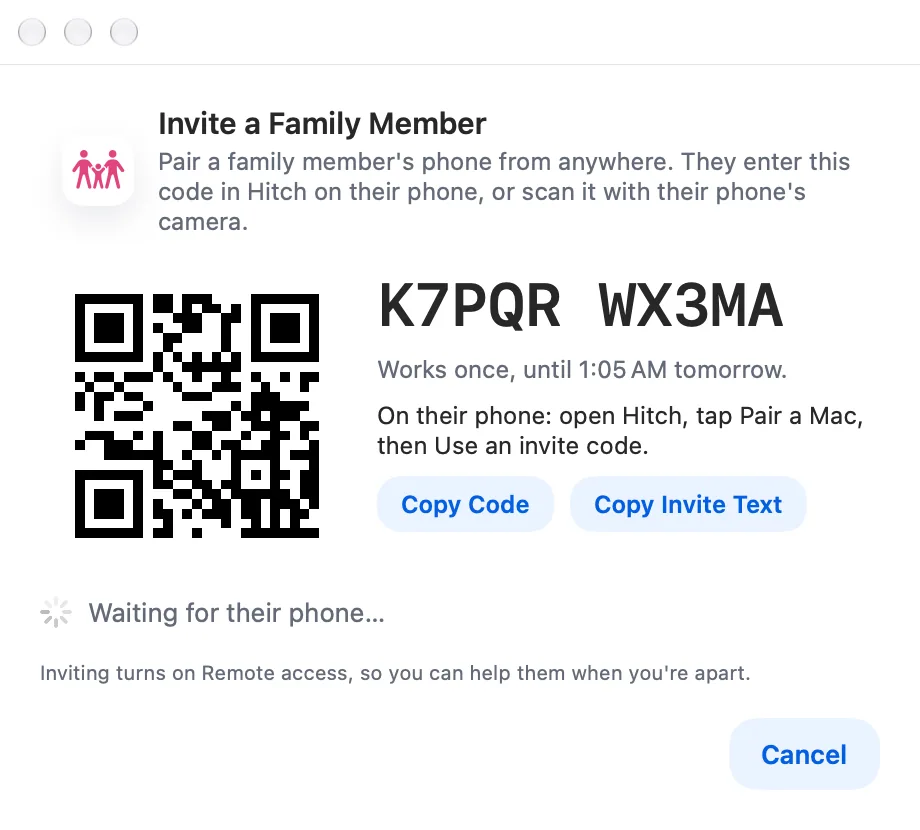
- Family Help
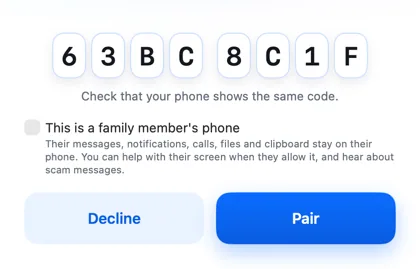
Help Mum with her phone from your Mac, with her say-so.
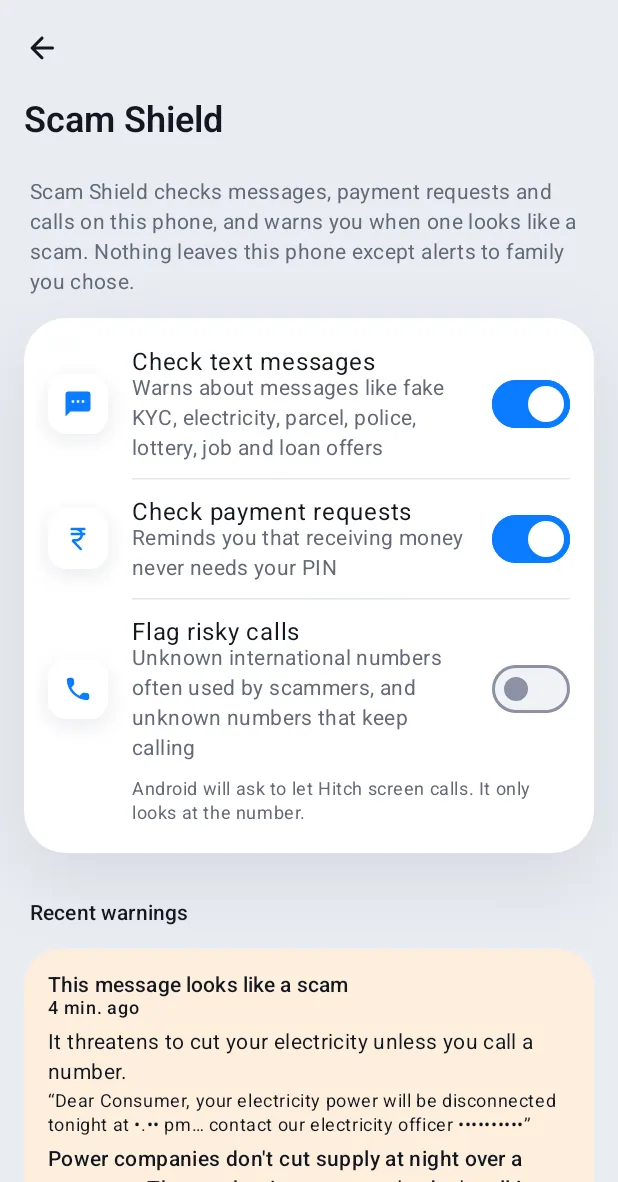
- Scam Shield
Warnings about likely scams, on the phone and to the family.
Made for India
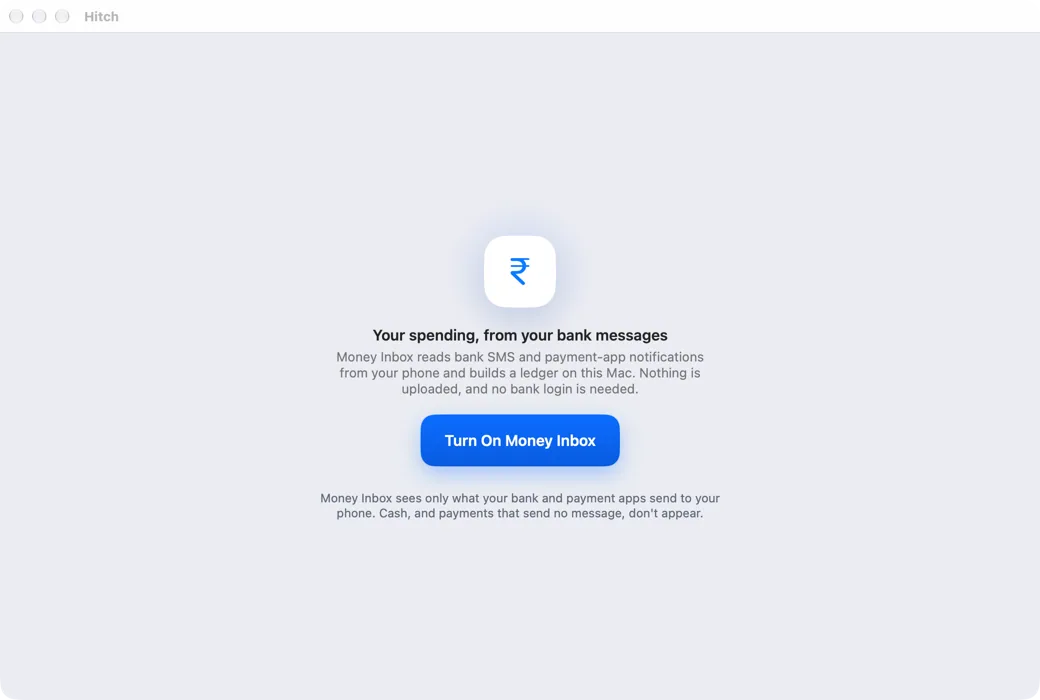
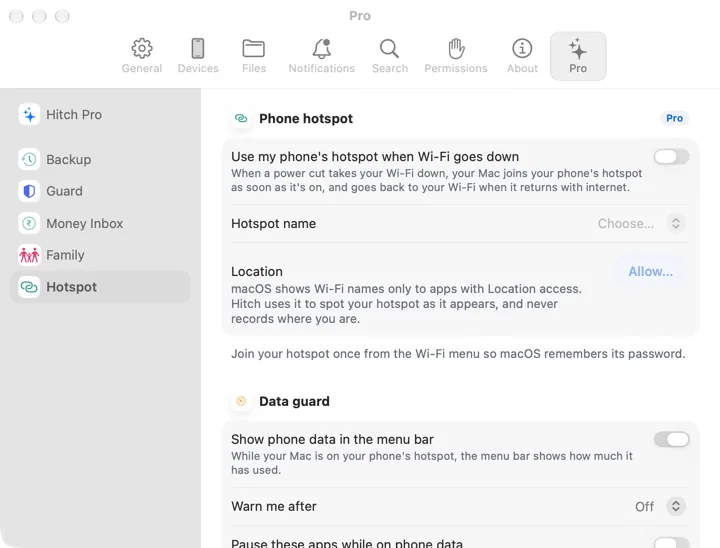
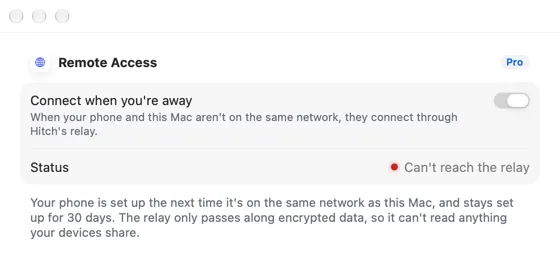
Privacy and security
Your phone and your Mac. Finally on speaking terms.
Hitch is in a tester beta for Mac and Android. Ask to join, and we'll let you know when there's room.
Every Pro feature free for 14 days. No card.
Mac: macOS 15 or later · Phone: Android 10 or later · Developer settings: Not needed
