

Message search and Spotlight
Find any message, contact or photo in seconds.
ProA private index on your Mac searches every message by word, contact and date. Spotlight can find your phone's messages, contacts, photos and files too.
Every Pro feature free for 14 days. No card.
What it does.
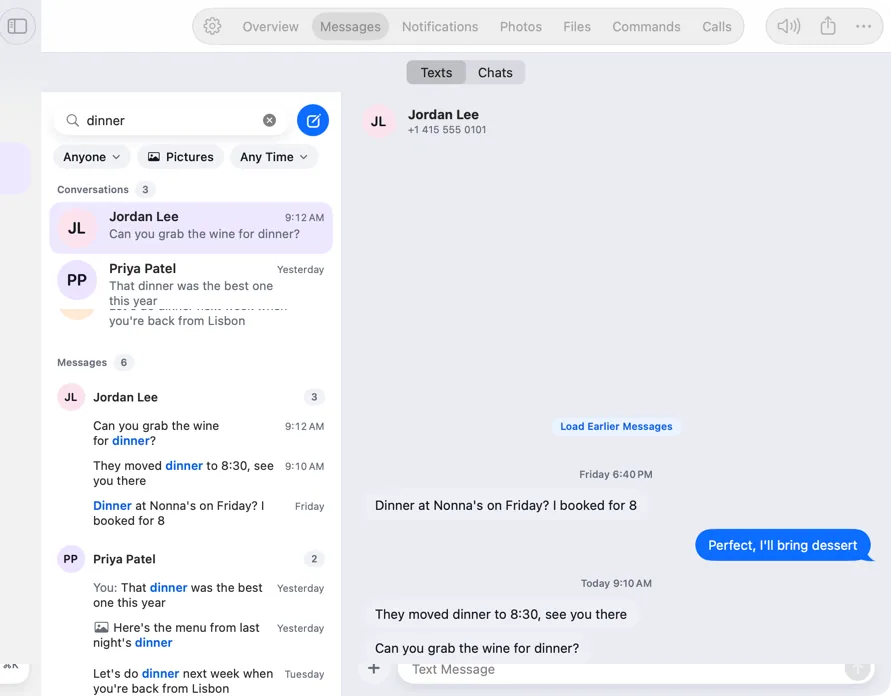
Search in Messages finds words inside messages, not just names. Results are grouped by conversation with the match highlighted, and opening one jumps to that message.
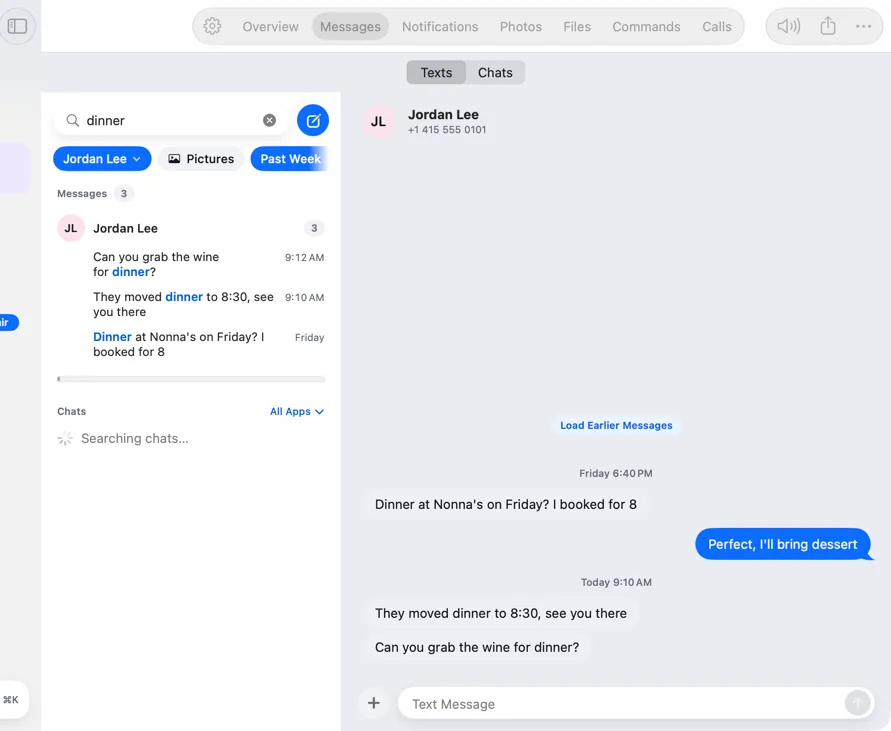
Filter by contact, by pictures or by date. Search older messages fetches your full history in the background, so older threads are searchable too.
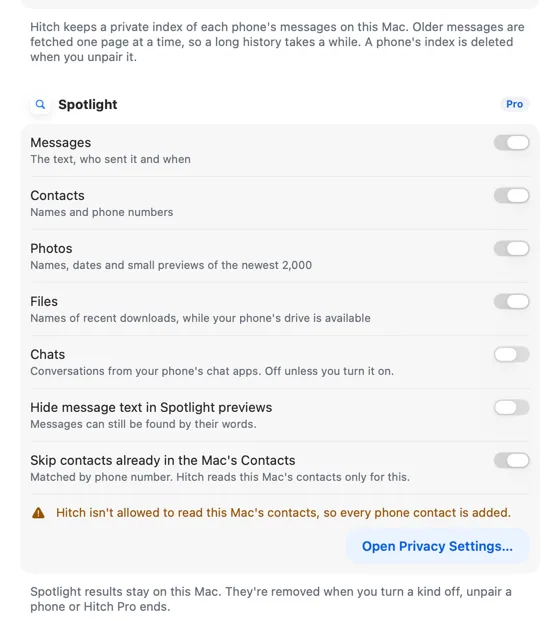
Spotlight results stay on this Mac. Each kind (messages, contacts, photos, files and chats) has its own switch, and sign-in codes are never indexed.
How it works.
- 1
Search
Press ⌘F in Messages and type a word.
- 2
Fill in history
Turn on Search older messages to index past threads, paced and resumable.
- 3
Use Spotlight
Choose what Spotlight can find in Settings › Search.
Every Pro feature free for 14 days. No card.
In the app.
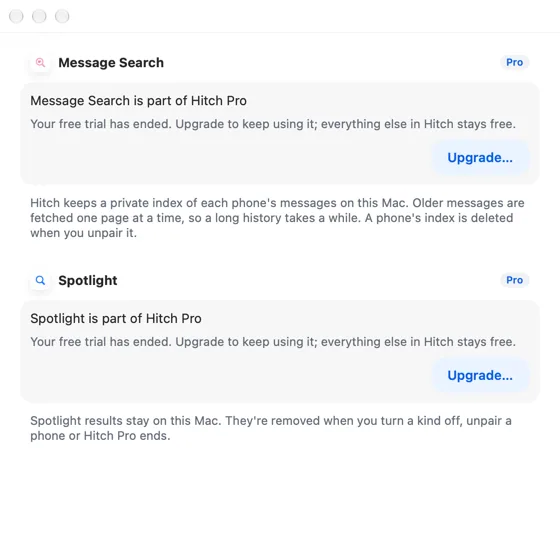
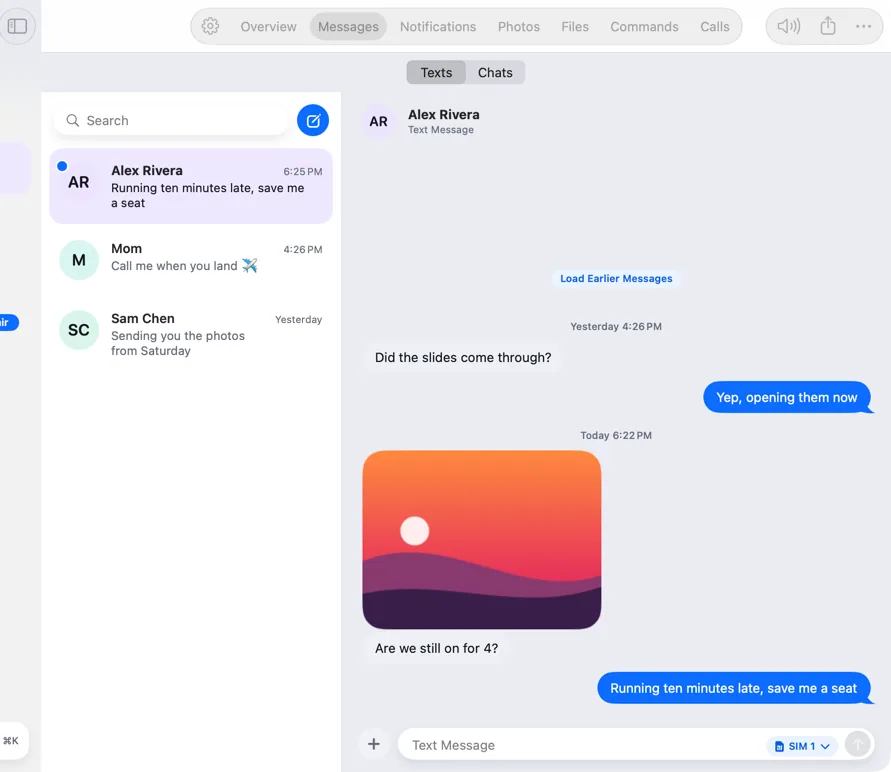
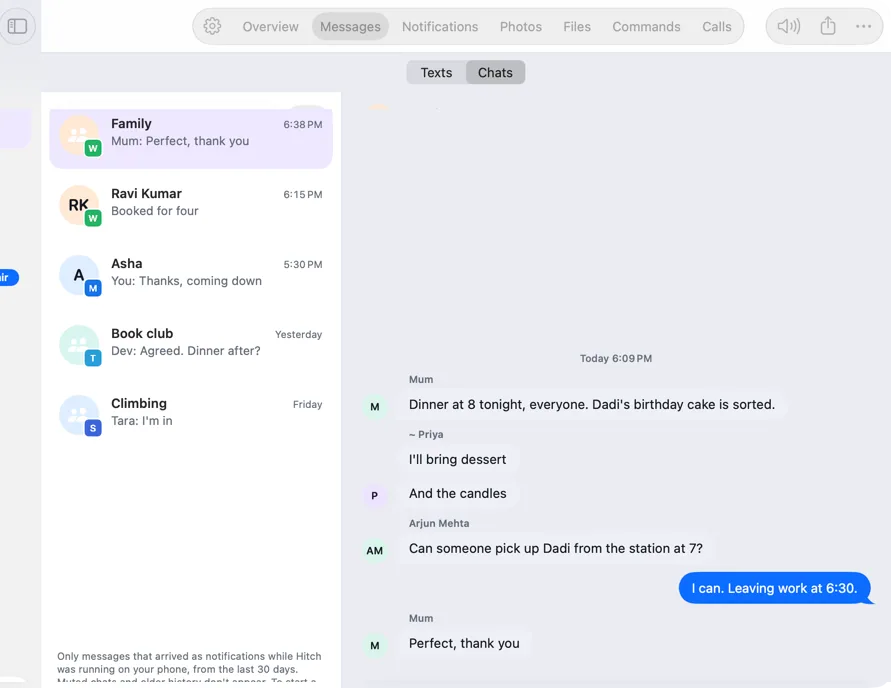
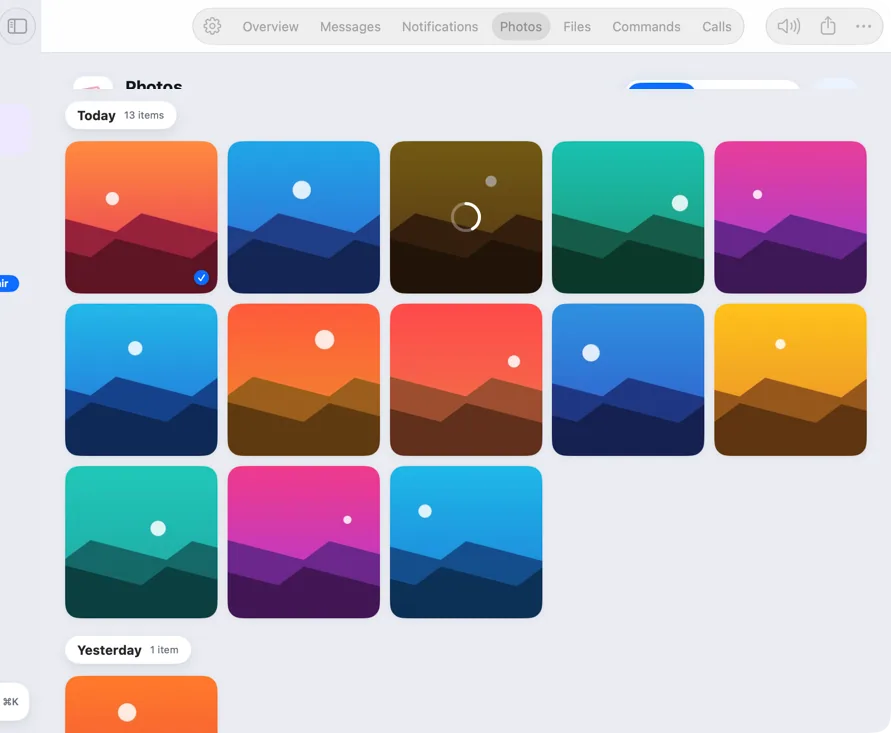
Screenshots from Hitch, with sample names and data.
The limits, plainly.
- The index lives on this Mac and is deleted when you unpair the phone.
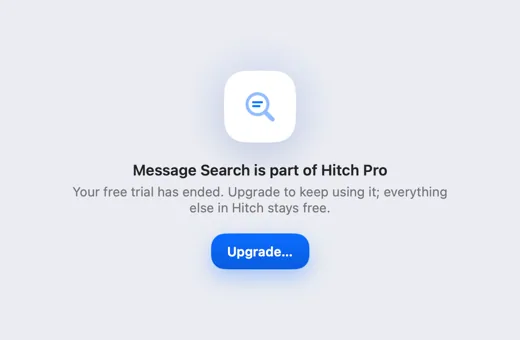
- Without Pro, search and Spotlight show the upgrade and the index is removed.
Try it in the Hitch beta.
Hitch is in a tester beta for Mac and Android. Ask to join, and we'll let you know when there's room.
Every Pro feature free for 14 days. No card.
Mac: macOS 15 or later · Phone: Android 10 or later · Developer settings: Not needed
