Hitch

Hitch for Mac and Android

Your Android phone, hitched to your Mac.

Calls, texts, chats, sign-in codes, files and your phone's screen, on your Mac. No cable, no developer settings, and nothing stored on a server.

Tester beta · Every Pro feature free for 14 days. No card. · macOS 15 or later · Android 10 or later
Fri 6:41 PM
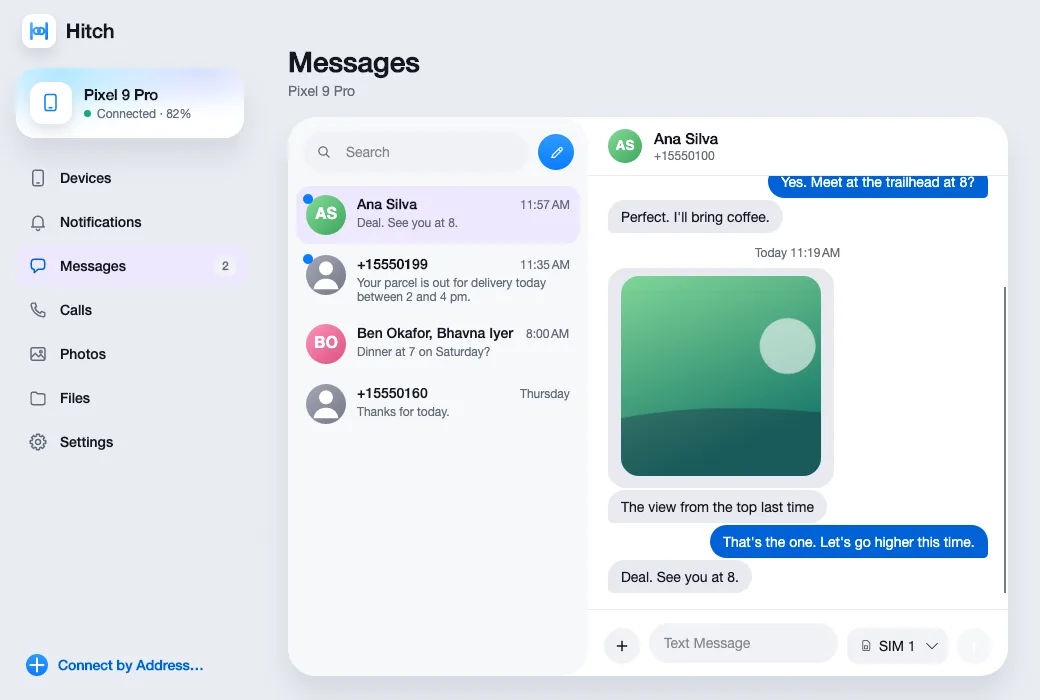
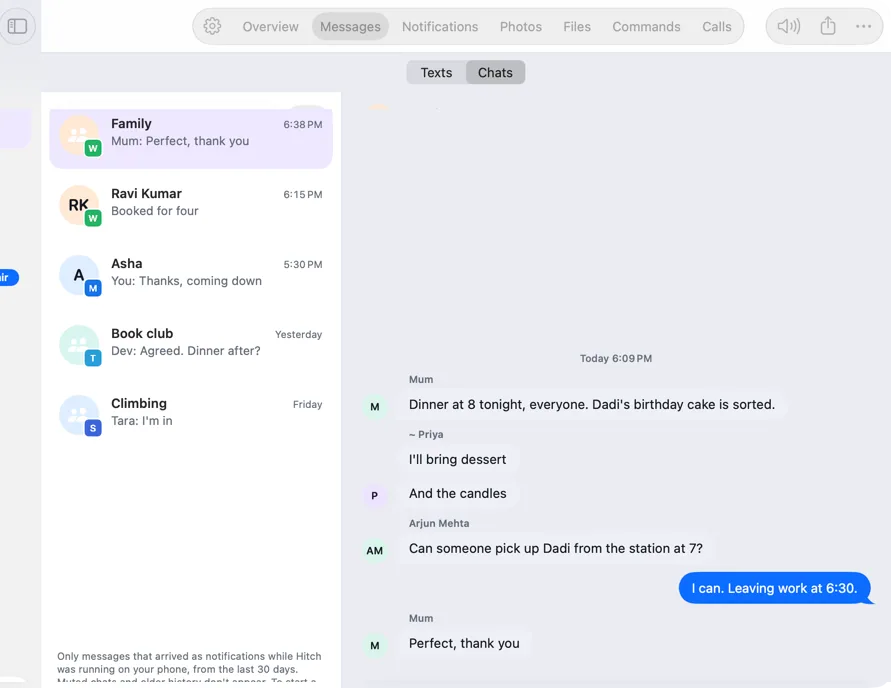
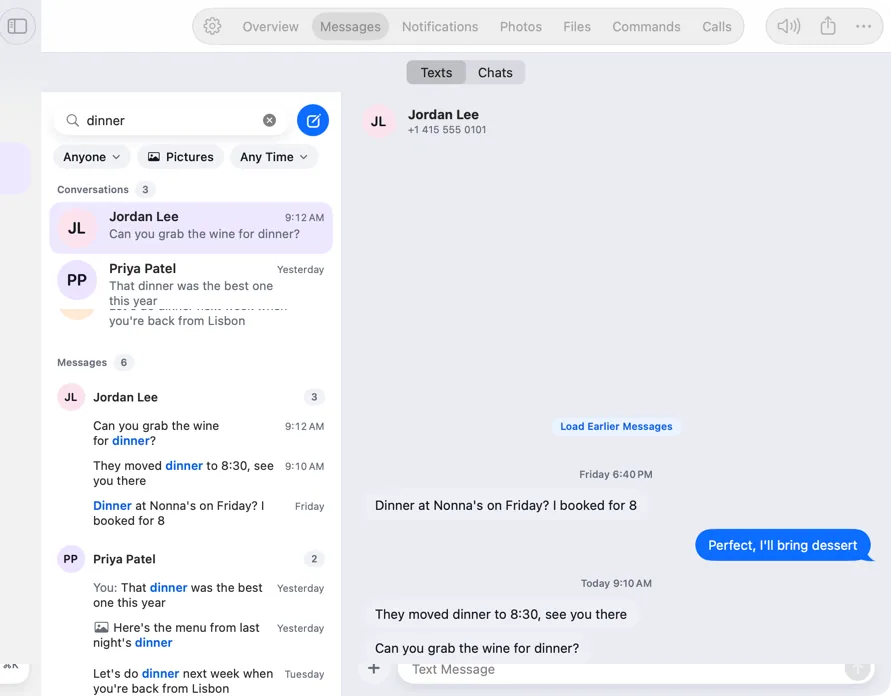
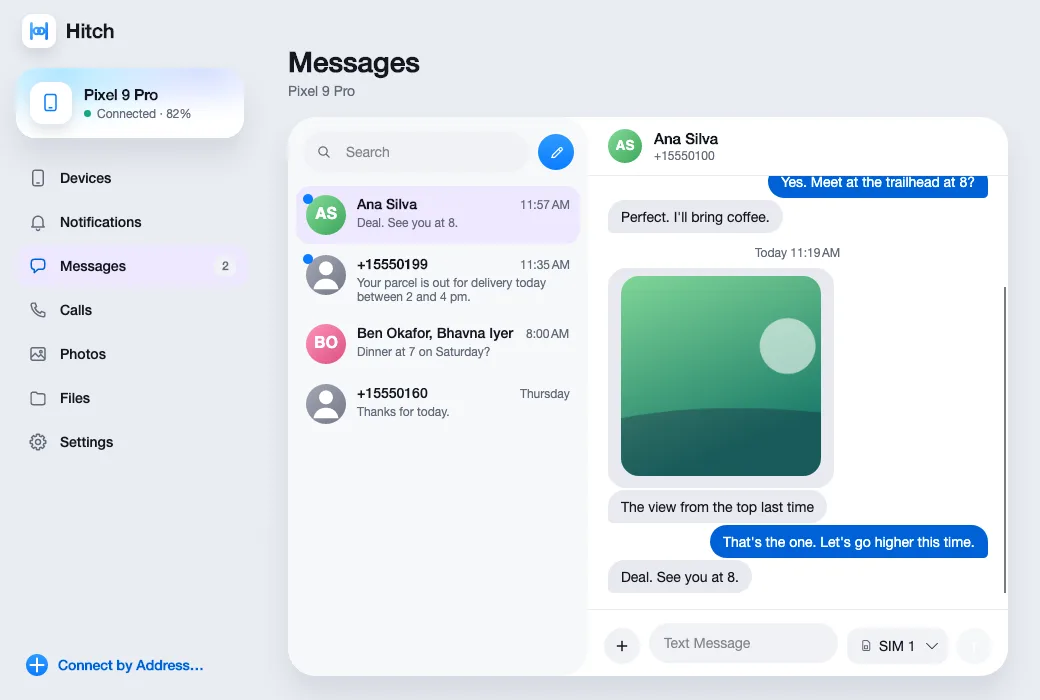
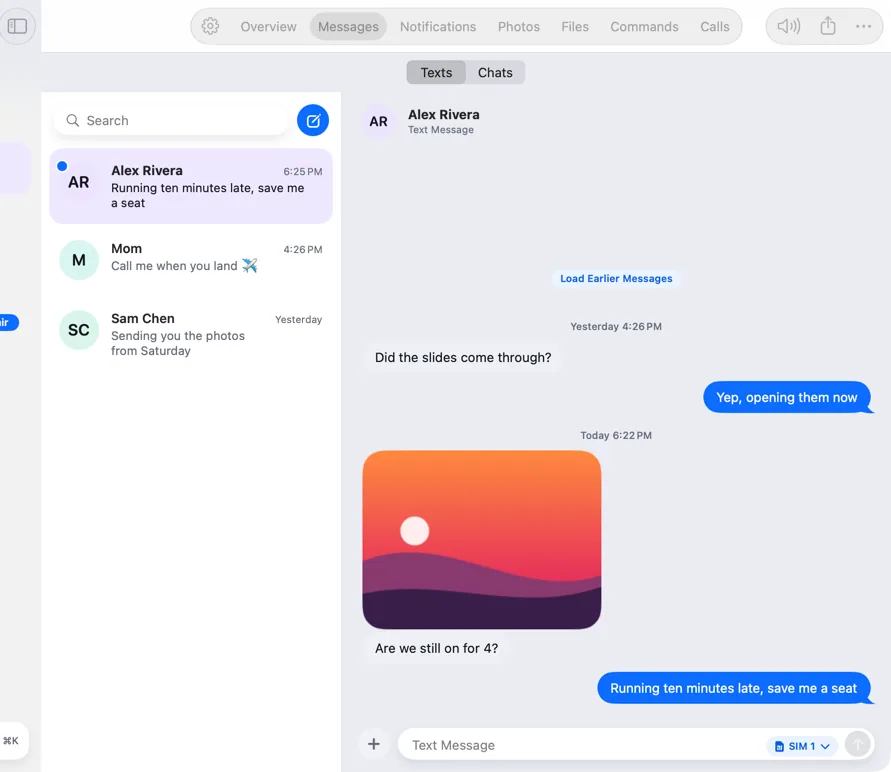
Hitch's Messages window on the Mac, with conversations and a picture message
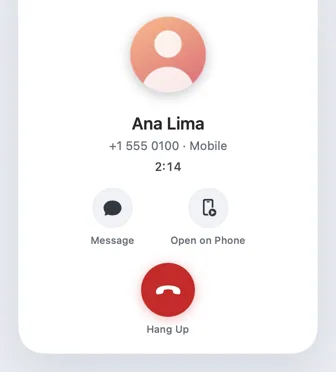
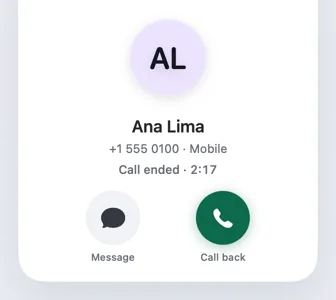
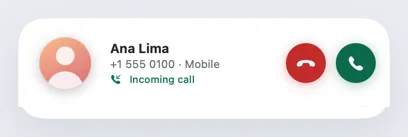
An incoming call from Ana Lima on the Mac, with Decline and Answer
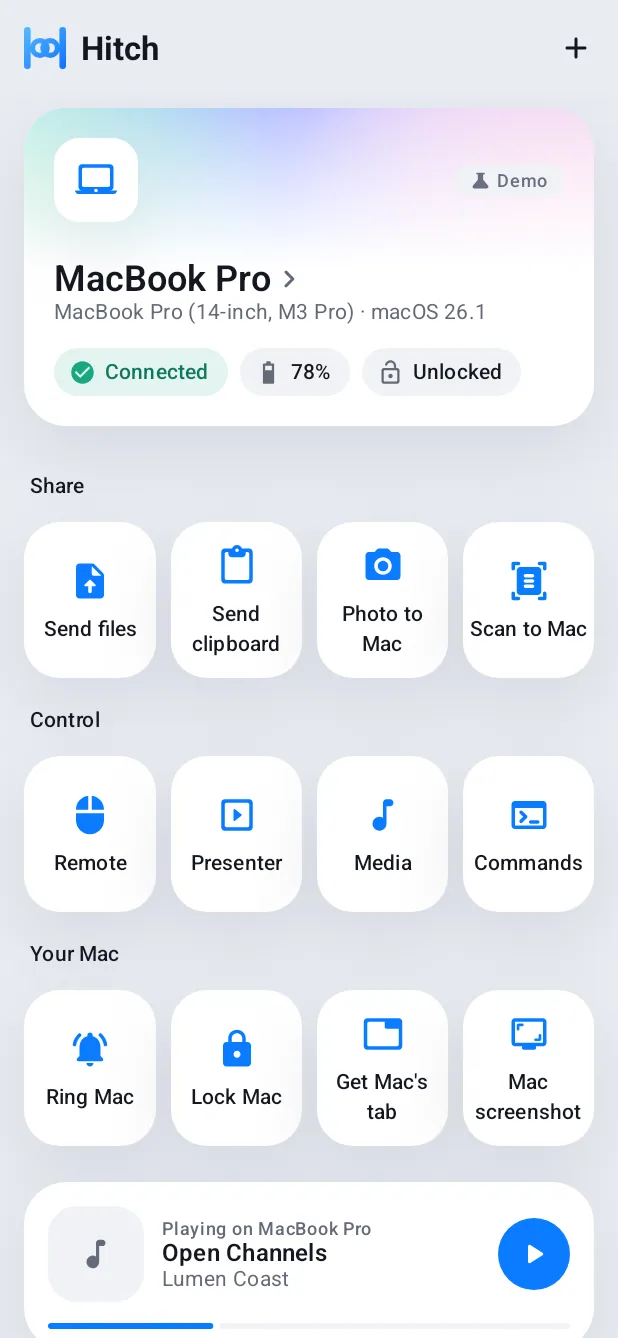
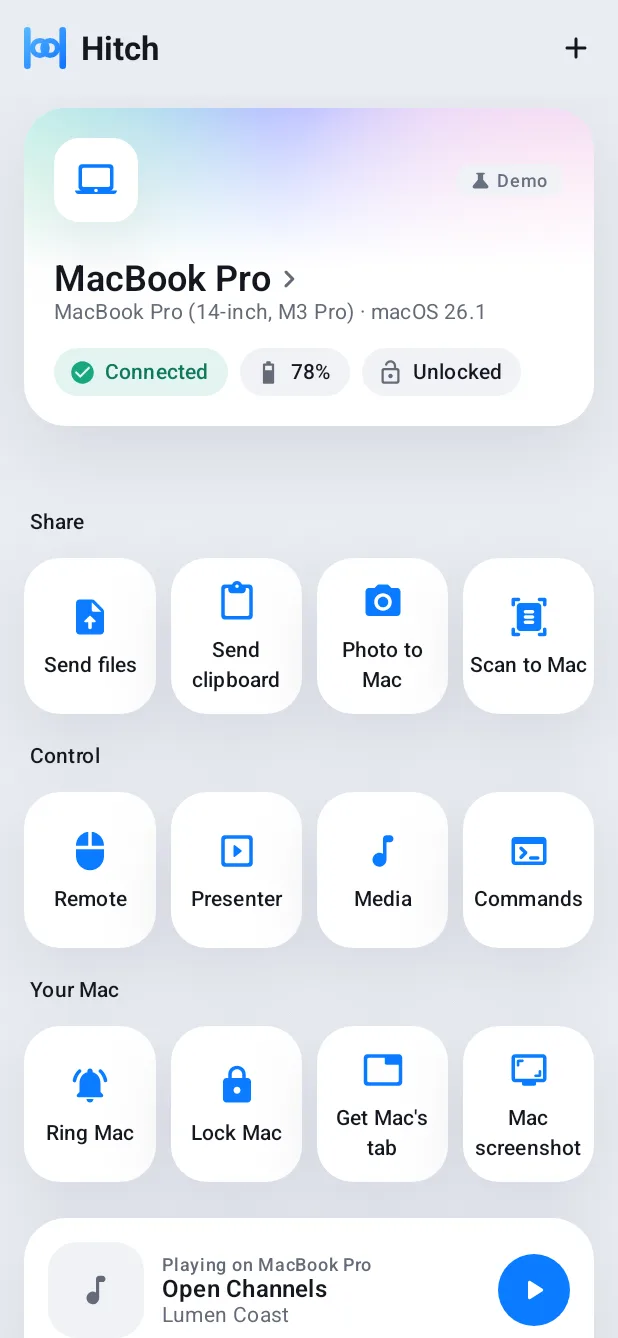
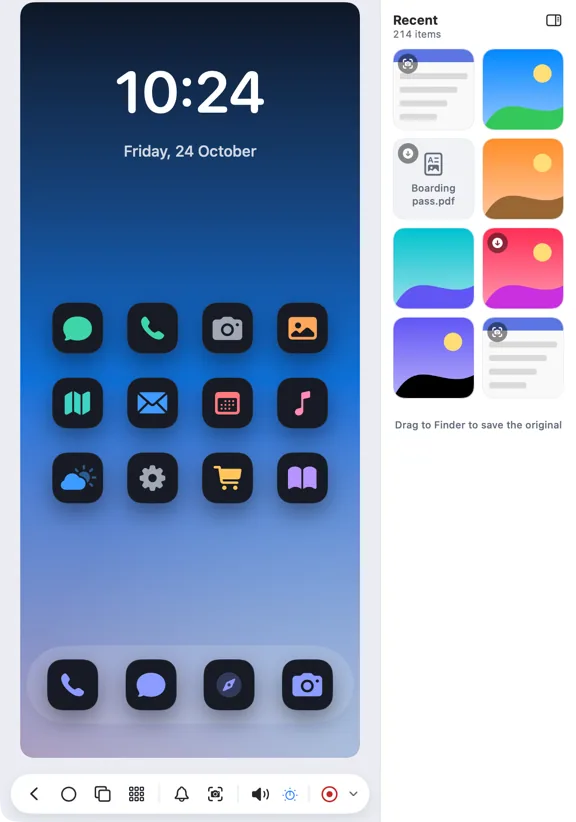
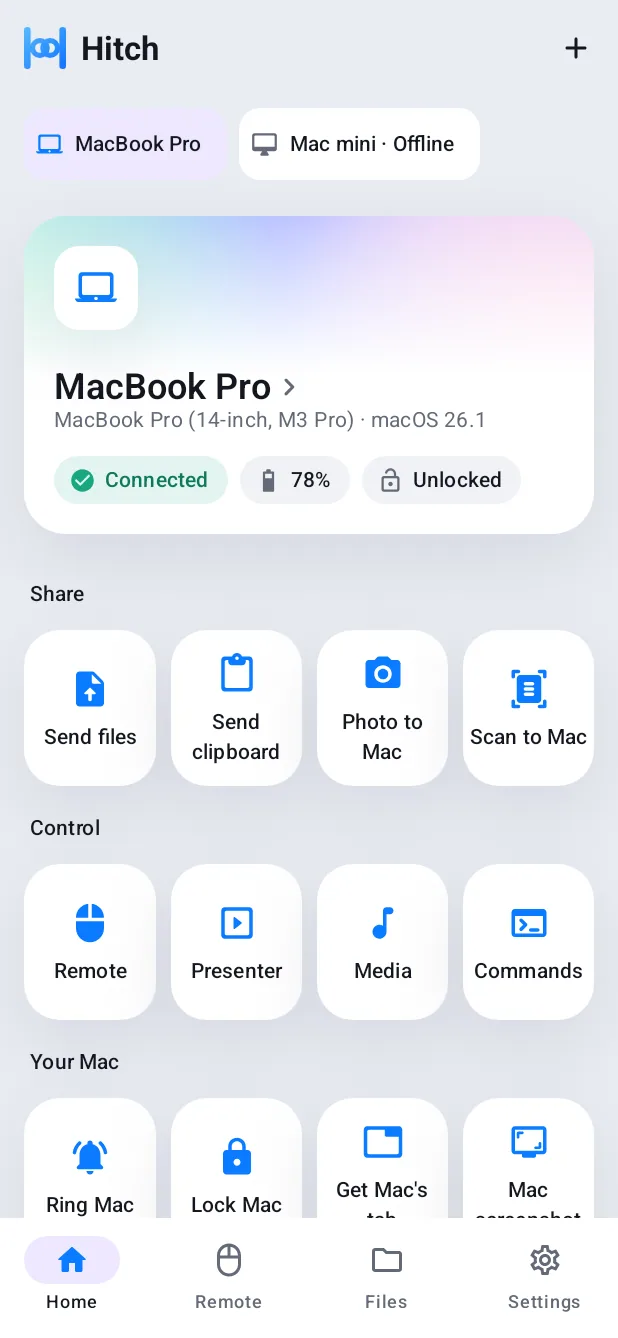
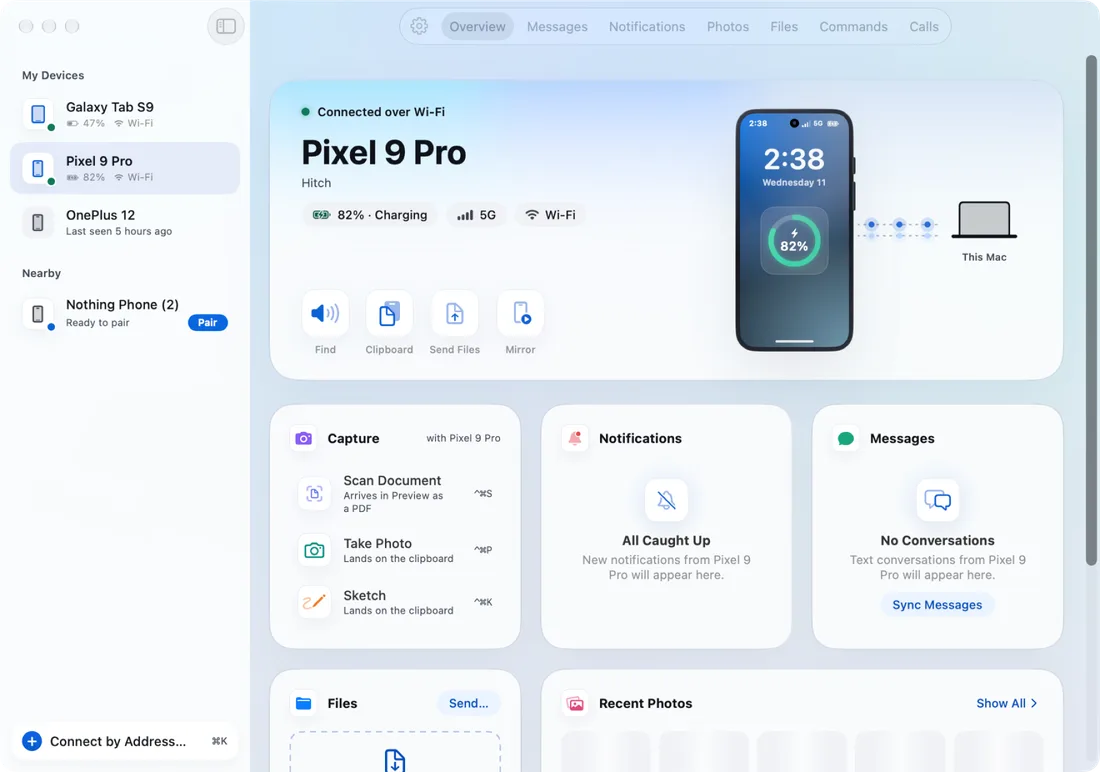
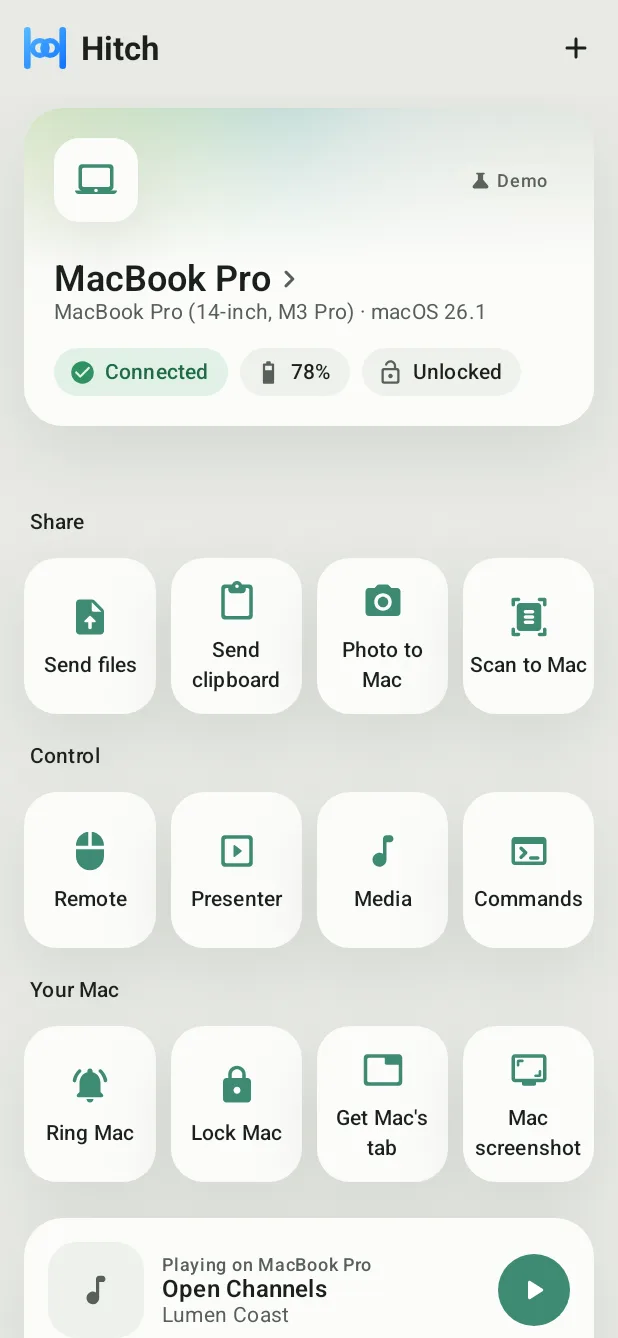
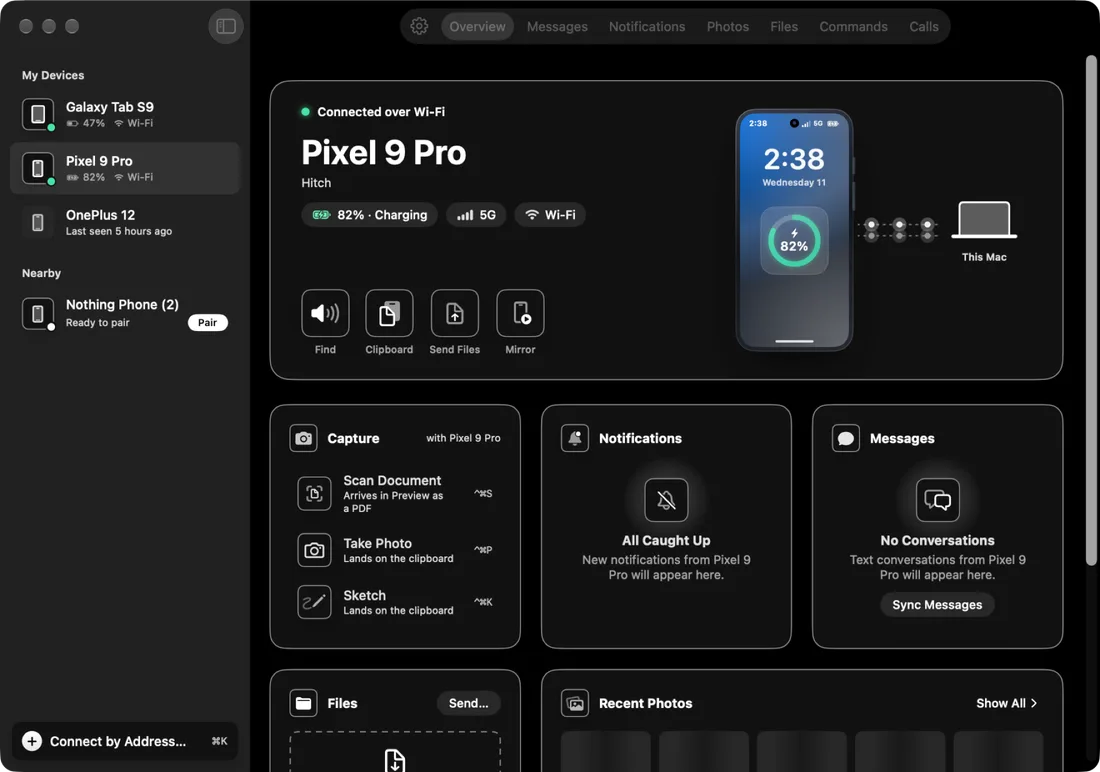
Hitch on an Android phone, connected to the Mac

Everything your phone does. Now on the screen in front of you.

Hitch links an Android phone to a Mac as naturally as an iPhone does. It works over your own Wi-Fi or a cable, encrypted, with no account and no cloud copy of your data.

Mac

macOS 15 or later

Phone

Android 10 or later

Developer settings

Not needed

Cloud AI

None, all on-device

New in Hitch

NewFree

Four looks. Light and dark.

Hitch, Frost, Ink and Sage, on your Mac and your phone, each in light and dark.

Every Pro feature free for 14 days. No card.

NewPro

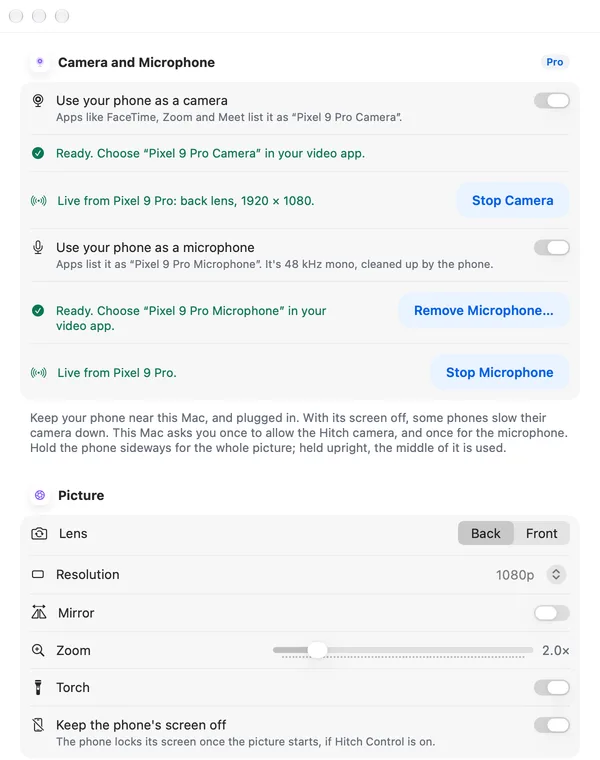
Your phone is your webcam.

Video apps on your Mac can pick your phone's camera and microphone, with its better lens.

Every Pro feature free for 14 days. No card.

NewPro

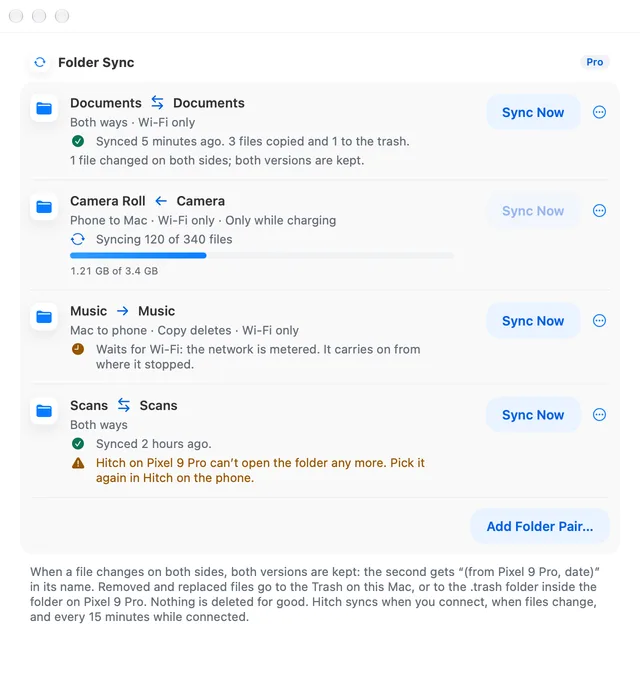
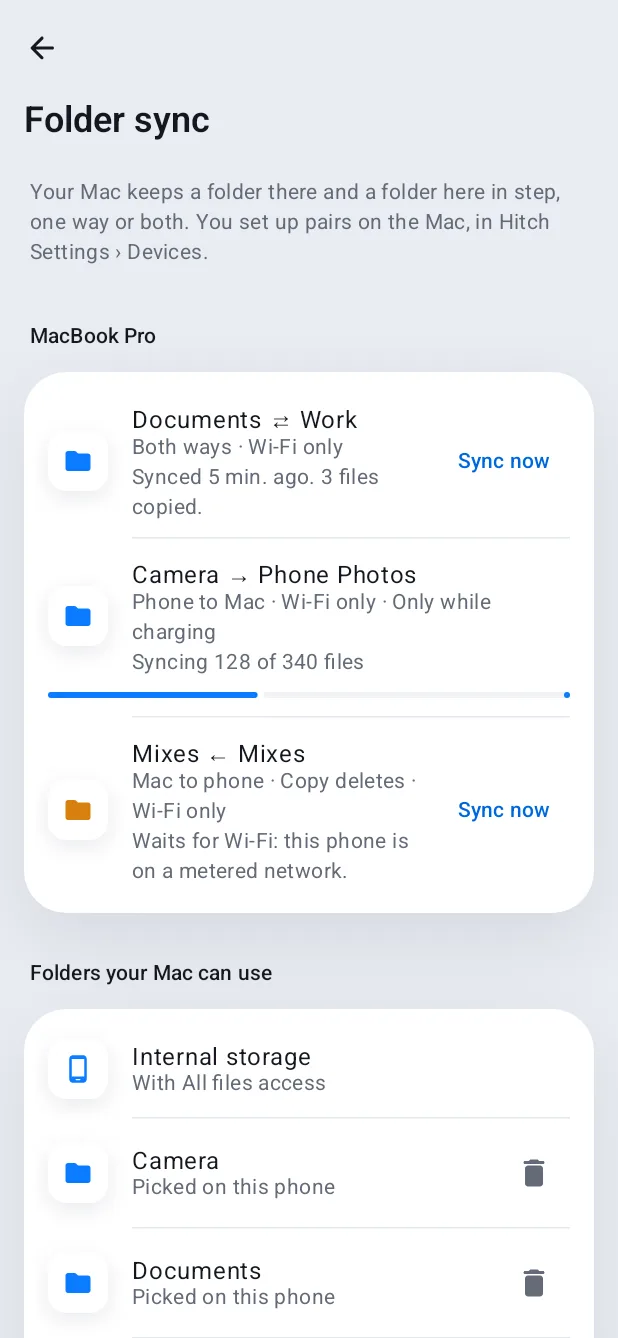
Folders that keep in step.

Pick a folder on each side. Hitch keeps them in step, one way or both, and never deletes for good.

Every Pro feature free for 14 days. No card.

NewPro

Snap it. It's in your document.

Press a shortcut, take a photo or scan with your phone, and it lands where you're typing.

Every Pro feature free for 14 days. No card.

NewPro

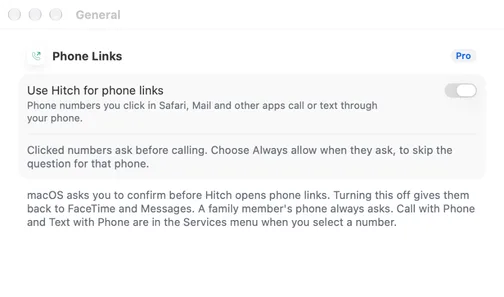
Click a number. Your phone calls.

Phone numbers in Safari, Mail and other apps call or text through your phone.

Every Pro feature free for 14 days. No card.

NewIn development

Hitch for Windows, in testing.

The same app and the same look, on a Windows PC. The first version is built and being tested.

Every Pro feature free for 14 days. No card.

The beta is for Mac and Android.
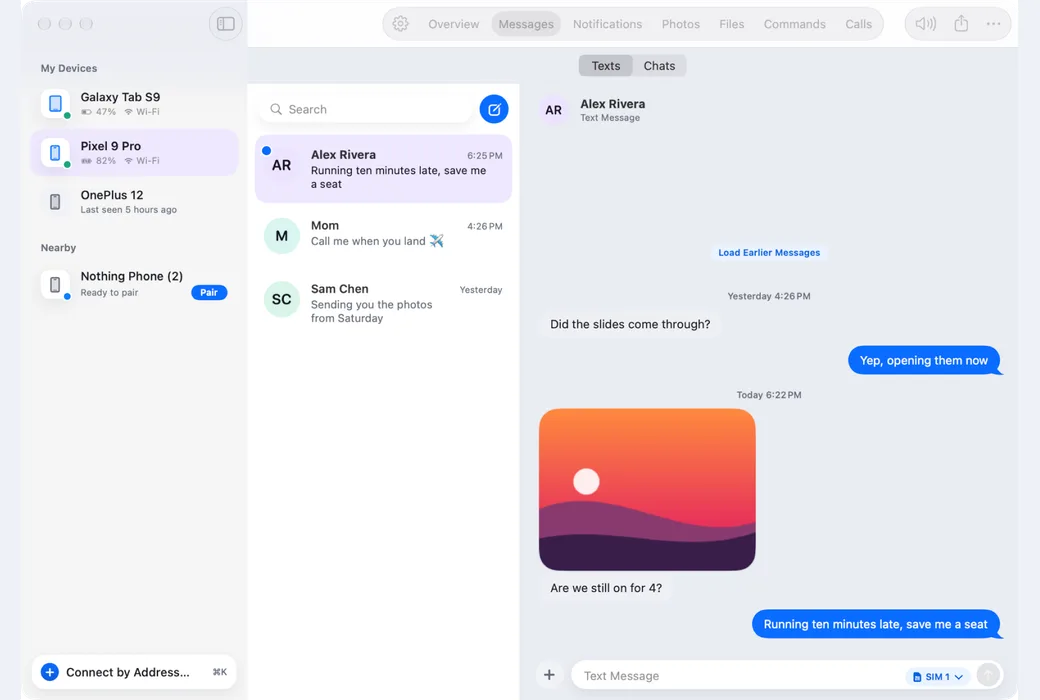
Hitch on the Mac: Messages, with the conversation list and a chat that includes a photo
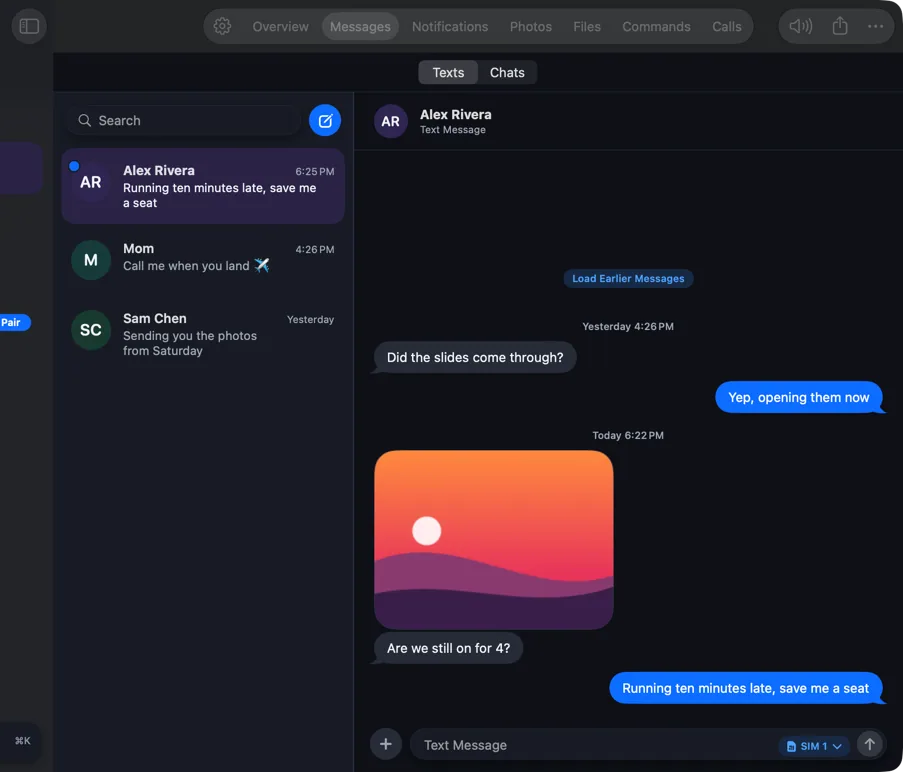
Hitch on Windows: Messages, with the conversation list and a chat that includes a photo
MacWindows

Try what's new. Join the beta.

Hitch is in a tester beta for Mac and Android. Leave your email and we'll invite you when there's room.

Every Pro feature free for 14 days. No card.

No catch

  • No account

    The app needs no account. Your phone and your Mac pair with a code.

  • Nothing on a server

    We keep none of your phone's data. It goes straight between your devices, encrypted.

  • No developer settings

    Every core feature works without them. Power mode is an optional extra.

  • Free stays free

    When the trial ends, the free features keep working as before.

  • 14 days of Pro, no card

    The trial never asks for a card.

Calls

Take the call without picking up the phone.

Your Mac rings with your phone. Answer with a click, and talk through the Mac if you like.

  1. Your phone rings. Somewhere in your bag, or across the room. You don't need to reach for it.
  2. So does your Mac. A banner shows who it is, with Answer and Decline, while a gentle ringtone plays on the Mac.
  3. Answer with a click. The call window takes over, with a live timer, Message, Open on Phone and Hang Up. With power mode, you can talk through the Mac too.
  4. Hang up anywhere. From the call window, the green timer in the menu bar, or the phone. Then call back or send a message.

Messages and chats

Every conversation, on the big screen.

Texts, chats from your chat apps and notifications, with search that finds any word you remember.

  1. Your texts, on a real keyboard. Read and reply to SMS and MMS, drop in pictures, and start new messages with contact suggestions.
  2. Your chat apps, in one place. Hitch builds threads from your chat apps' notifications, with group senders, and replies through the app.
  3. Find the one you half remember. A private index on your Mac searches inside every message, and Spotlight can find them too.

Your phone on your Mac

Your phone, in a window. Or in your pocket.

Mirror it, slide your pointer onto it, open its apps as Mac windows, and see your Mac on it.

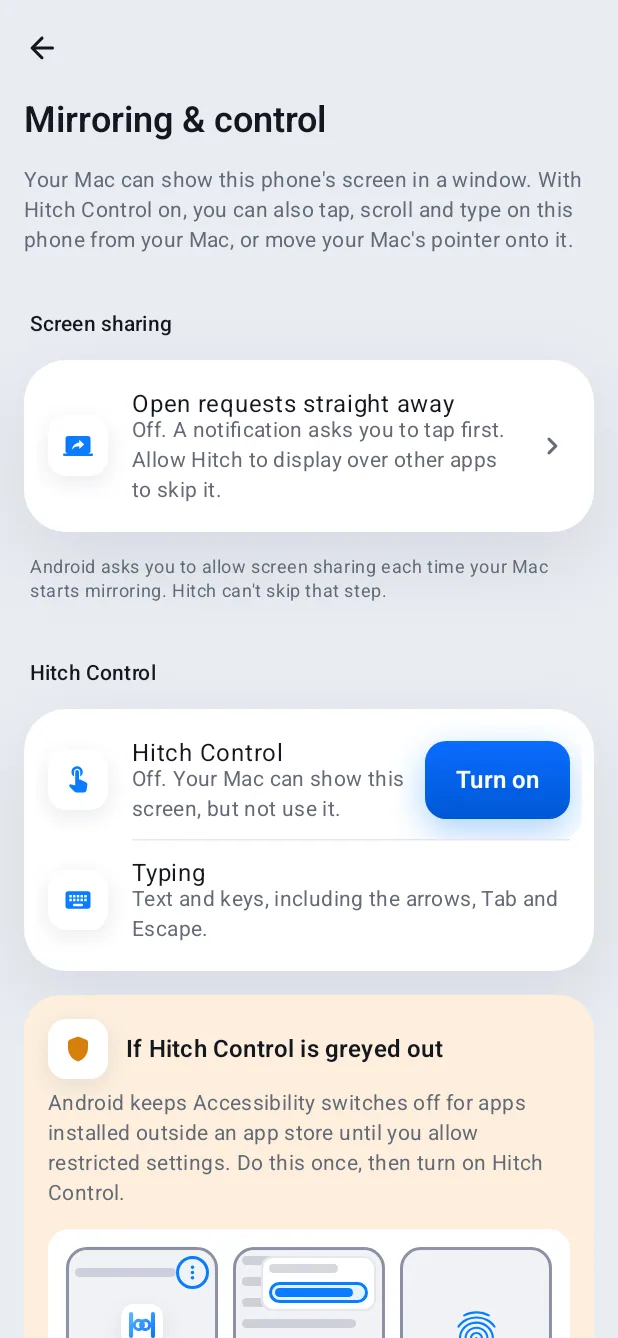
  1. Your phone, in a window. Click to tap, scroll, type and drag. Open a notification straight into the mirror, and drag photos out to Finder.
  2. Push the pointer across. Move past the edge of your Mac's screen and your mouse and keyboard work on the phone. No mirroring needed.
  3. Apps in their own windows. Open Android apps as Mac windows, side by side, each with its own keyboard focus and sound.
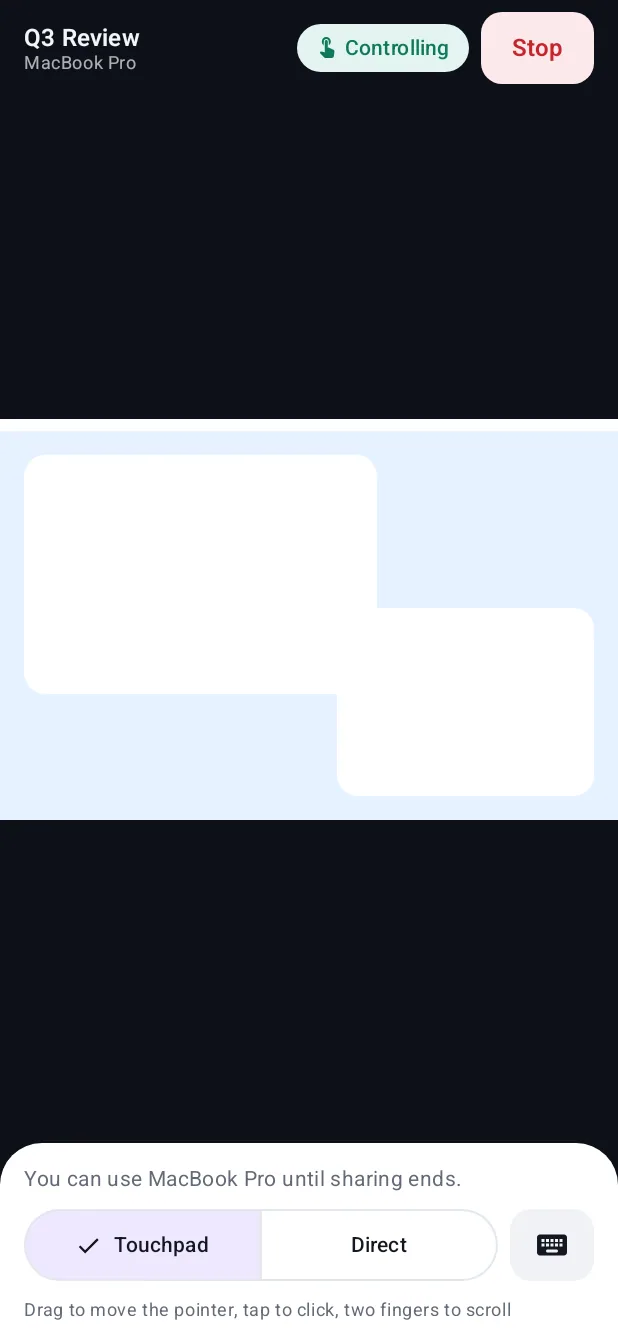
  4. And the other way round. Show your Mac's screen on the phone, use it as a touchpad, and stop whenever you like.

Codes and files

The code arrives. Right where you're typing.

Sign-in codes offered where you're typing, and files, photos and the clipboard moving both ways.

  1. A code arrives on your phone. Hitch spots it in the text, in English or Hindi, and ignores amounts, dates and phone numbers.
  2. It appears beside the field. Wherever you're signing in on the Mac, in any app or browser. Press ⌃⌥V.
  3. Typed in. Then forgotten. Copied codes are cleared after 90 seconds and never logged or indexed.
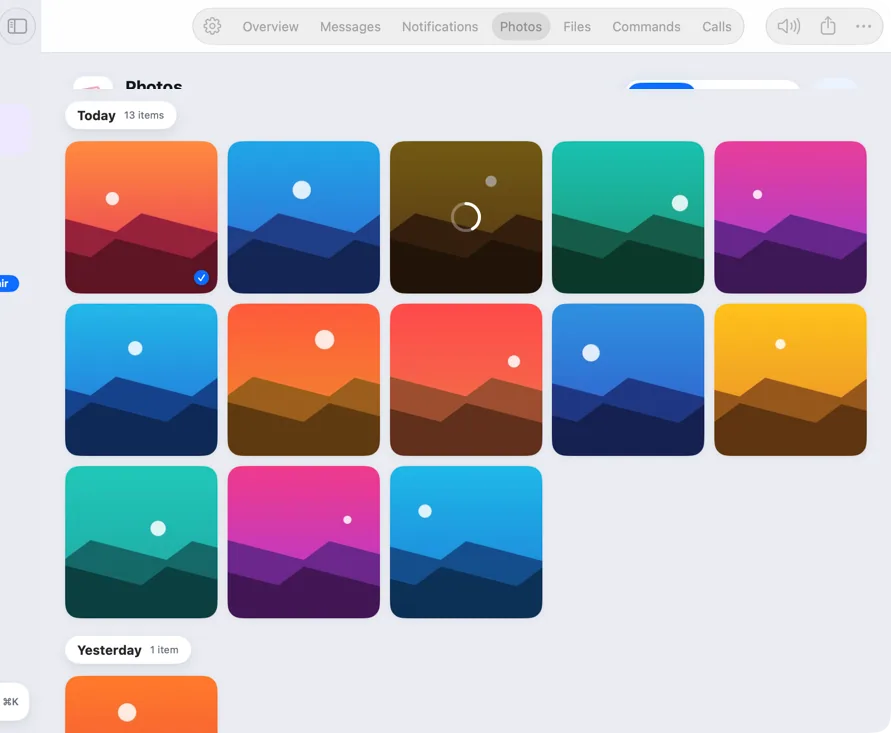
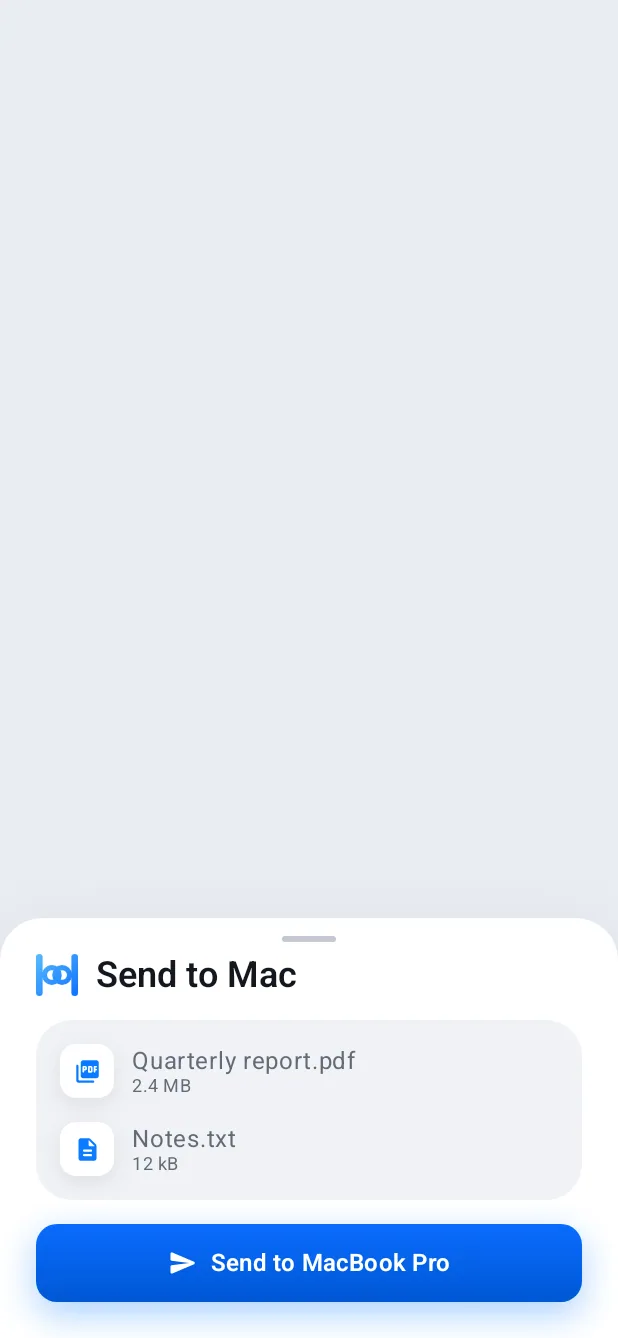
  4. Drop it on one. It's on the other. Send files both ways, browse your phone's photos, and copy on one device to paste on the other.

Safety and family

Looking out for you. And the people you love.

Banking apps that always open, a Mac that tells your phone when someone uses it, and warnings about scams.

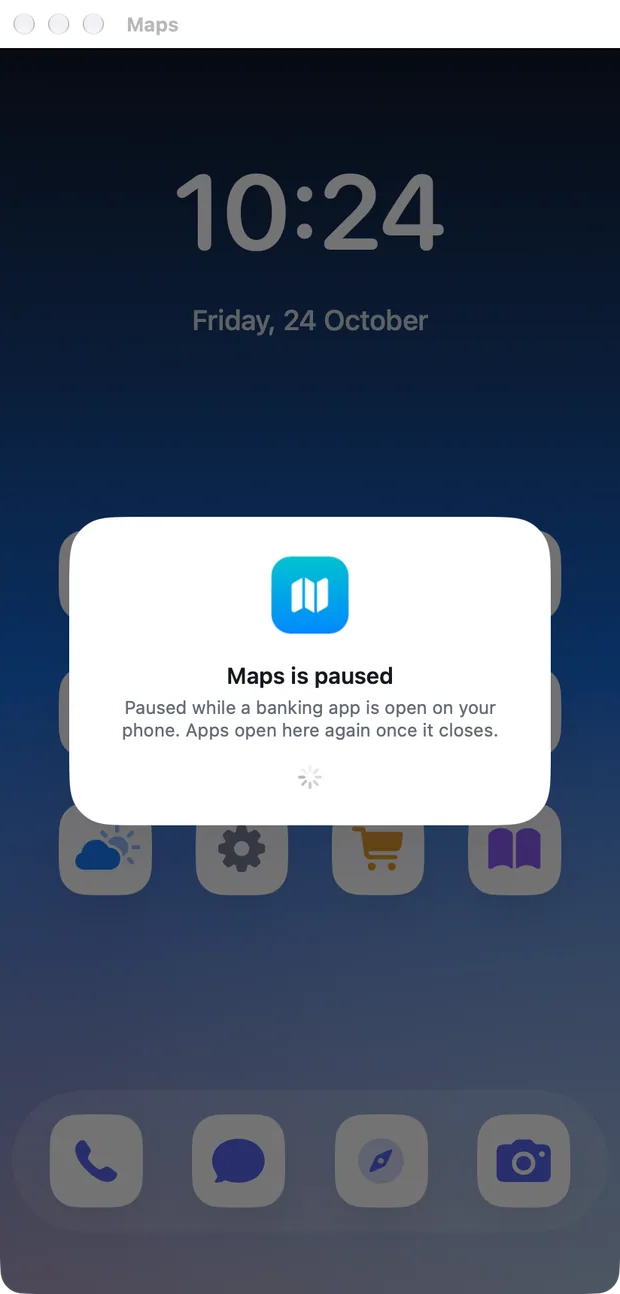
  1. Your bank always opens. Power mode steps aside while a banking app is in front, then puts back only what it changed.
  2. Your Mac tells your phone. If someone opens it while you're away, your phone gets an alert with a photo, and can sound an alarm or lock it.
  3. A warning before the damage. Likely scam texts get a clear warning on the phone, and the family helper can hear about it too.

Privacy and security

Your phone and your Mac. Nobody in between.

Paired by code, encrypted end to end, and nothing stored on a server.

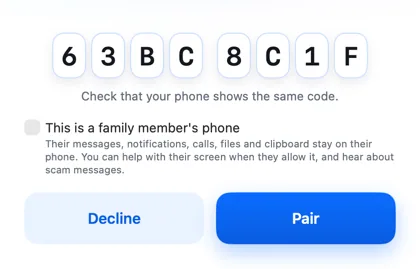
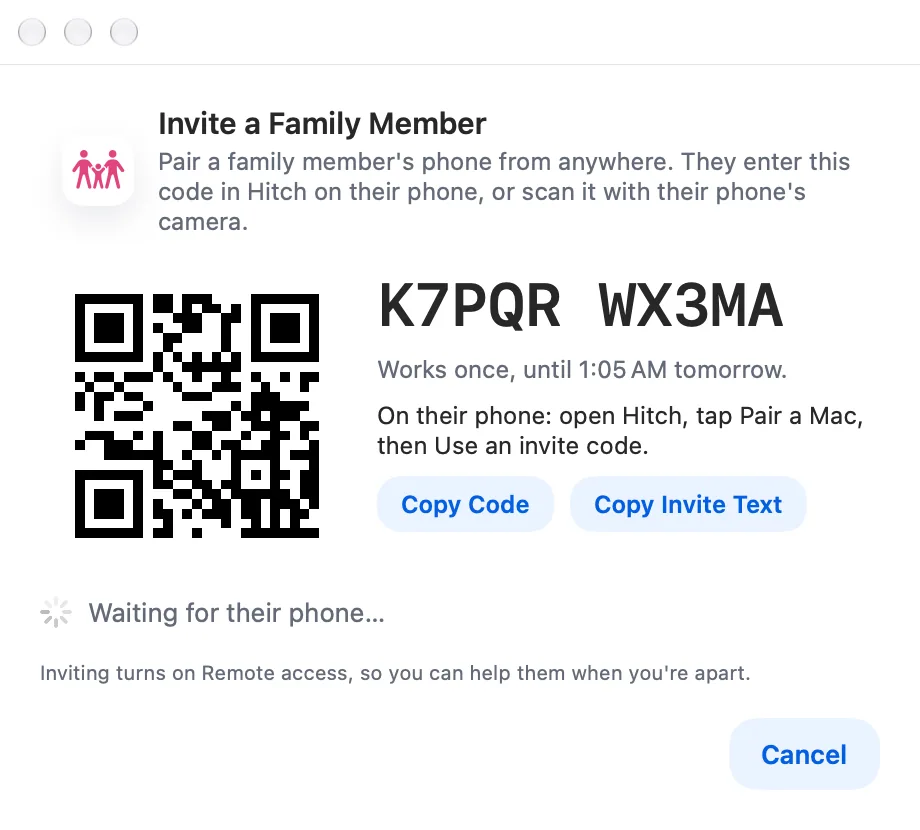
  1. Paired once, by code. Both screens show the same code. Pair only if they match.
  2. Pinned keys. Direct, encrypted. Each device remembers the other's key and talks only to it, across your own Wi-Fi or a cable. No account, nothing on a server.
  3. Away from home, still private. Remote access will pass your encrypted connection through a relay that can't read it and keeps nothing.
Free

Make it yours.

Four themes, each in light and dark, on your Mac and your phone. Free for everyone.
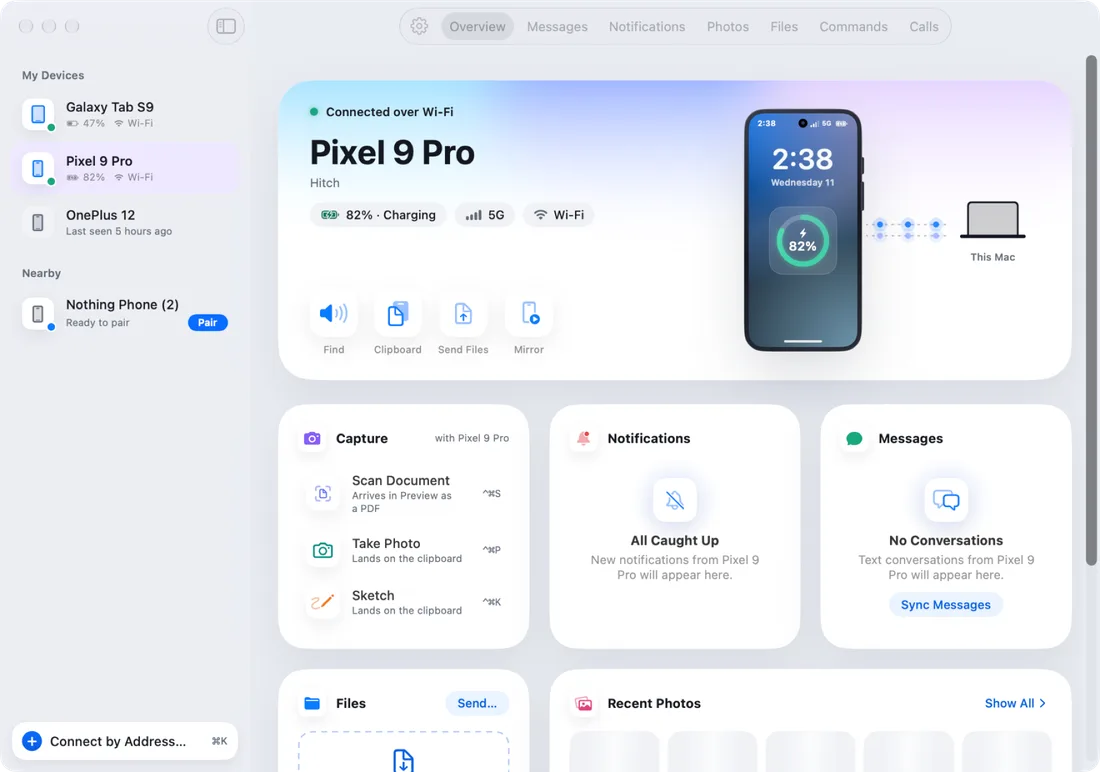
Hitch on the Mac in the Hitch theme, light mode: soft and light, with pastel washes
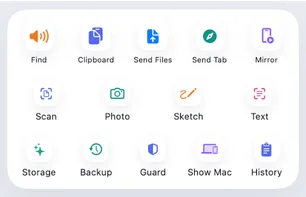
Hitch on Android in the Hitch theme, light mode: the Mac connected, with sharing and control shortcuts

HitchLight

Soft and light, with pastel washes

Soft and light, with pastel washesFrosted, see-through panelsBlack and white, high contrastCalm greens, easy on the eyes

More languages are on the way

Coming soon
  • 中文
  • Español
  • العربية
  • Português
  • Bahasa Indonesia
  • Français
  • 日本語
  • Deutsch
  • हिन्दी
  • 한국어

Hitch is coming in ten more languages, with Arabic right to left.

A look around

Real screens from Hitch.

Screenshots from the Mac and Android apps, with sample names and data. Pick one to read about it.

All 49 features

So much more than notifications.

Every part of Hitch, at a glance. Pick any one to see what it does, how it works and its limits.

When your phone rings, your Mac rings too.

See how it works: Calls on your Mac
Get the beta

Every Pro feature free for 14 days. No card.

Built for Windows too.

In testing now

The same Android app, in the same soft light look, on a Windows PC. The first version is built and being tested. It isn't available yet.

Hitch on the Mac: Messages, with the conversation list and a chat that includes a photo
Hitch on Windows: Messages, with the conversation list and a chat that includes a photo
MacWindows

Your phone and your Mac. Finally on speaking terms.

Hitch is in a tester beta for Mac and Android. Ask to join, and we'll let you know when there's room.

Every Pro feature free for 14 days. No card.

Mac: macOS 15 or later · Phone: Android 10 or later · Developer settings: Not needed