

Phone Studio
Polished screen recordings of your phone, made on your Mac.
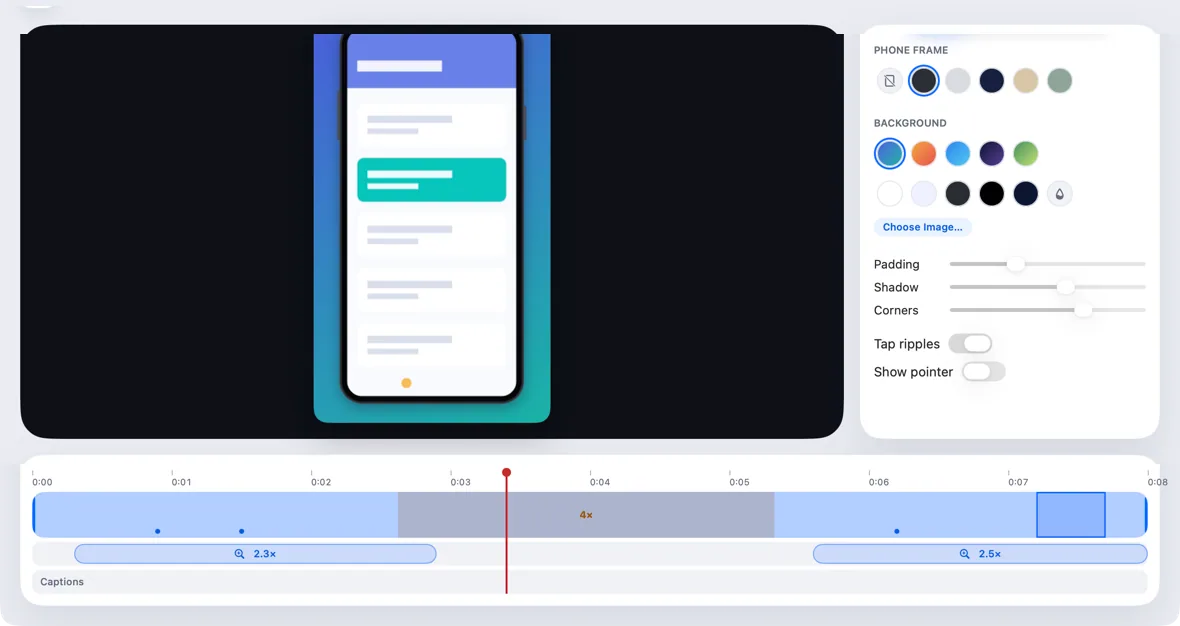
ProRecord the mirror, then trim, speed up idle parts and add automatic zooms where you tapped. Export in shapes for any screen.
Every Pro feature free for 14 days. No card.
What it does.
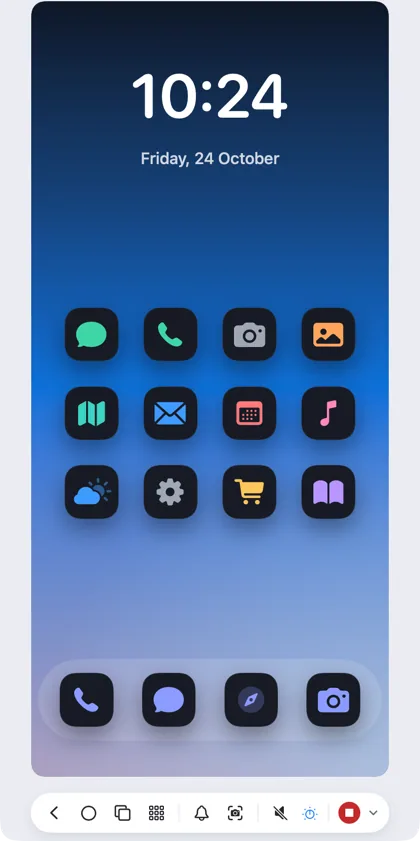
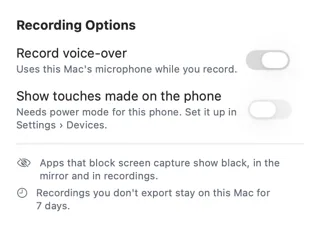
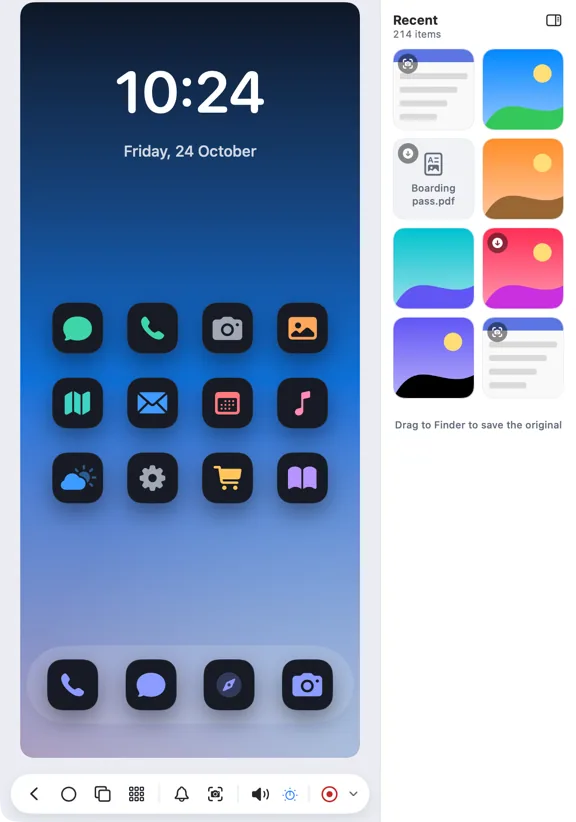
Press Record in the mirror window. Hitch saves the phone's video and sound without re-encoding, and notes where you clicked and dragged, never what you typed.
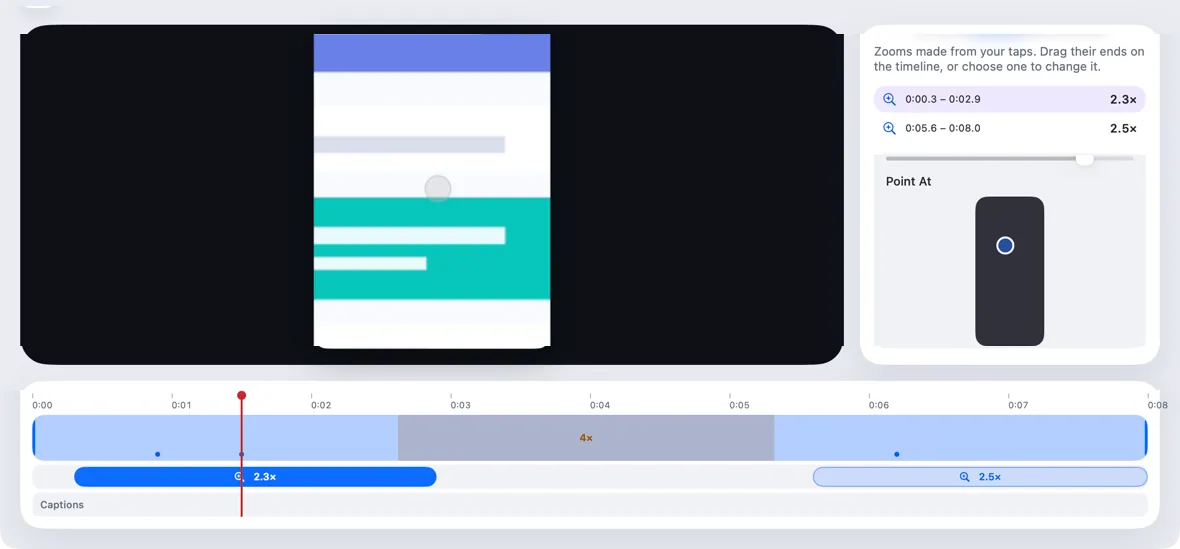
The editor makes smooth zooms from clusters of taps, which you can adjust, plus trim, cut and speed-up. Add a generic phone frame, a background, padding, shadow and tap ripples.
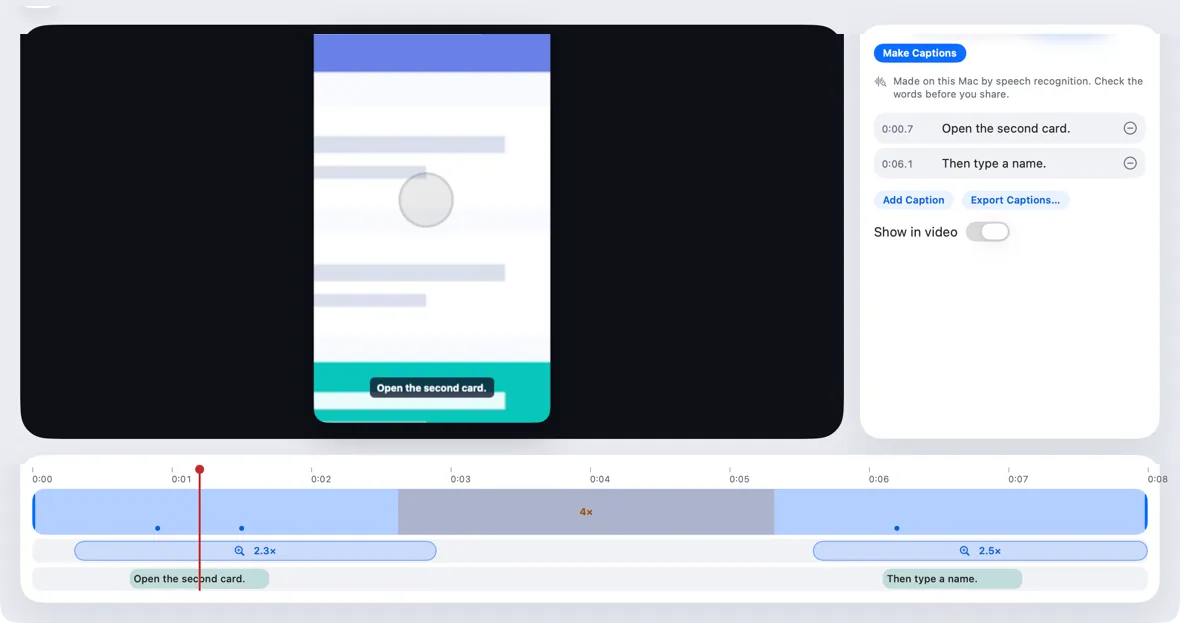
Export MP4 or HEVC at 1080p or 4K, in 16:9, 9:16, 1:1 or 4:5, or a GIF for short clips. Optional captions come from your voice-over, on the Mac.
How it works.
- 1
Mirror and record
⌘R starts and stops, with an optional voice-over.
- 2
Edit
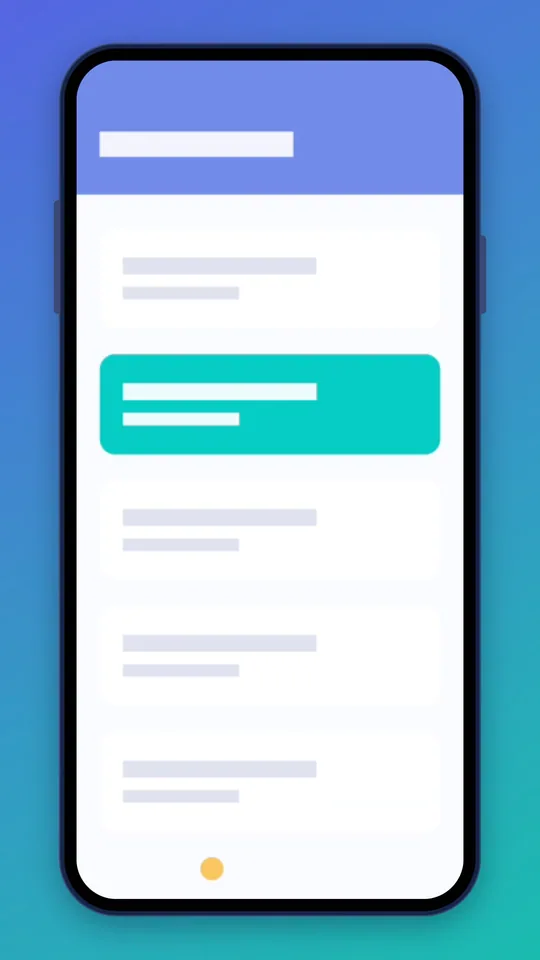
Zooms, cuts and the look, on one timeline.
- 3
Export
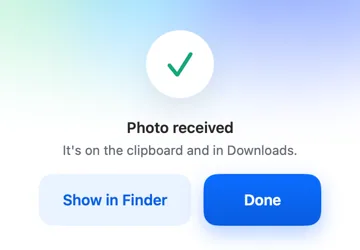
Saved to Movies › Hitch Studio, with Copy and Reveal.
Every Pro feature free for 14 days. No card.
In the app.
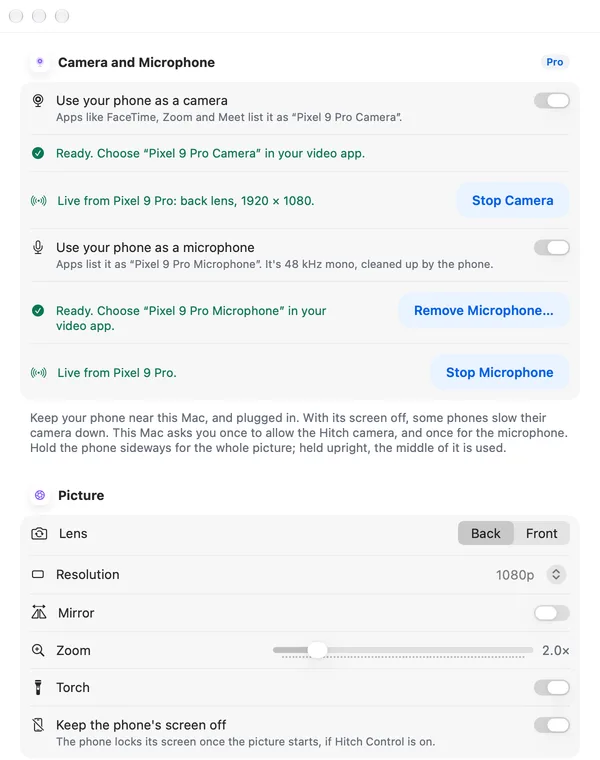
Screenshots from Hitch, with sample names and data.
The limits, plainly.
- Apps that block screen capture show as black.
- Captions appear only when the Mac's speech recognition supports the language.
Try it in the Hitch beta.
Hitch is in a tester beta for Mac and Android. Ask to join, and we'll let you know when there's room.
Every Pro feature free for 14 days. No card.
Mac: macOS 15 or later · Phone: Android 10 or later · Developer settings: Not needed
