

Scan, photo and sketch
Use your phone's camera for your Mac.
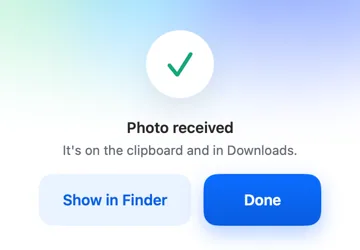
FreeAsk the phone for a document scan, a photo or a sketch from the Mac. It arrives on your clipboard and in Downloads.
Every Pro feature free for 14 days. No card.
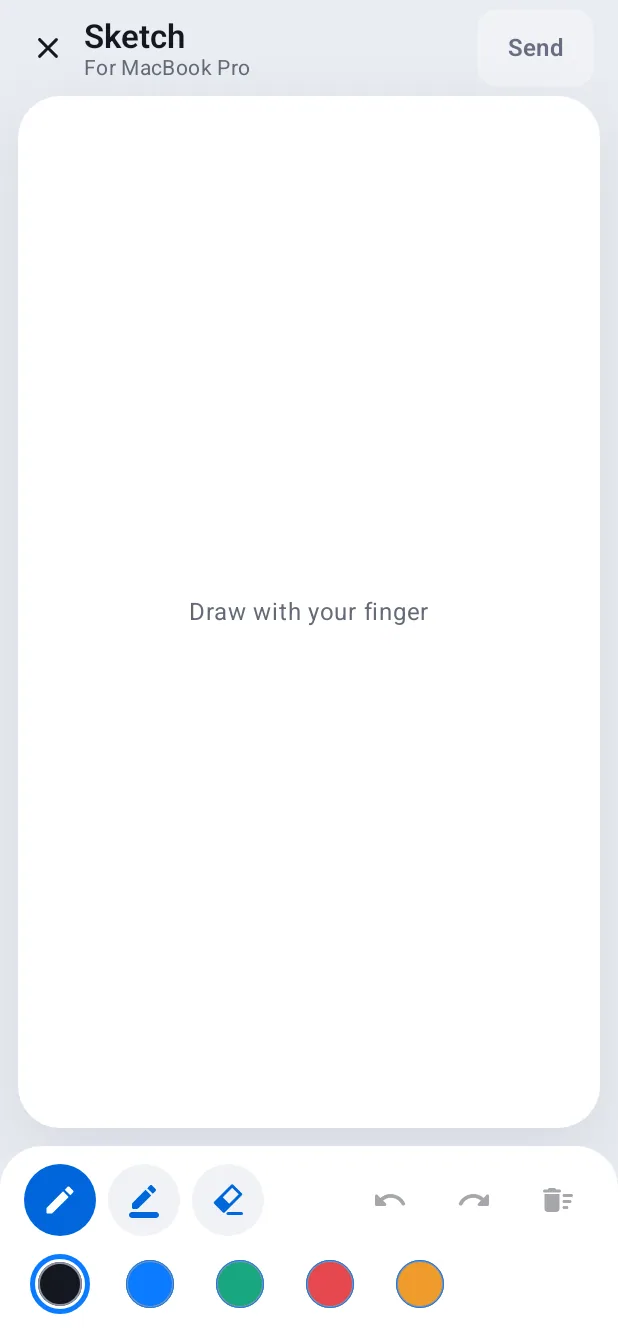
What it does.
From the Mac, choose Scan, Photo or Sketch. Your phone opens the right screen, you take it, and it's on the Mac's clipboard and in Downloads a moment later.
Sketches are drawn with your finger on the phone, in a few colours.
How it works.
- 1
Ask from the Mac
From the menu-bar panel or the Overview.
- 2
Take it on the phone
Open the notification and scan, shoot or draw.
- 3
Paste
It's already on the clipboard.
Free, always.
In the app.
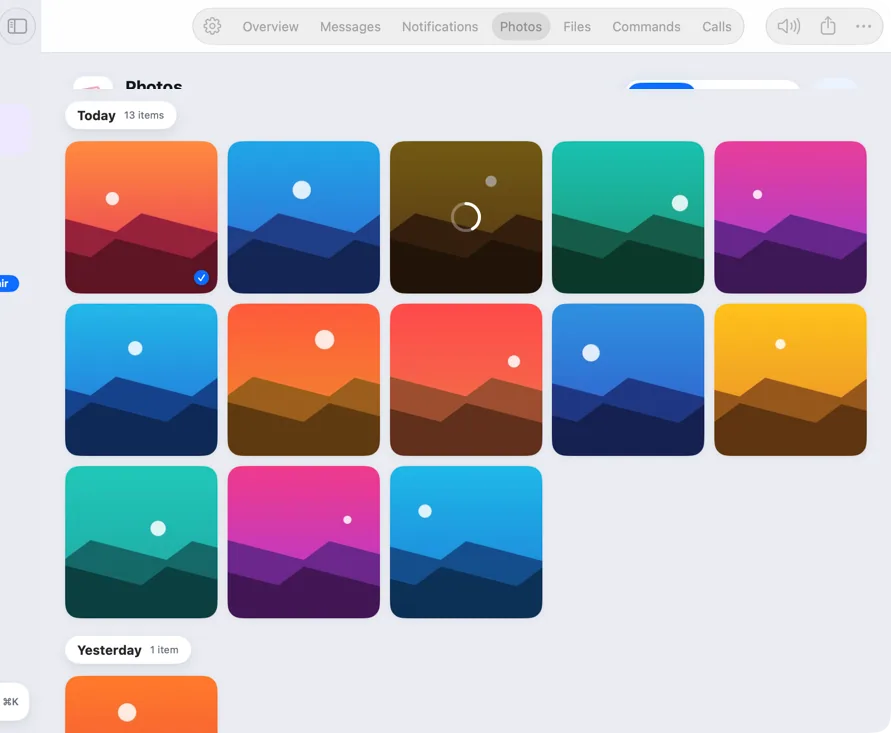
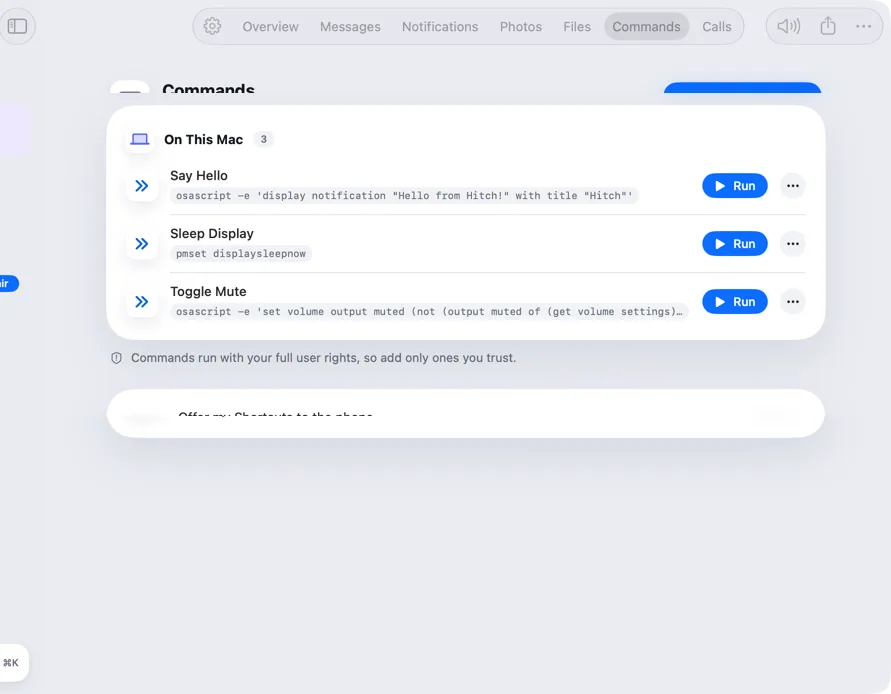
Screenshots from Hitch, with sample names and data.


The limits, plainly.
- The phone needs to be unlocked to take the picture.

Try it in the Hitch beta.
Hitch is in a tester beta for Mac and Android. Ask to join, and we'll let you know when there's room.
Every Pro feature free for 14 days. No card.
Mac: macOS 15 or later · Phone: Android 10 or later · Developer settings: Not needed
