

Small things. Every single day.
Sign-in codes typed in for you, rides and timers in your menu bar, a deck of big buttons for the app you're using, commands and Shortcuts, and your phone's camera for your Mac.
Every Pro feature free for 14 days. No card.

- A code arrives on your phone. Hitch spots it in the text, in English or Hindi, and ignores amounts, dates and phone numbers.
- It appears beside the field. Wherever you're signing in on the Mac, in any app or browser. Press ⌃⌥V.
- Typed in. Then forgotten. Copied codes are cleared after 90 seconds and never logged or indexed.
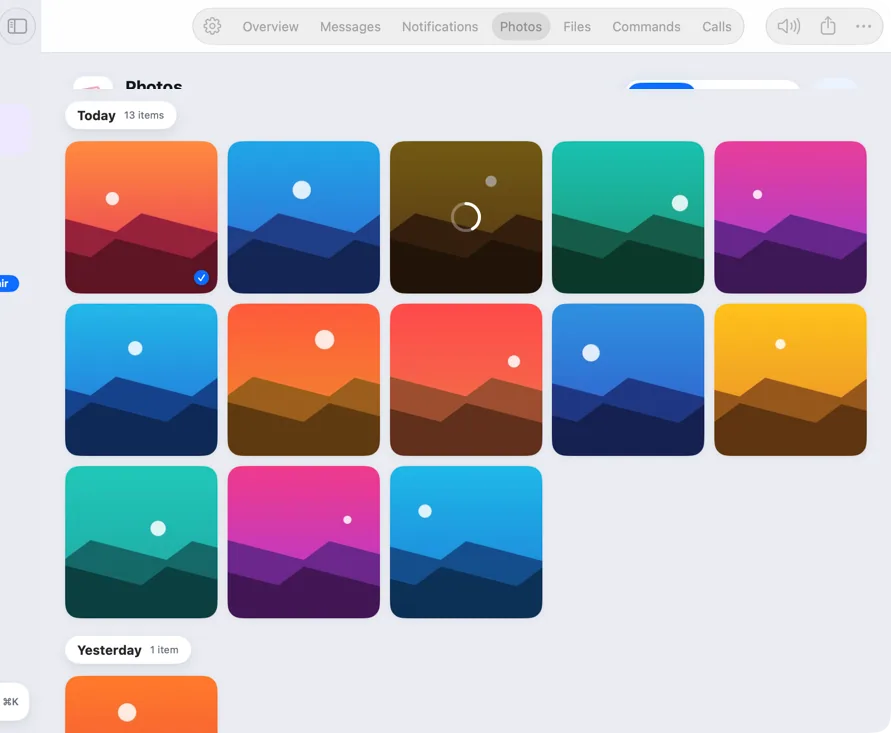
- Drop it on one. It's on the other. Send files both ways, browse your phone's photos, and copy on one device to paste on the other.
One-time codes
The code arrives, right beside the field.
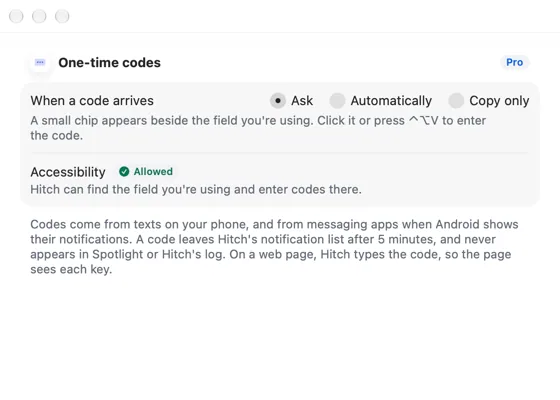
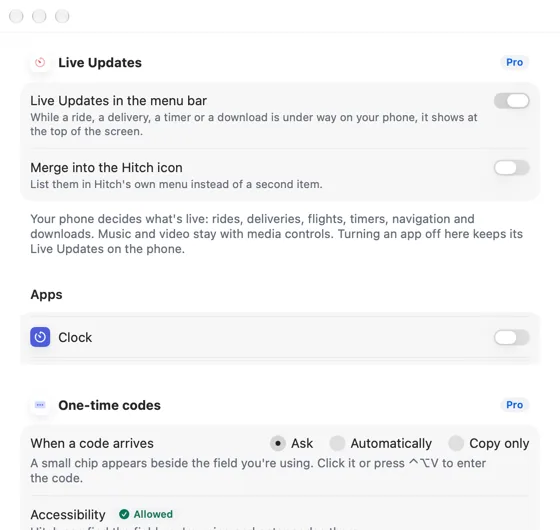
When a sign-in code arrives by text, a small chip appears beside the field you're using on the Mac. Press ⌃⌥V. Copied codes are cleared after 90 seconds and never logged.
Live Updates
Rides, deliveries and timers, at the top of your screen.
Live notifications from your phone appear in the menu bar with their progress, and disappear when they're done.
The Button Deck
Big buttons for whatever you're doing.
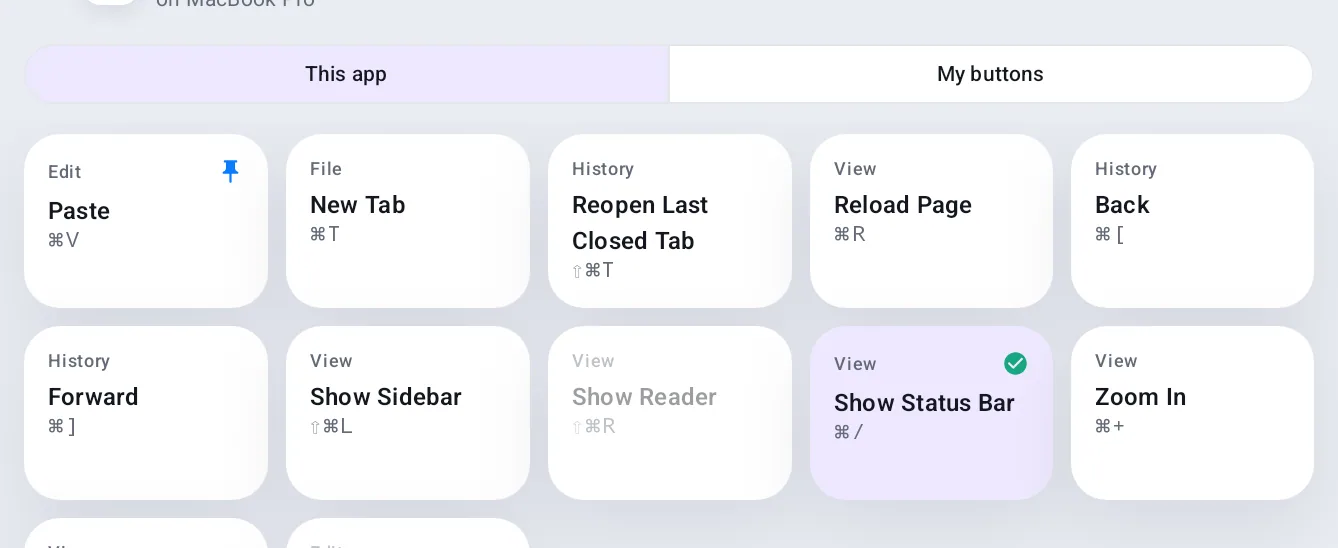
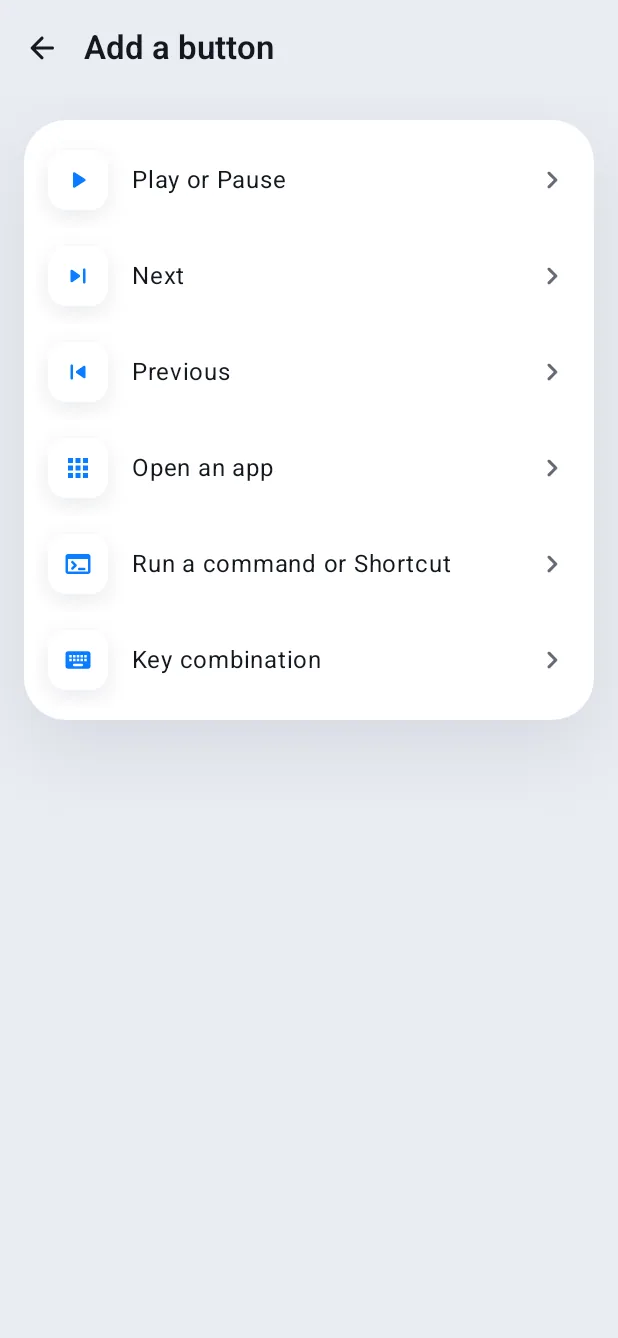
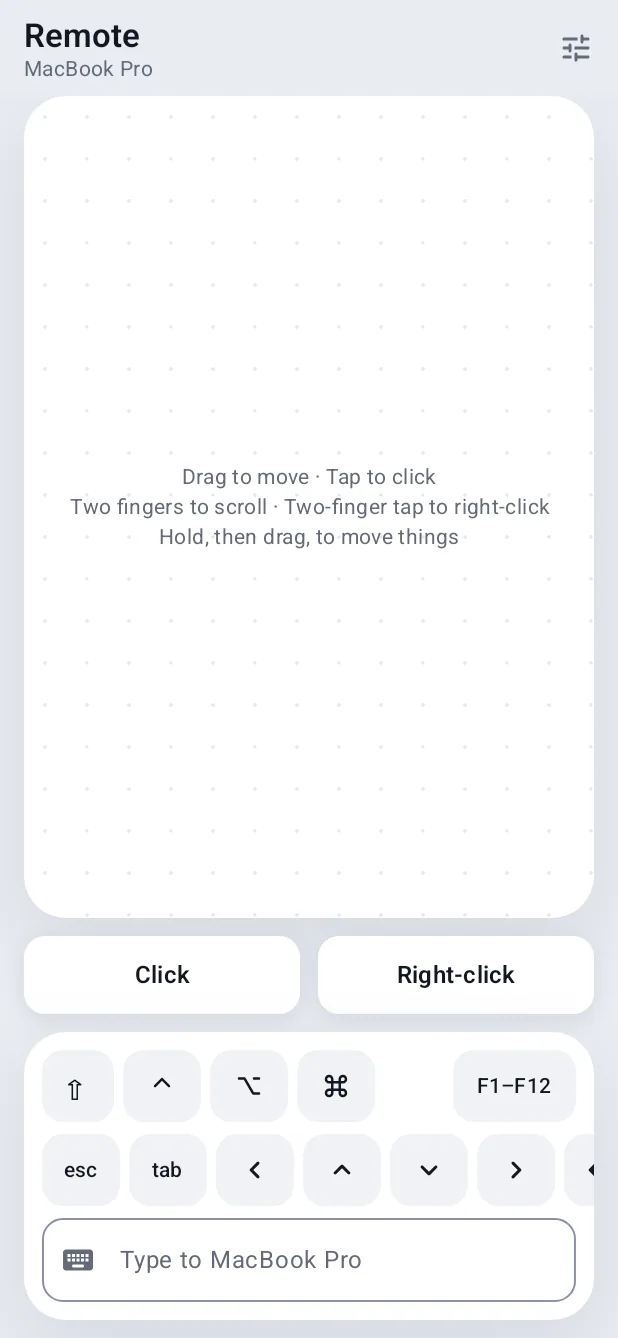
Your phone shows buttons for the app in front on your Mac, built from its menus, and follows you as you switch apps. Add a page of your own with media, volume, apps and Shortcuts.
Commands and Shortcuts
Run things on your Mac from your phone.
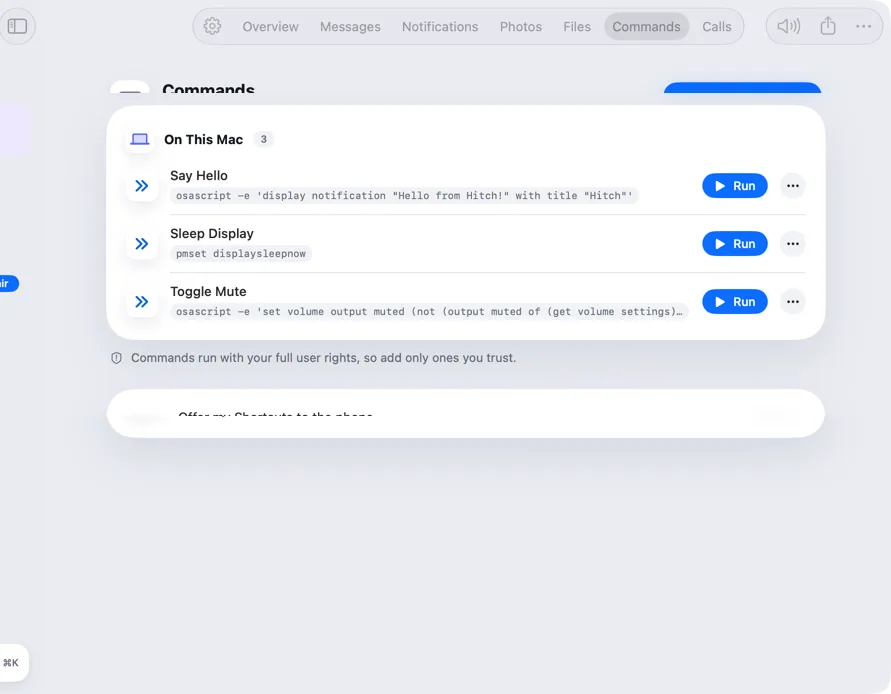
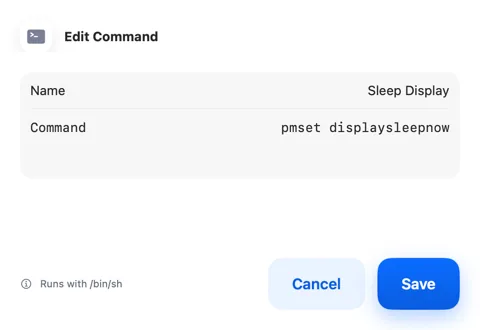
Save commands on the Mac, like sleeping the display, and offer your Shortcuts to the phone. Tap Run and see when it's done.
Capture
Your phone's camera, for your Mac.
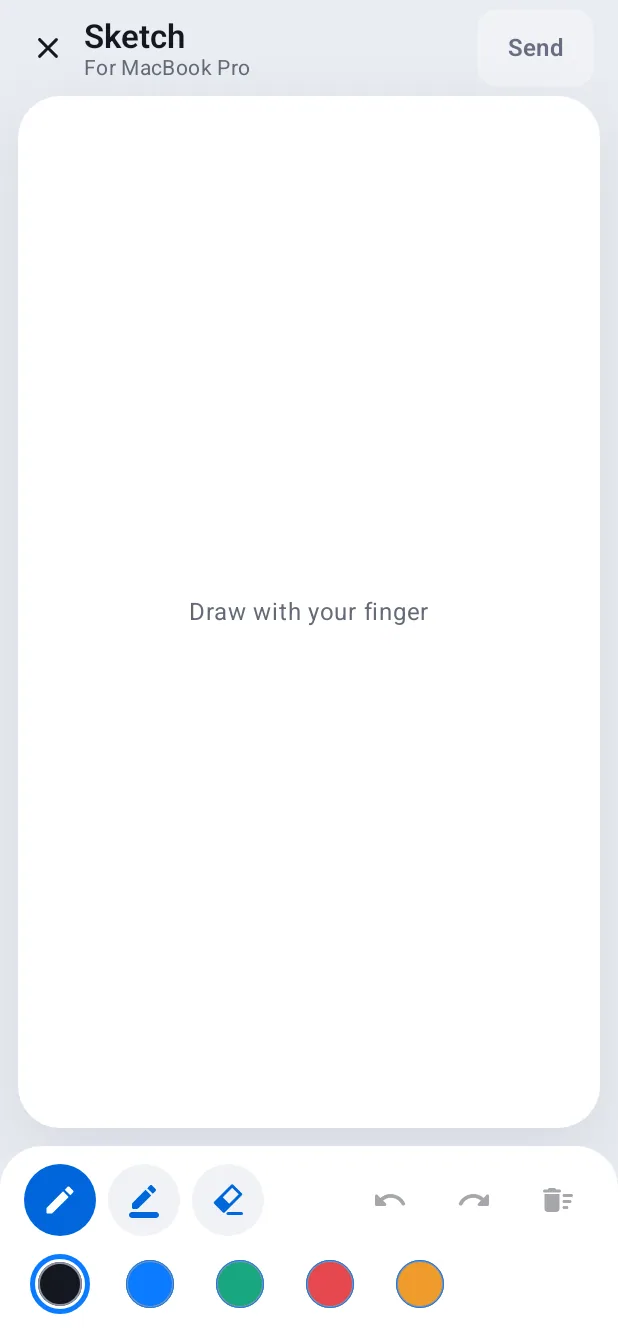
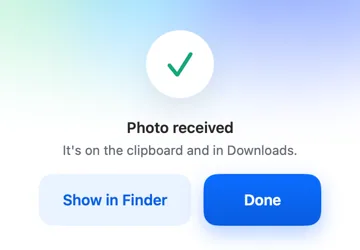
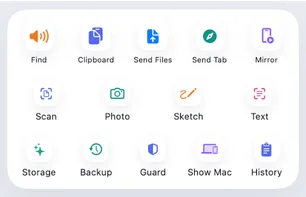
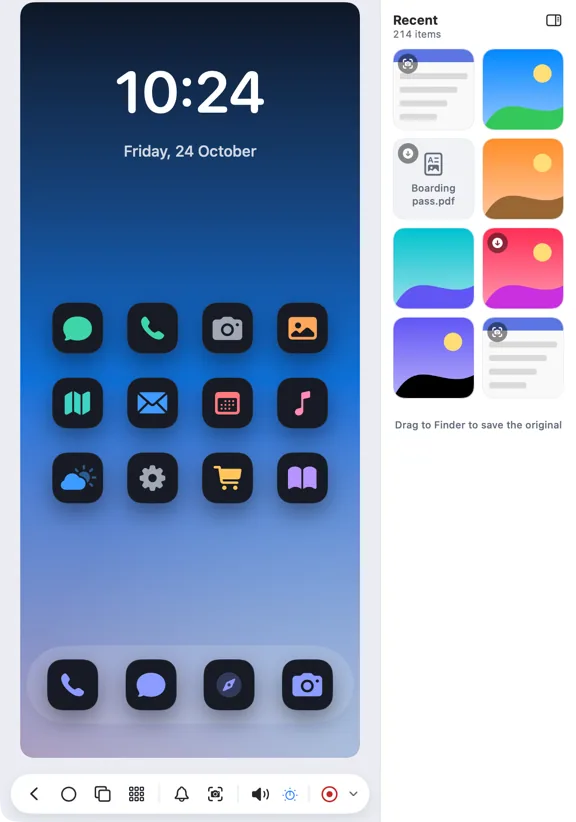
Ask for a document scan, a photo or a sketch from the Mac. It lands on your clipboard and in Downloads.
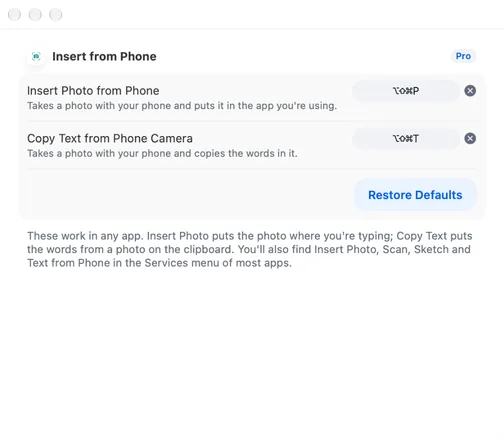
Insert from phone
ProYour phone's camera, in any Mac app.
Insert a photo, a scan or a sketch from your phone where your cursor is. Or point the phone at a page and copy its text on your Mac, with ⌥⇧⌘P and ⌥⇧⌘T.
- Change the shortcuts in Settings › Shortcuts
- If an app can't take it, it's copied: press ⌘V
A closer look
Screenshots from Hitch, with sample names and data.
Every feature in Productivity
All features- One-time codes, filled in
The code arrives on your phone. One keystroke puts it in the field on your Mac.
- Live Updates in the menu bar
Rides, deliveries, timers and downloads, at the top of your screen.
- The Button Deck
Your phone becomes a panel of big buttons for the app in front.
- Commands and Shortcuts
Run things on your Mac from your phone.
- Scan, photo and sketch
Use your phone's camera for your Mac.
- Insert from phoneNew
Your phone's camera, inside any Mac app.
Your phone and your Mac. Finally on speaking terms.
Hitch is in a tester beta for Mac and Android. Ask to join, and we'll let you know when there's room.
Every Pro feature free for 14 days. No card.
Mac: macOS 15 or later · Phone: Android 10 or later · Developer settings: Not needed
