

Commands and Shortcuts
Run things on your Mac from your phone.
FreeSave commands on the Mac, like sleeping the display, and run them from the phone. Offer your Mac's Shortcuts to the phone too.
Every Pro feature free for 14 days. No card.
What it does.
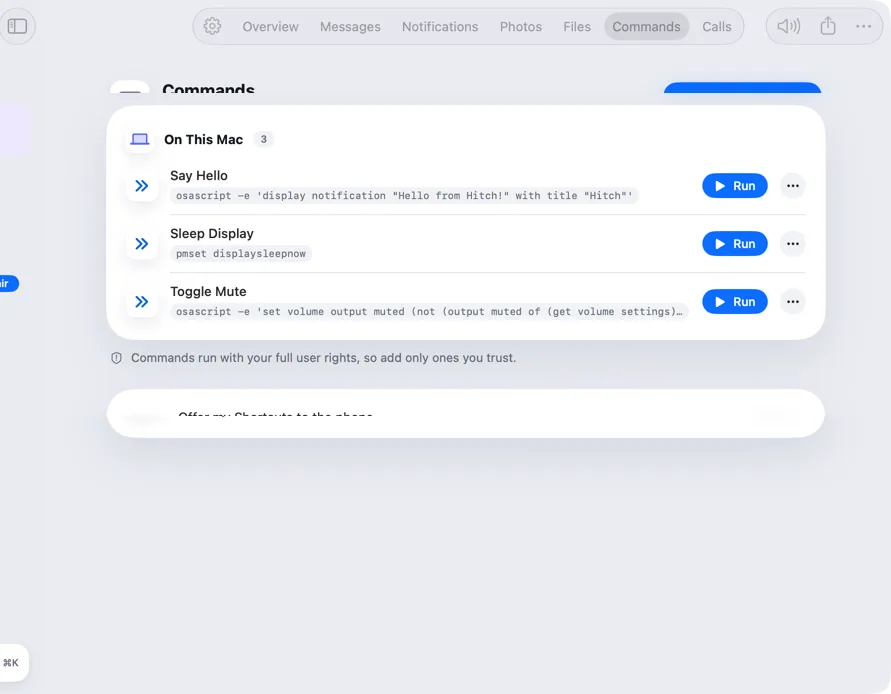
The Commands tab holds commands your phone can run on this Mac. Each has a name and what it runs, and you can add, edit or remove them.
Turn on Shortcuts and your Mac's Shortcuts appear on the phone as well, ready to run with a tap.
How it works.
- 1
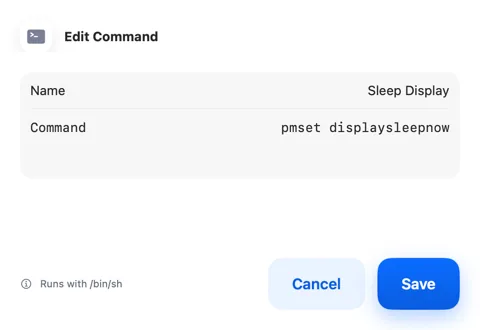
Add a command
Give it a name and what it should run.
- 2
Run it from the phone
Pull down to refresh the list, tap Run, and see when it's done.
Free, always.
In the app.
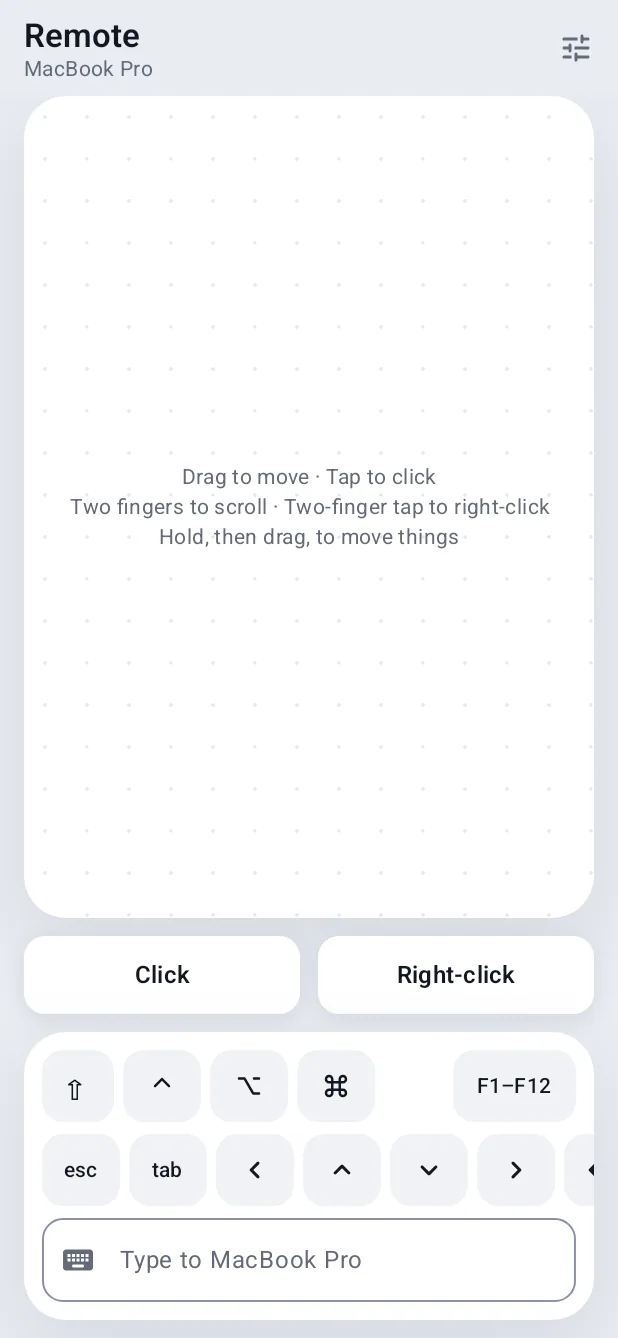
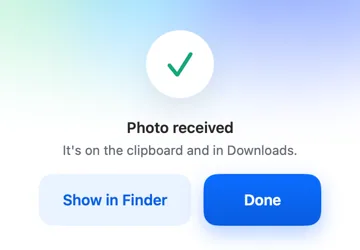
Screenshots from Hitch, with sample names and data.
The limits, plainly.
- Commands run as your user on the Mac, so only add ones you trust.
Try it in the Hitch beta.
Hitch is in a tester beta for Mac and Android. Ask to join, and we'll let you know when there's room.
Every Pro feature free for 14 days. No card.
Mac: macOS 15 or later · Phone: Android 10 or later · Developer settings: Not needed
