

Your phone as a remote
A touchpad, keyboard and slide clicker in your pocket.
FreeUse the phone as a trackpad and keyboard for the Mac, or as a presenter with a laser pointer.
Every Pro feature free for 14 days. No card.
What it does.
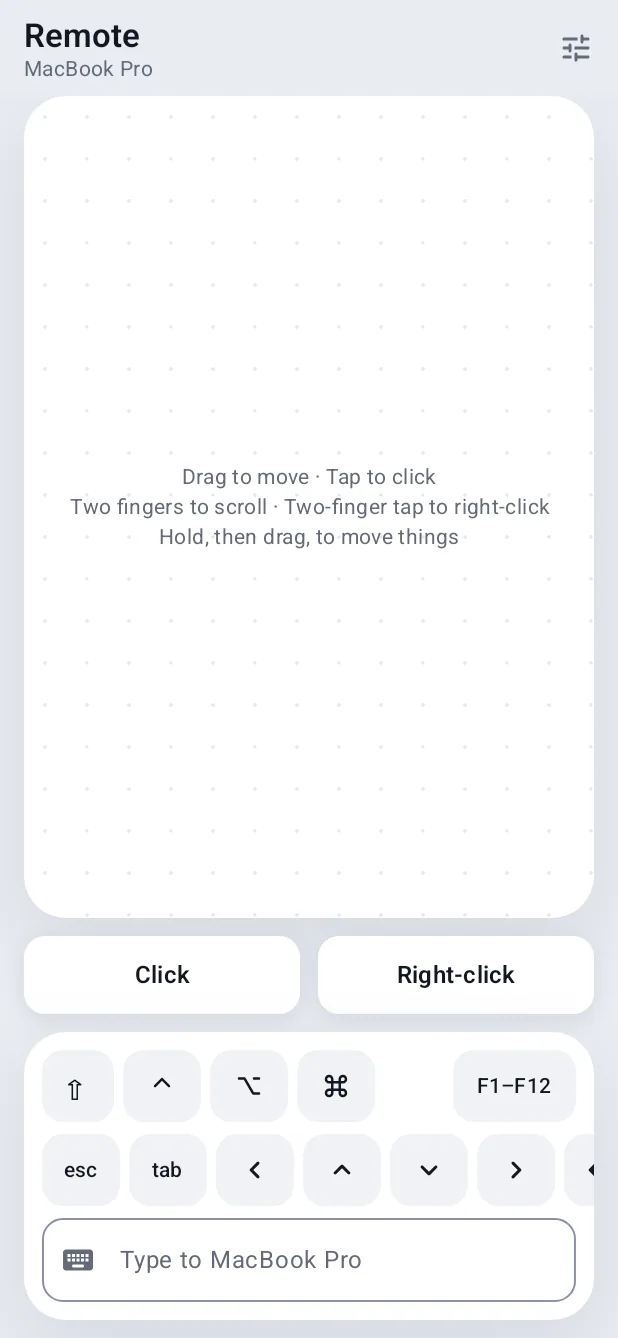
Remote turns the phone into a trackpad with click and right-click, plus a keyboard with arrows, Escape and function keys.
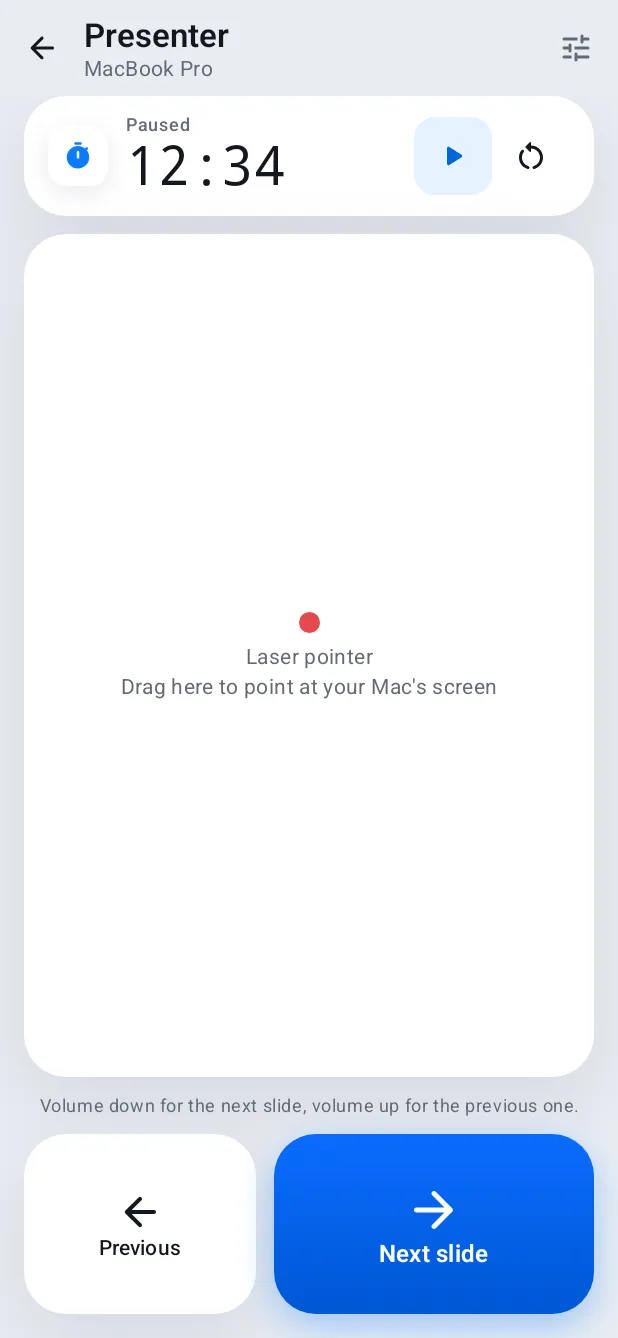
Presenter gives you Previous and Next slide with the volume buttons, a timer and a laser pointer drawn on the Mac's screen.
How it works.
- 1
Open Remote or Presenter
From Hitch on the phone.
- 2
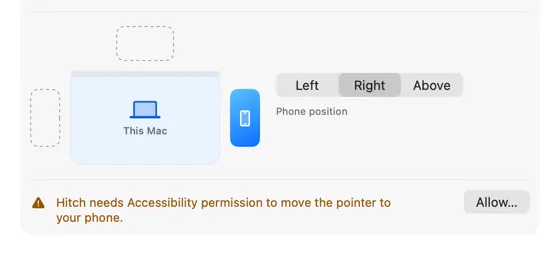
Allow the Mac
It needs Accessibility to move the pointer.
Free, always.
In the app.
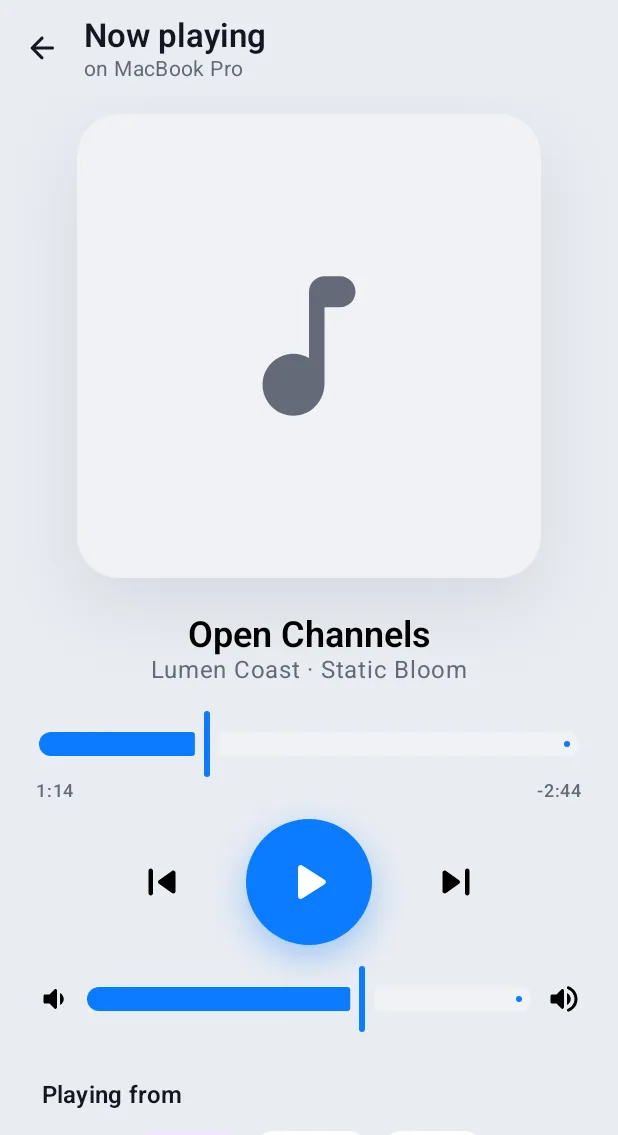
Screenshots from Hitch, with sample names and data.
The limits, plainly.
- Works on the same network or USB.
Try it in the Hitch beta.
Hitch is in a tester beta for Mac and Android. Ask to join, and we'll let you know when there's room.
Every Pro feature free for 14 days. No card.
Mac: macOS 15 or later · Phone: Android 10 or later · Developer settings: Not needed
