

The Button Deck
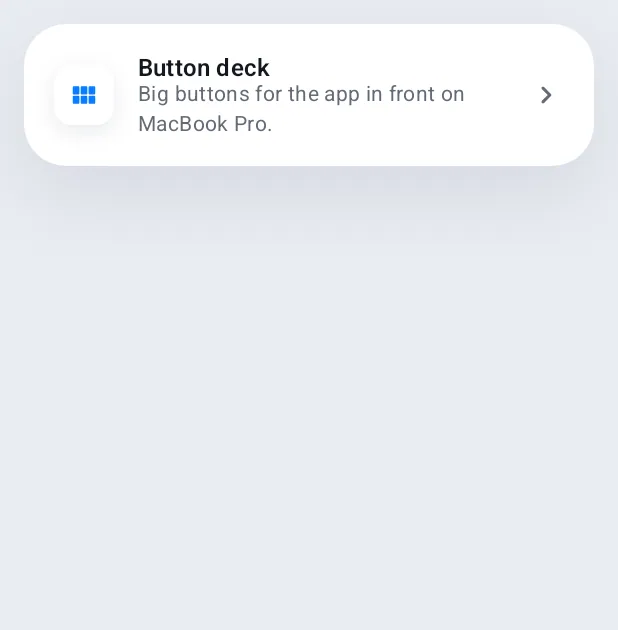
Your phone becomes a panel of big buttons for the app in front.
ProThe deck follows the app you're using on the Mac and builds buttons from its menus, with no setup. Add your own page too.
Every Pro feature free for 14 days. No card.
What it does.
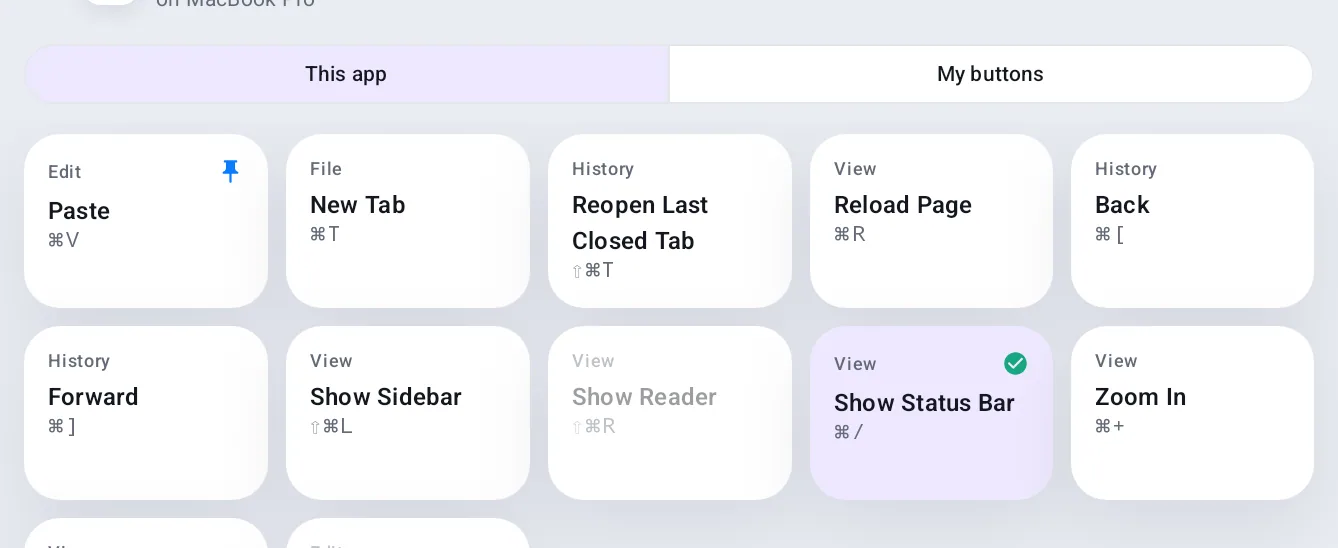
Open Deck on your phone and it shows up to 24 buttons for whatever app is in front on your Mac, built from that app's menus: its commands, shortcuts, and whether each is on or available.
Switch apps on the Mac and the deck follows within a second. Pin the buttons you use most; Quit, Close and similar are left out.
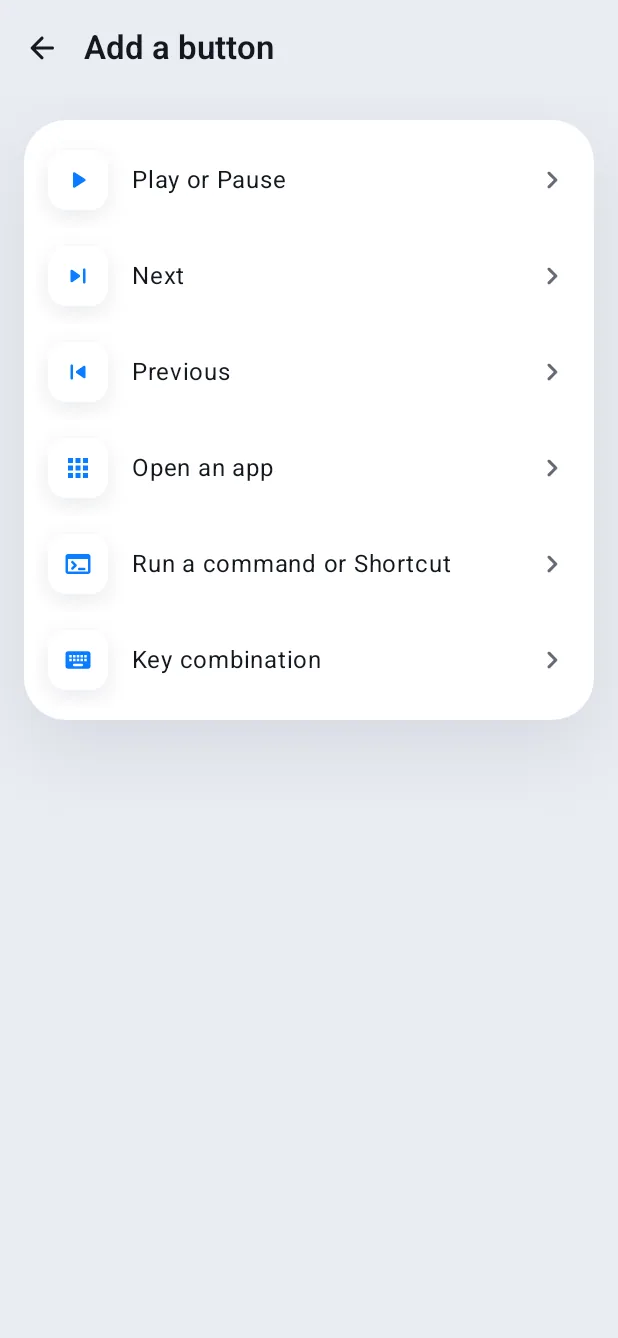
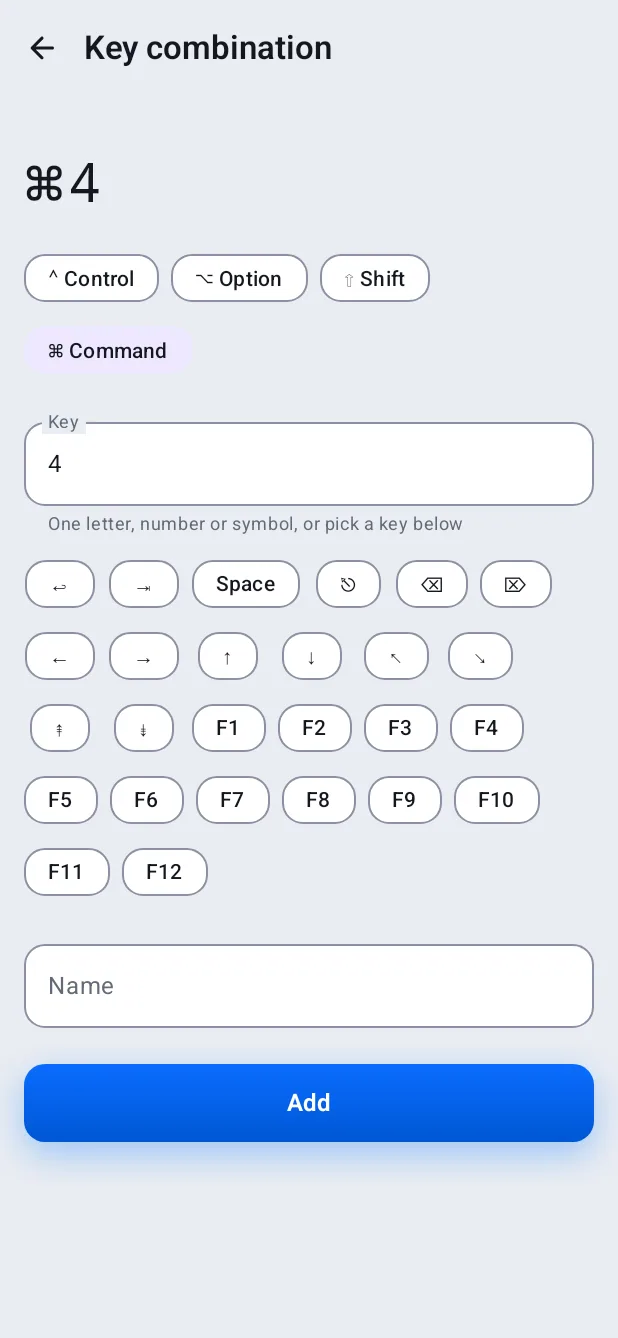
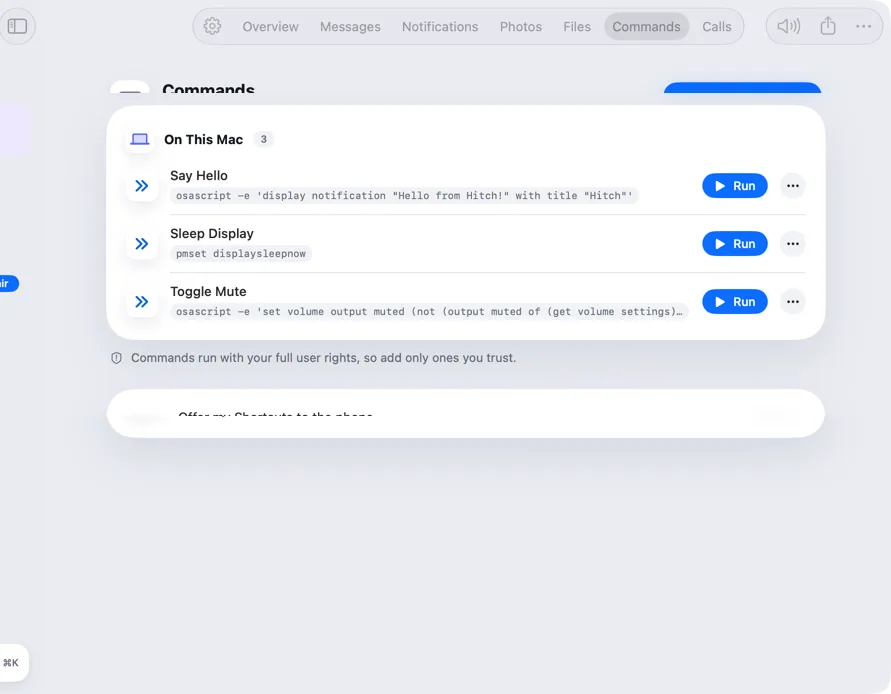
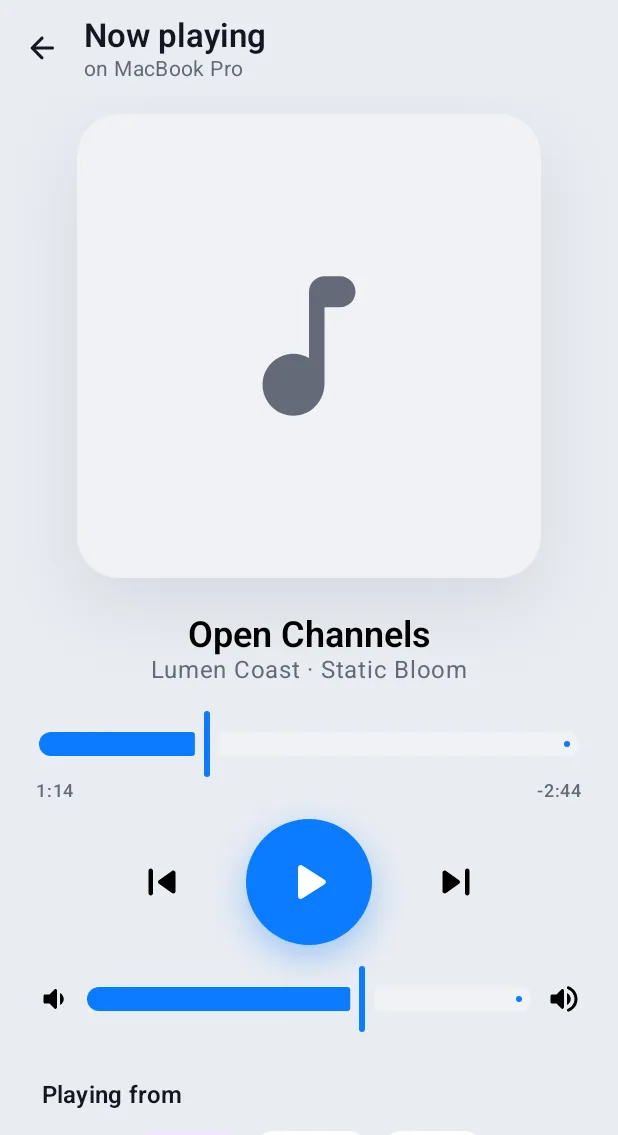
A My buttons page adds media controls, a live volume slider, apps, Shortcuts, Commands and key combinations.
How it works.
- 1
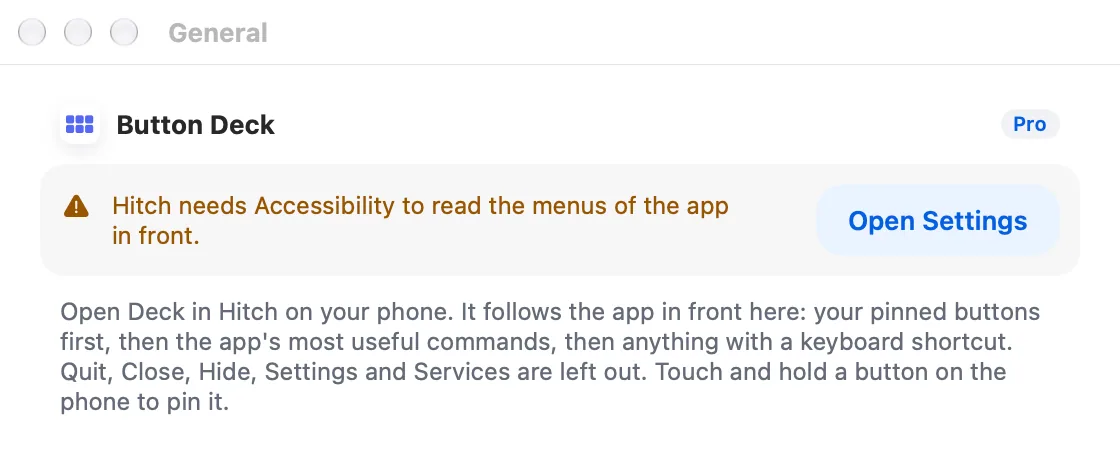
Allow Accessibility on the Mac
So Hitch can read the menus of the app in front.
- 2
Open Deck
From Hitch on the phone or its Quick Settings tile.
- 3
Press
The Mac runs the menu item itself, with no fake keystrokes.
Every Pro feature free for 14 days. No card.
In the app.
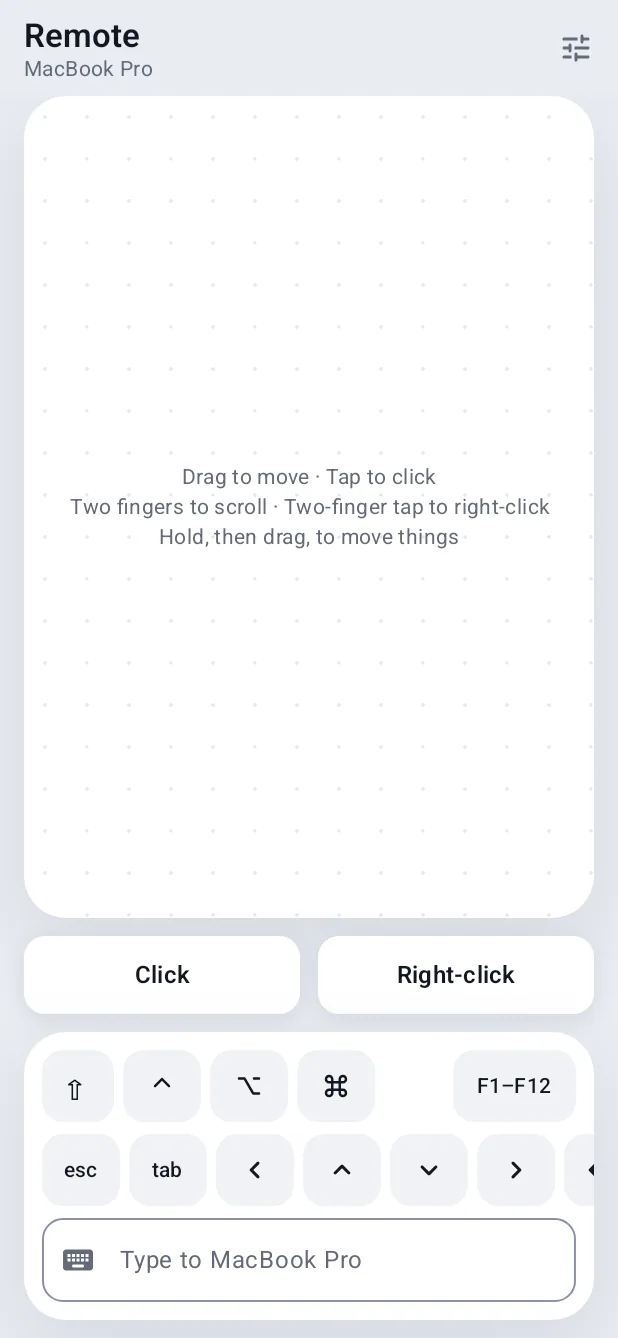
Screenshots from Hitch, with sample names and data.
The limits, plainly.
- Not available for a family member's phone.
Try it in the Hitch beta.
Hitch is in a tester beta for Mac and Android. Ask to join, and we'll let you know when there's room.
Every Pro feature free for 14 days. No card.
Mac: macOS 15 or later · Phone: Android 10 or later · Developer settings: Not needed
