

Your phone and your Mac. Nobody in between.
Hitch works on your own devices. They pair by code, pin each other's keys and talk directly, encrypted. Nothing is stored on a server, and there's no account.
Every Pro feature free for 14 days. No card.
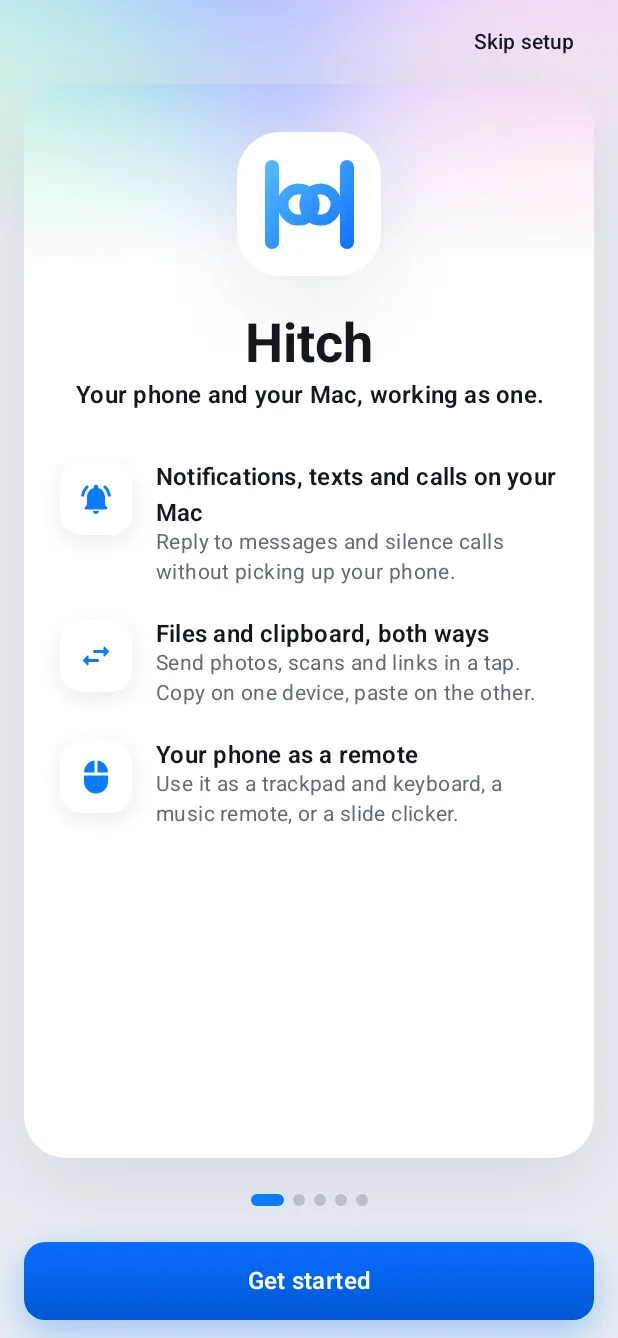
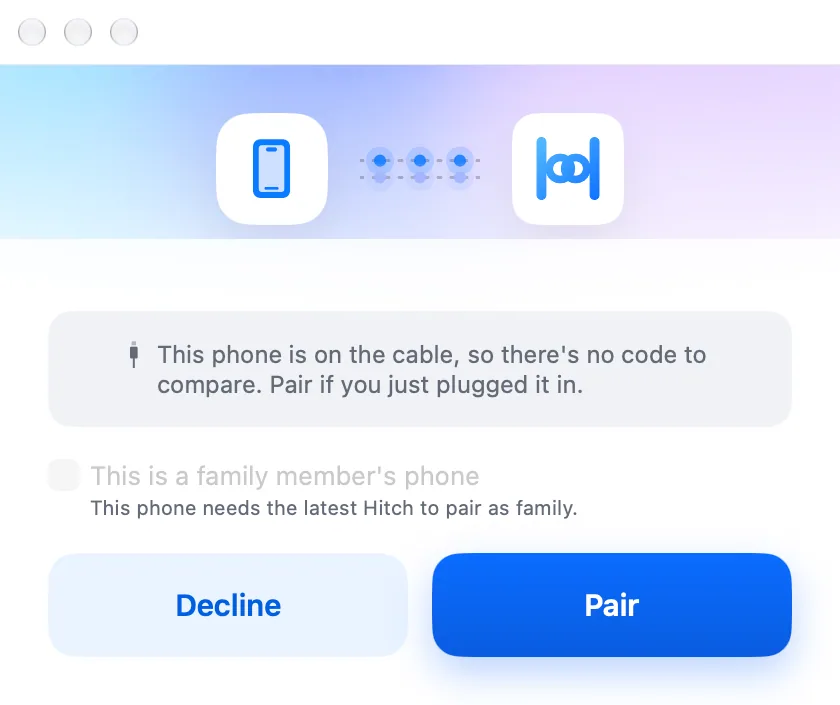
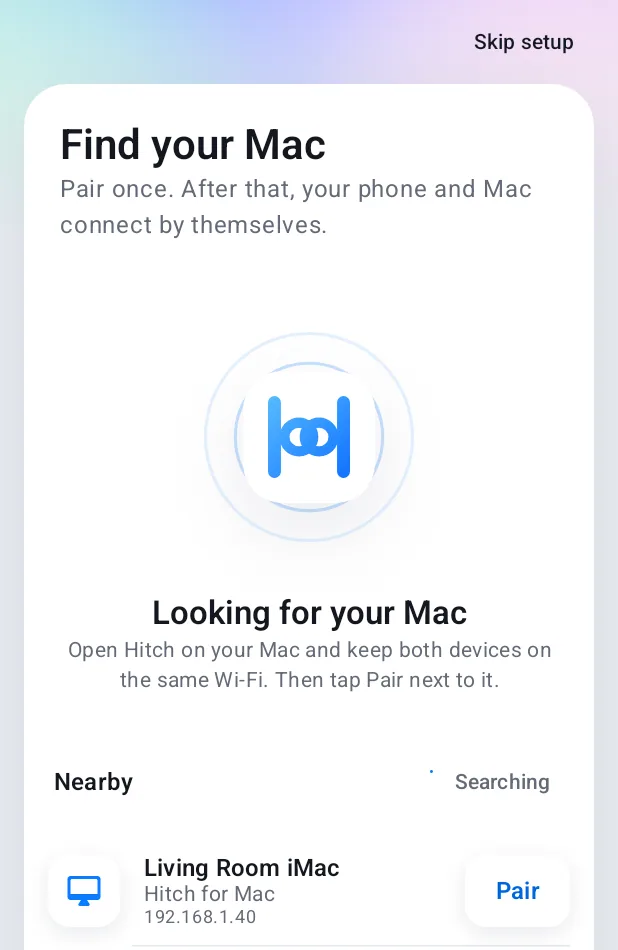
- Paired once, by code. Both screens show the same code. Pair only if they match.
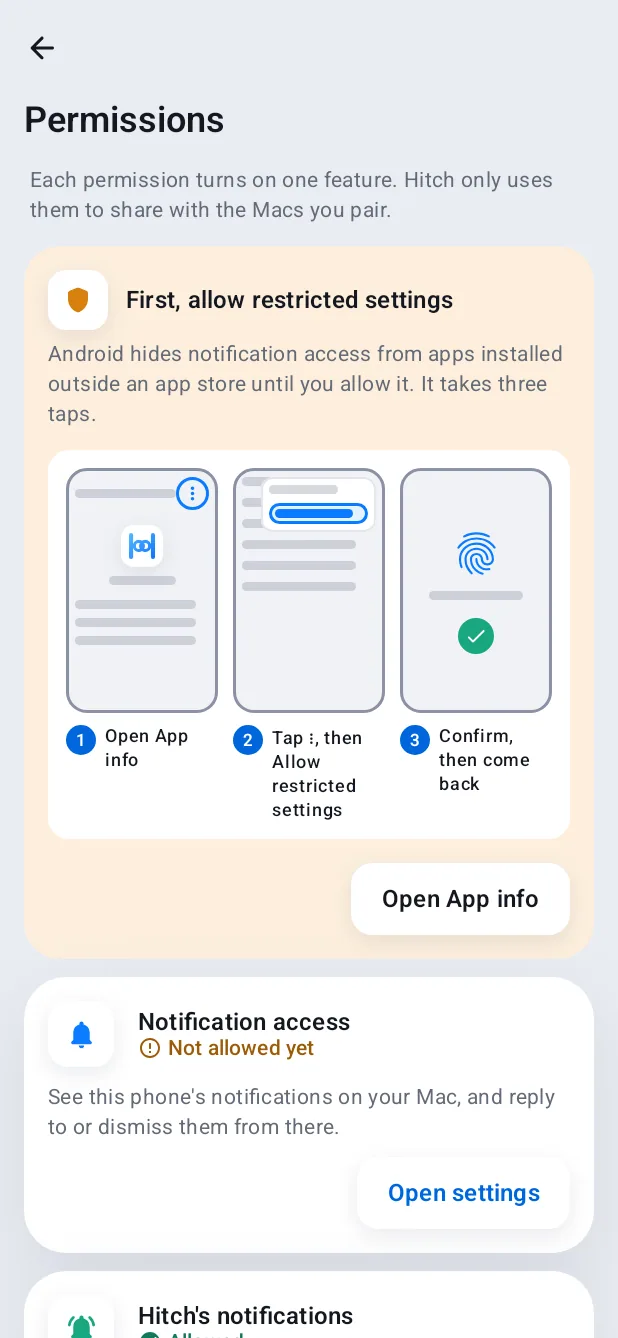
- Pinned keys. Direct, encrypted. Each device remembers the other's key and talks only to it, across your own Wi-Fi or a cable. No account, nothing on a server.
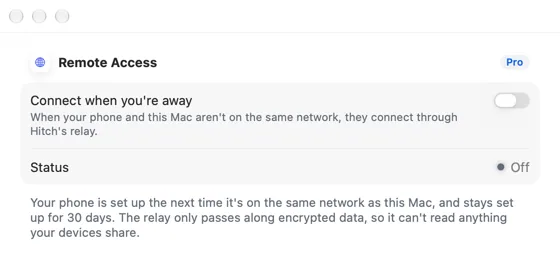
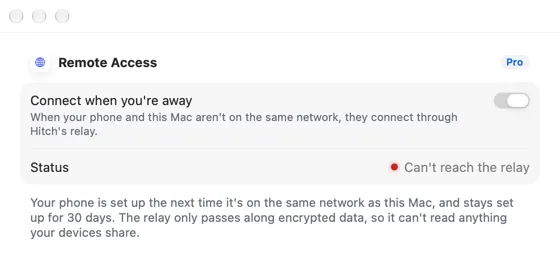
- Away from home, still private. Remote access will pass your encrypted connection through a relay that can't read it and keeps nothing.
Local first
Your data stays on your devices.
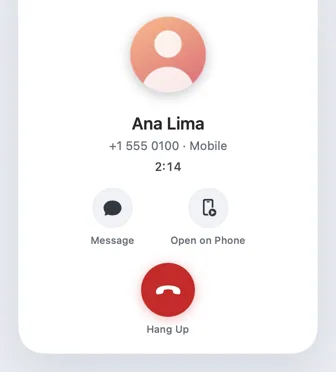
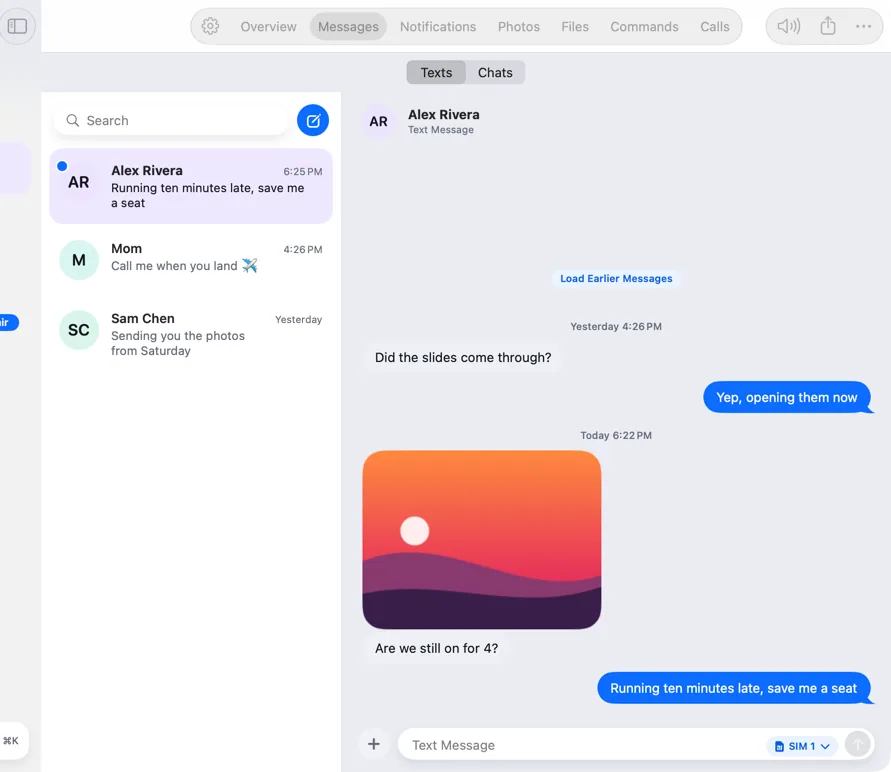
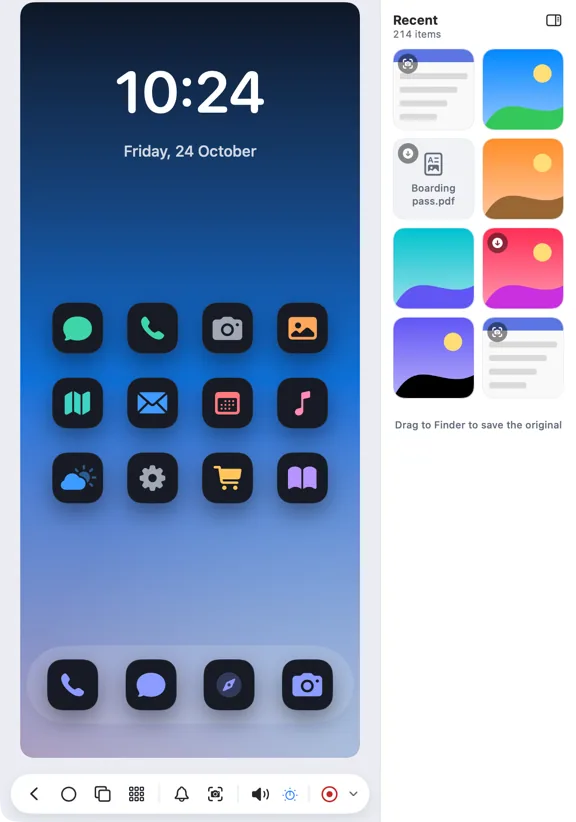
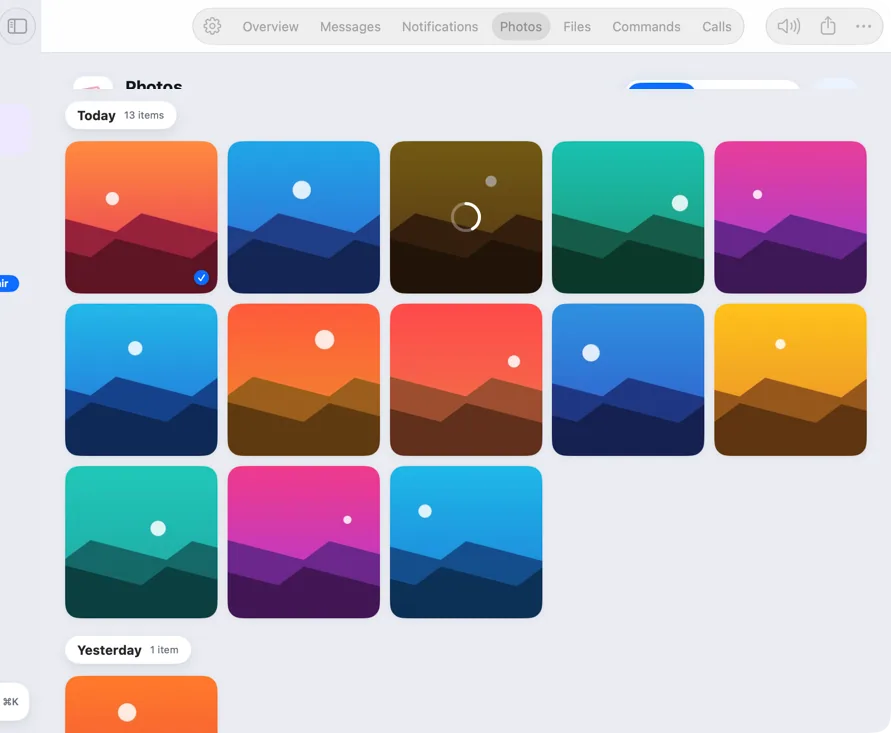
Messages, photos, calls and screens go straight from your phone to your Mac across your own Wi-Fi or a cable. Analysis, like finding similar photos or reading bank texts, happens on your Mac, with no cloud AI.
- No account to create
- Sensitive data kept on the Mac, never written to logs
- Unpairing deletes what the Mac kept for that phone
End-to-end encryption
Paired once by code. Pinned for good.
Pairing shows the same code on both screens. Once you confirm, each device pins the other's key and only ever talks to it, encrypted.
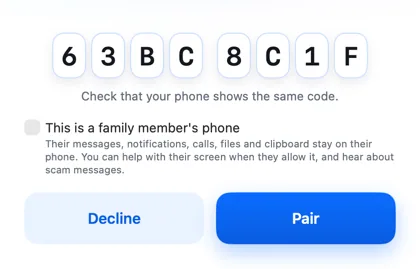
Every permission explained
Asked for only when you turn something on.
The phone asks for each permission when you first use the feature that needs it, with a one-line reason. Each one can be turned off, and features say what they can't do without it.
Coming soon
Remote access, through a relay that can't read.
When your phone and Mac aren't on the same network, a relay will pass along their encrypted connection. It can't read anything, stores nothing, and steps aside as soon as they can reach each other directly.
A closer look
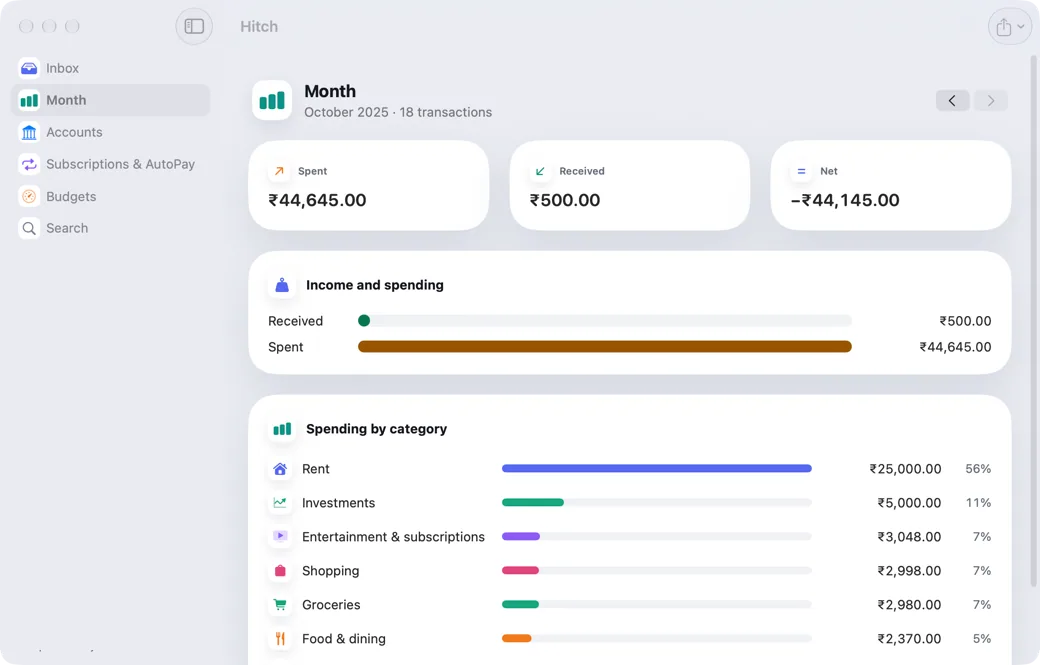
Screenshots from Hitch, with sample names and data.
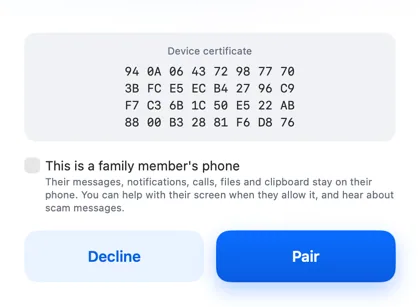
Your phone and your Mac. Finally on speaking terms.
Hitch is in a tester beta for Mac and Android. Ask to join, and we'll let you know when there's room.
Every Pro feature free for 14 days. No card.
Mac: macOS 15 or later · Phone: Android 10 or later · Developer settings: Not needed
