

Money Inbox
A private spending ledger, built from your bank messages.
ProHitch reads bank texts and payment notifications on your Mac and turns them into a ledger with categories, budgets and subscriptions. No bank login, nothing uploaded.
Every Pro feature free for 14 days. No card.
What it does.
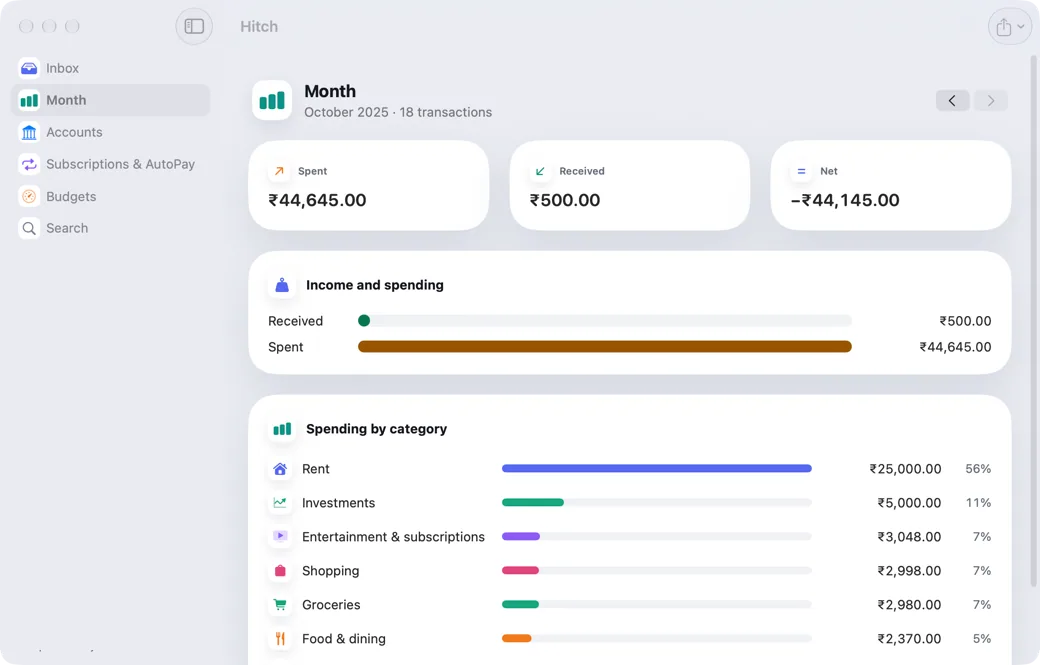
Money Inbox reads transaction texts from your bank and notifications from payment apps, and builds a ledger on your Mac: amount, debit or credit, account ending, merchant, reference and balance.
The same payment seen in a text and a notification becomes one entry. Spending is sorted into everyday Indian categories, and fixing one merchant fixes it for past and future entries.
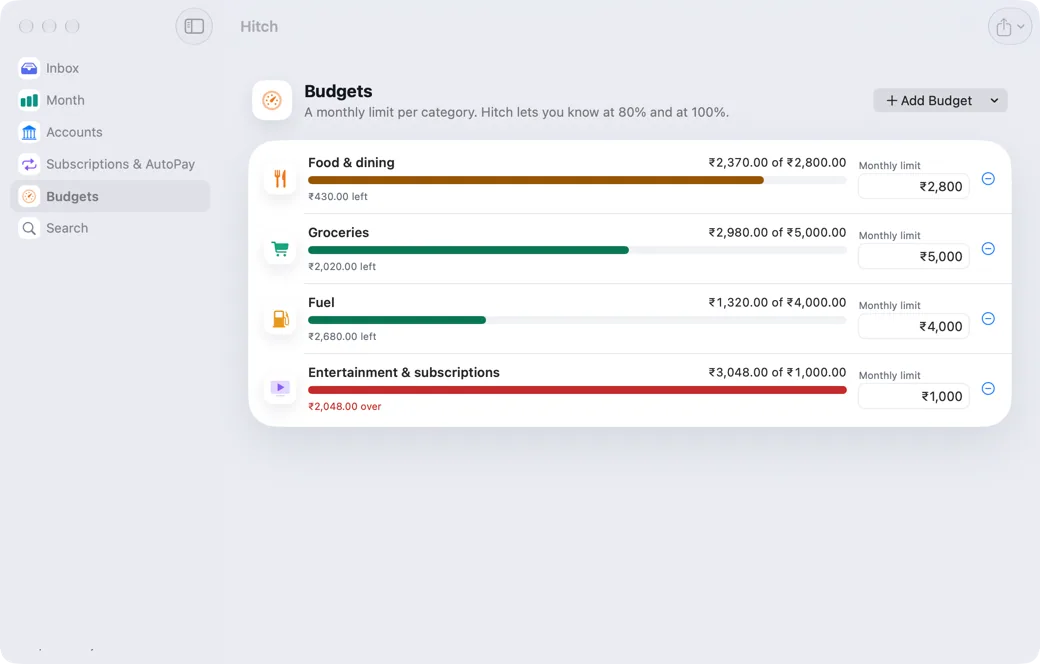
Views for Inbox, Month, Accounts, Subscriptions and AutoPay, and Budgets with alerts at 80% and 100%. Export CSV, or a pack for the financial year from April to March, labelled for your records and not tax advice.
How it works.
- 1
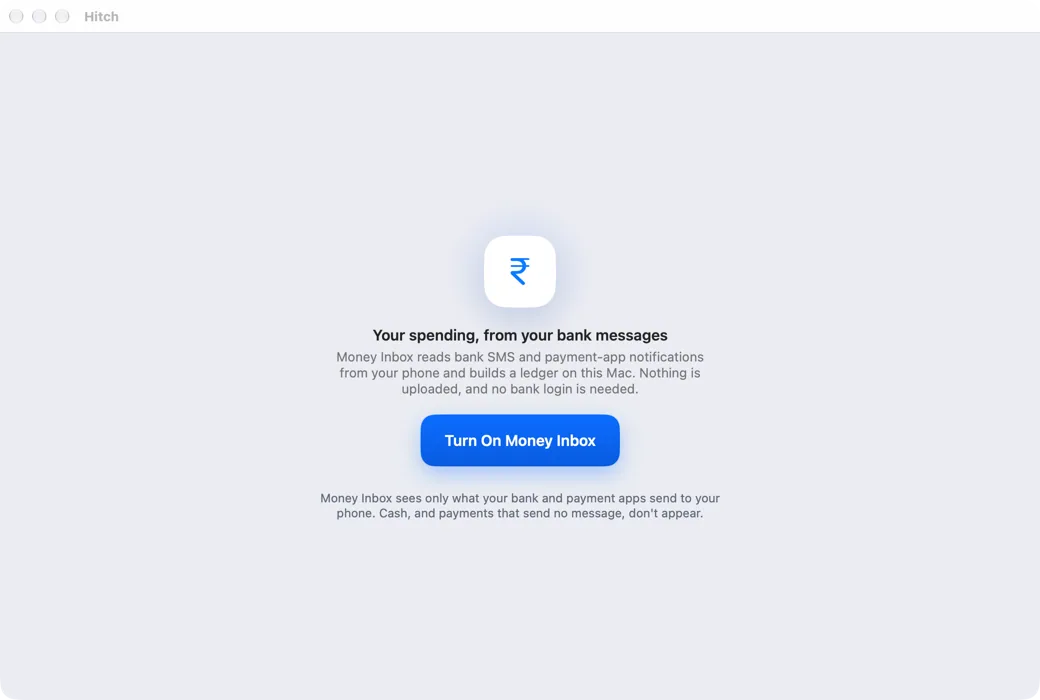
Turn it on
The first run reads the last 12 months, with progress.
- 2
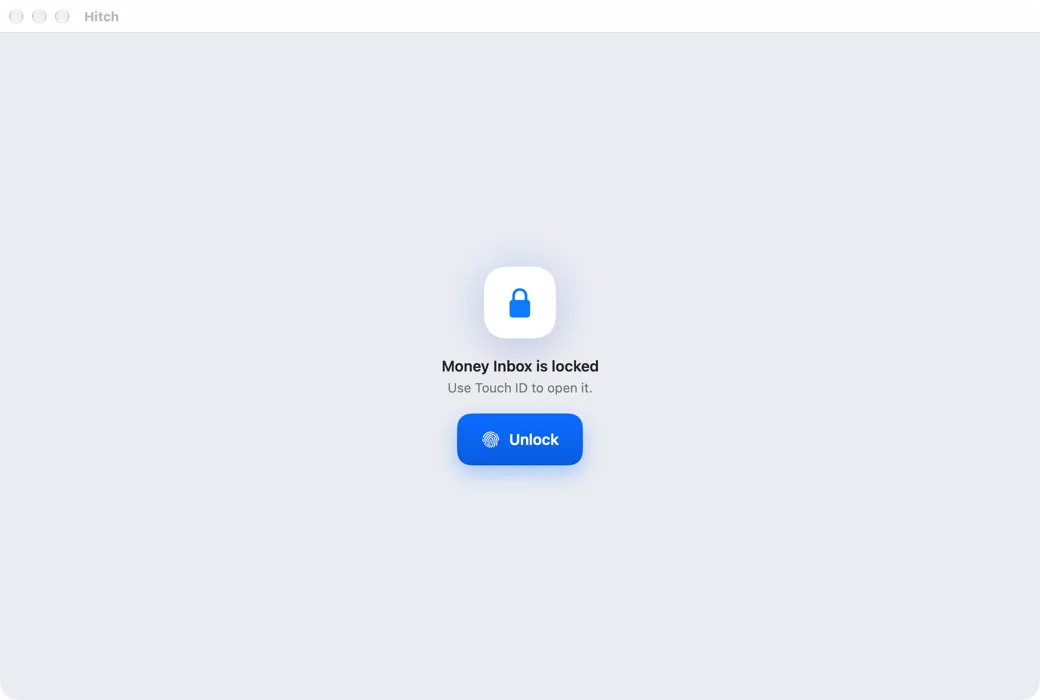
Lock it if you like
Require Touch ID to open Money Inbox.
- 3
Set budgets
Per category, per month.
Every Pro feature free for 14 days. No card.
In the app.
Screenshots from Hitch, with sample names and data.
The limits, plainly.
- It only sees what your bank and payment apps send to your phone. Cash, and payments that send no message, don't appear.
- Entries read by on-device AI are marked as such and can be corrected.
Works well with
More in For India
Try it in the Hitch beta.
Hitch is in a tester beta for Mac and Android. Ask to join, and we'll let you know when there's room.
Every Pro feature free for 14 days. No card.
Mac: macOS 15 or later · Phone: Android 10 or later · Developer settings: Not needed
