

Power-cut hotspot failover
When the Wi-Fi dies in a power cut, your phone's hotspot takes over.
ProYour phone spots a sudden Wi-Fi loss and offers its hotspot with one tap. The Mac joins it, watches the data, and goes back when Wi-Fi returns.
Every Pro feature free for 14 days. No card.
What it does.
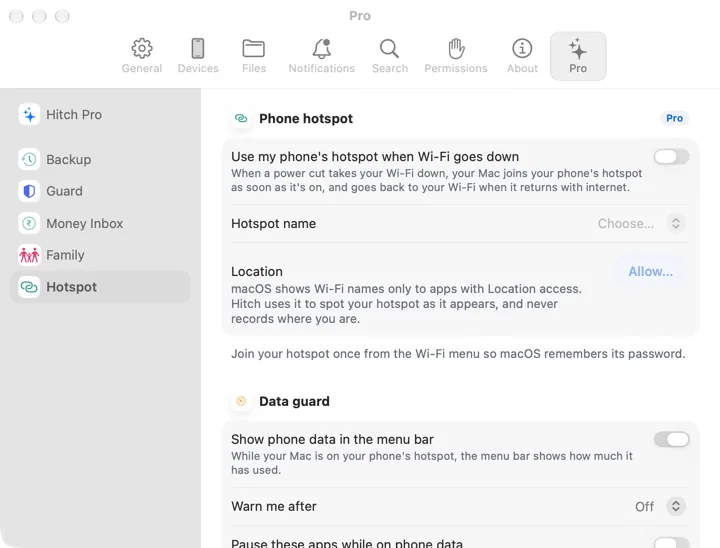
A power cut looks different from walking away: a strong Wi-Fi signal that vanishes at once. When that happens, your phone asks, Wi-Fi went down. Turn on hotspot for your Mac? One tap opens the hotspot settings.
Your Mac watches for the hotspot for a few minutes and joins it the moment it appears, then switches back to home Wi-Fi when it returns with internet.
While on phone data, the menu bar shows how much you've used, warns at a limit you set, and can pause heavy sync apps you choose.
How it works.
- 1
Tell the Mac your hotspot's name
Join it once so the Mac remembers the password.
- 2
Power cut
Tap the notification on the phone.
- 3
Keep working
The Mac joins by itself and saves your data.
Every Pro feature free for 14 days. No card.
In the app.
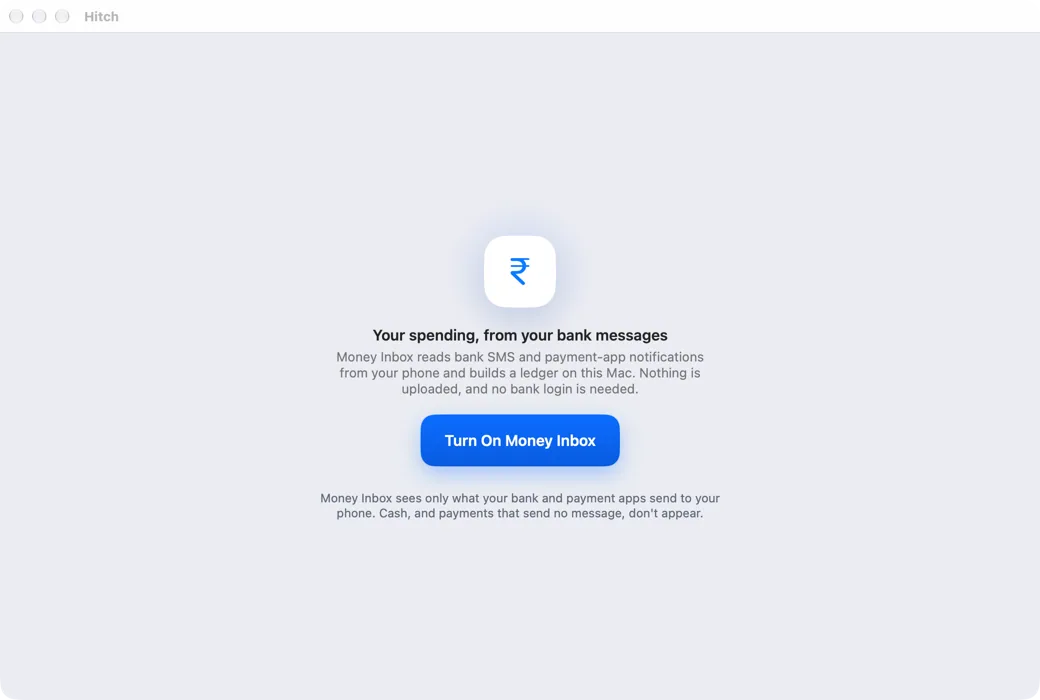
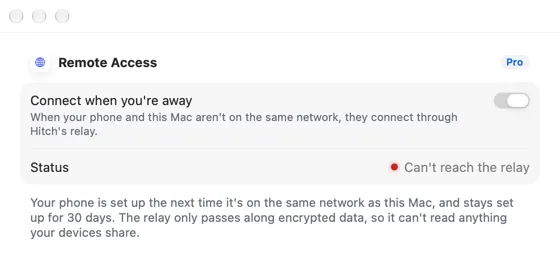
Screenshots from Hitch, with sample names and data.

The limits, plainly.
- Android doesn't let apps switch the hotspot on, so it takes one tap.
- System updates and cloud sync built into macOS can't be paused by Hitch.
Try it in the Hitch beta.
Hitch is in a tester beta for Mac and Android. Ask to join, and we'll let you know when there's room.
Every Pro feature free for 14 days. No card.
Mac: macOS 15 or later · Phone: Android 10 or later · Developer settings: Not needed
