

Drop it on one. It's on the other.
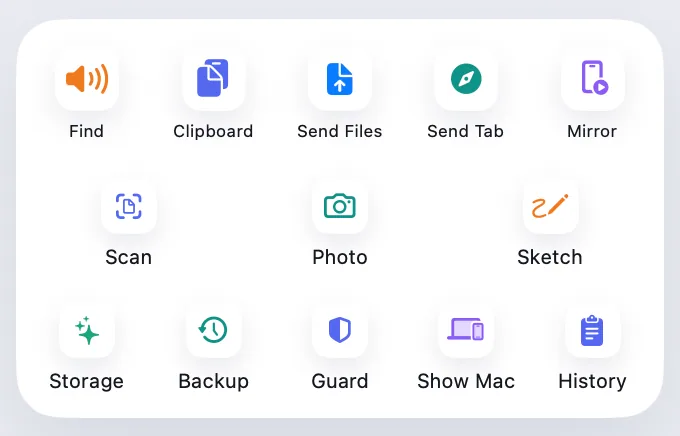
Send files both ways, browse your phone's photos, open its storage in Finder, keep a clipboard history, plug in a cable, and look after your phone's storage and backups.
Every Pro feature free for 14 days. No card.
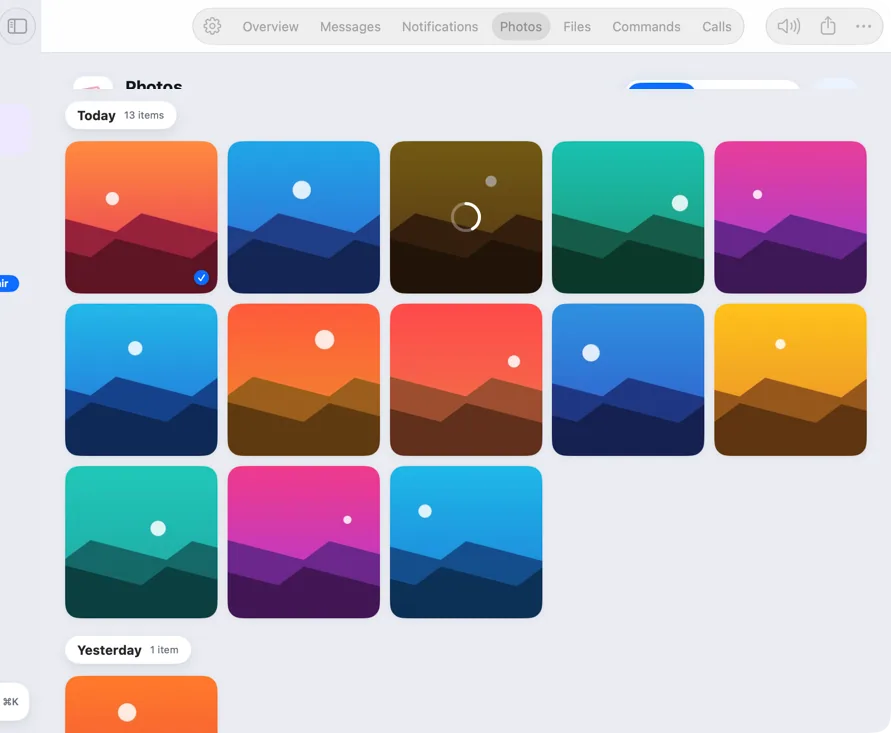
Send files
Share to Mac, from any app.
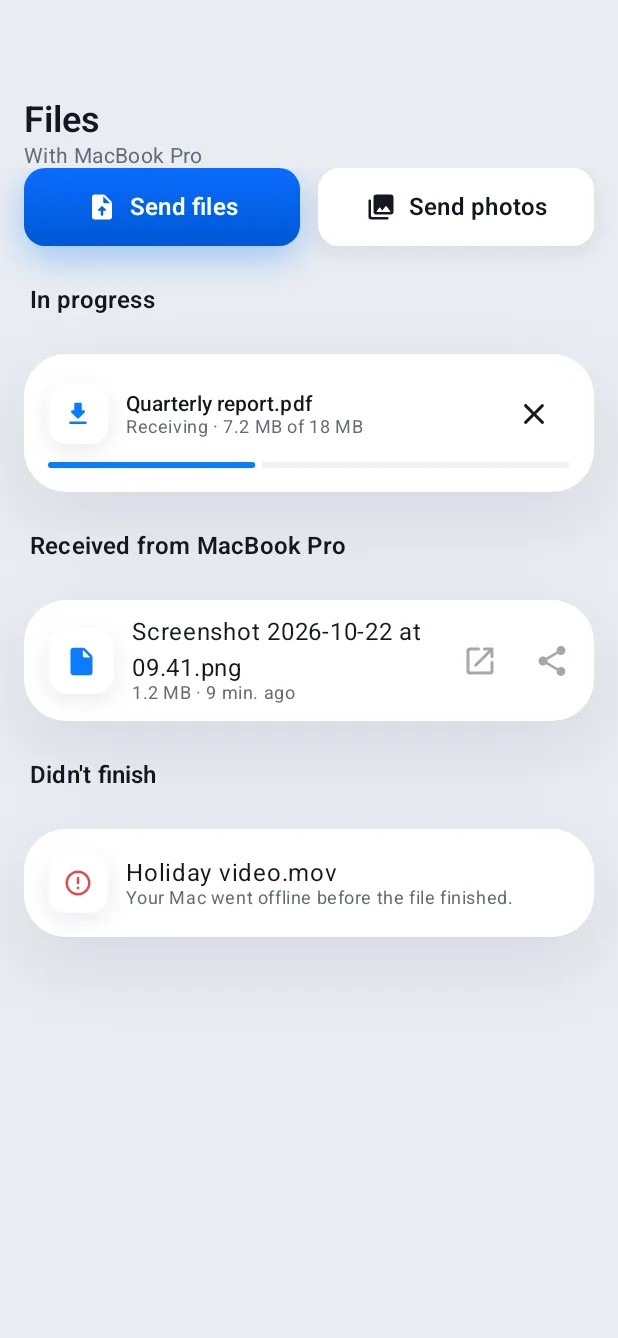
Pick Send to Mac in any Android share sheet, or drop files on Hitch on the Mac. They travel straight across your Wi-Fi, encrypted, and land in Downloads.
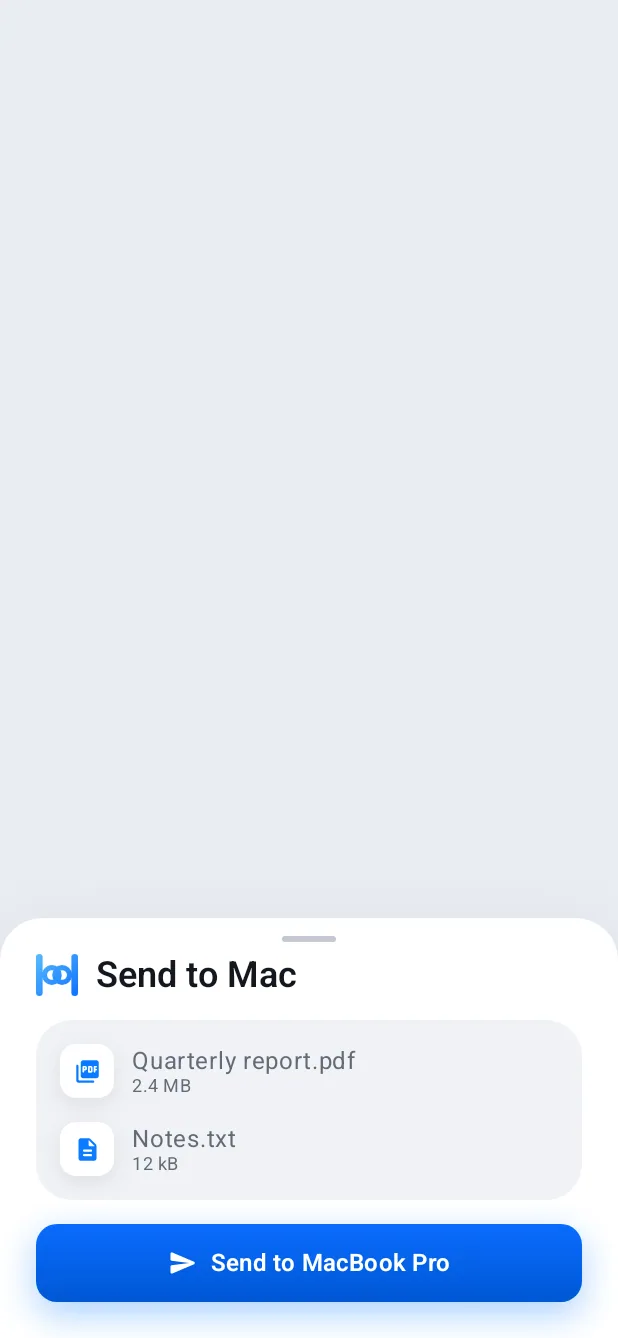
Photos and Finder
Your library, and your storage, a drag away.
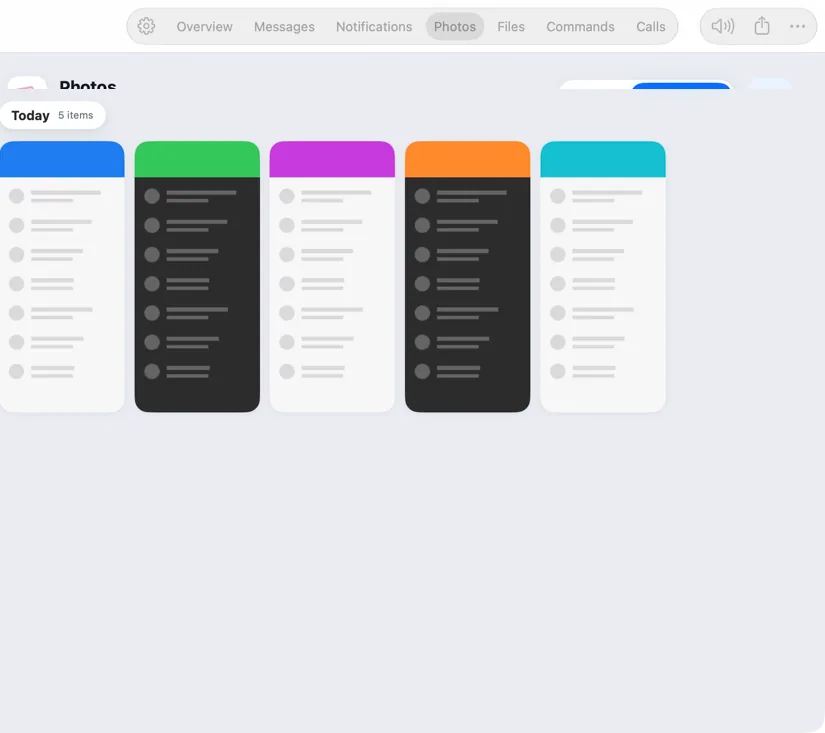
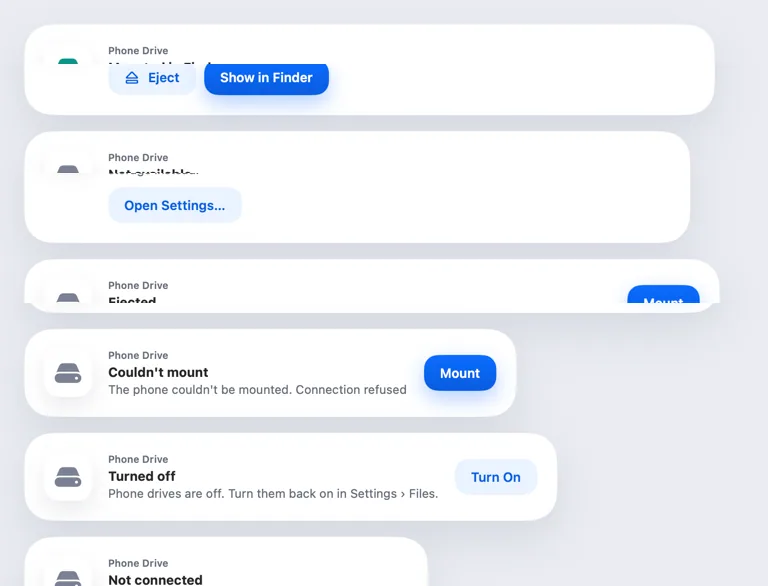
Browse every photo by day and drag the originals anywhere. With Pro, your phone's storage mounts in Finder like a disk.
Clipboard
Copy on one, paste on the other. Find it again later.
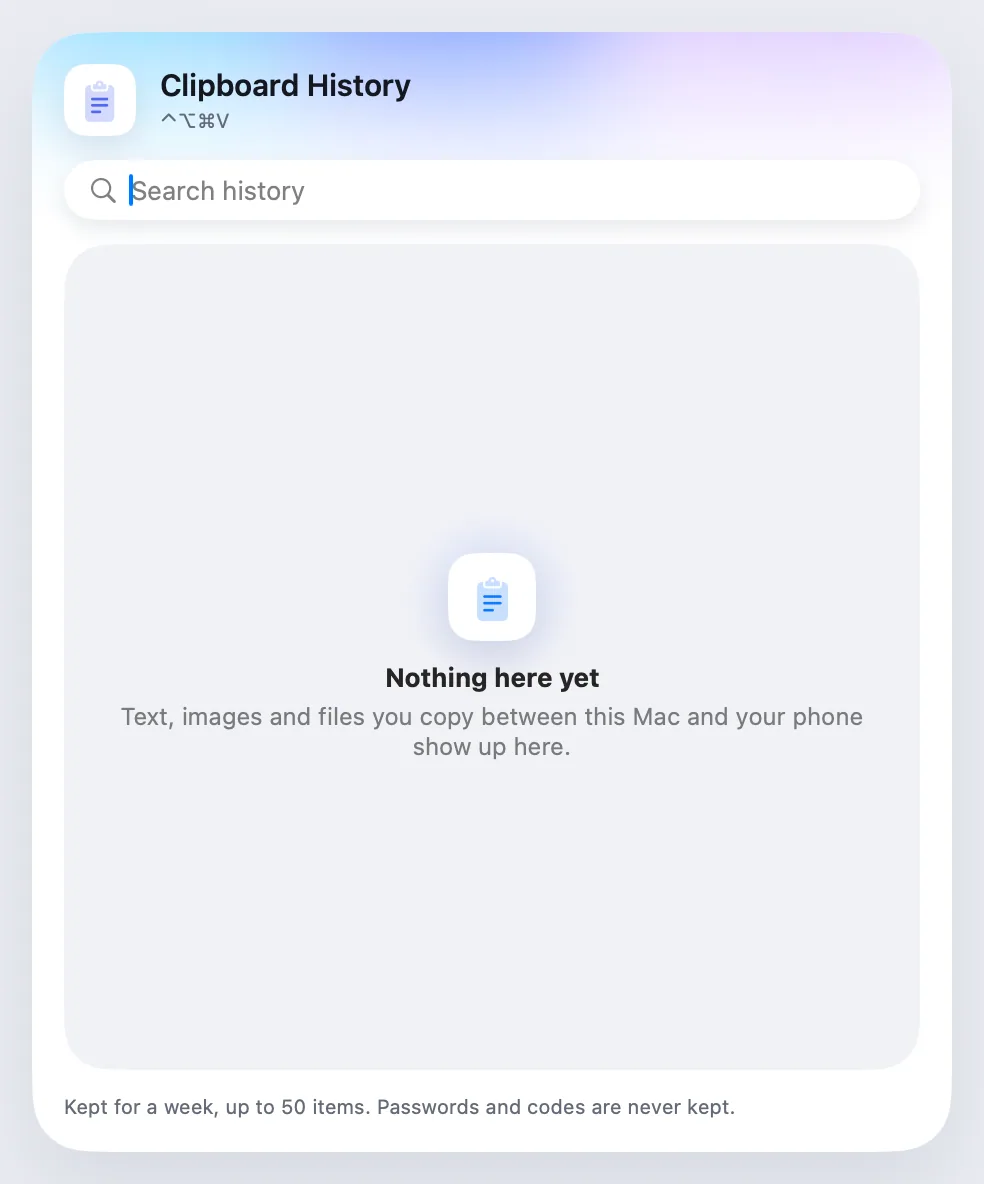
Text and images cross both ways. Clipboard history keeps the last 50 items that crossed for a week, sealed on both devices, with search, pins and smart actions. Passwords and codes are never kept.
USB
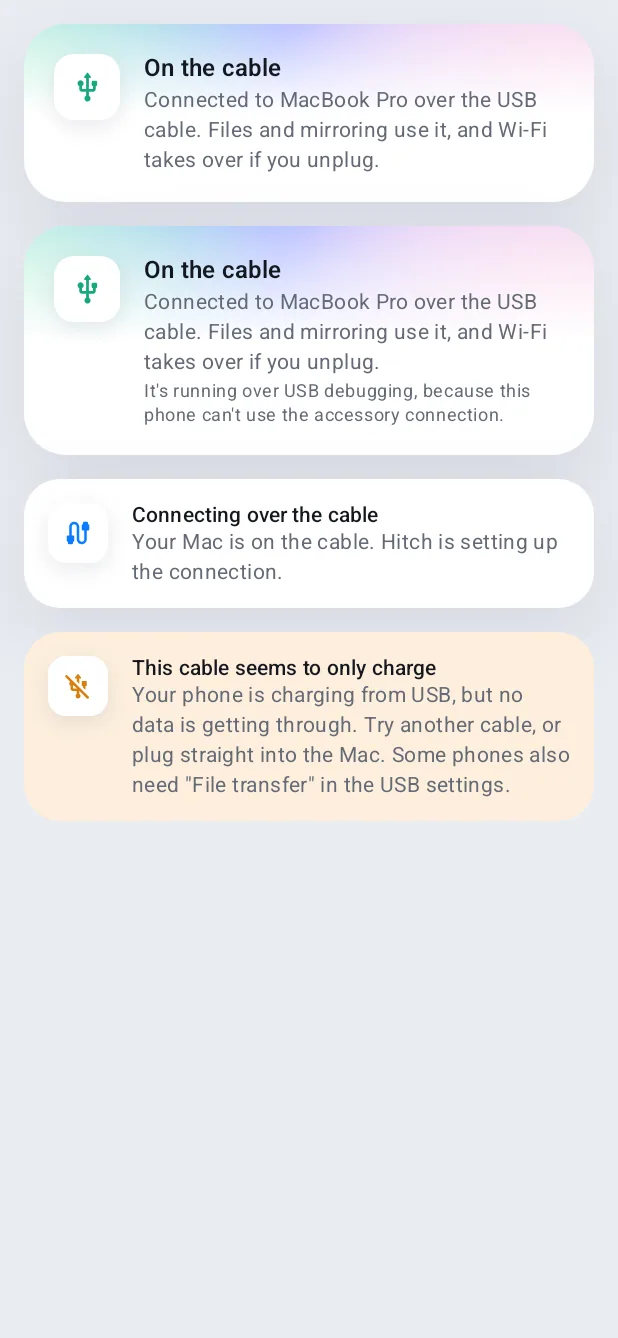
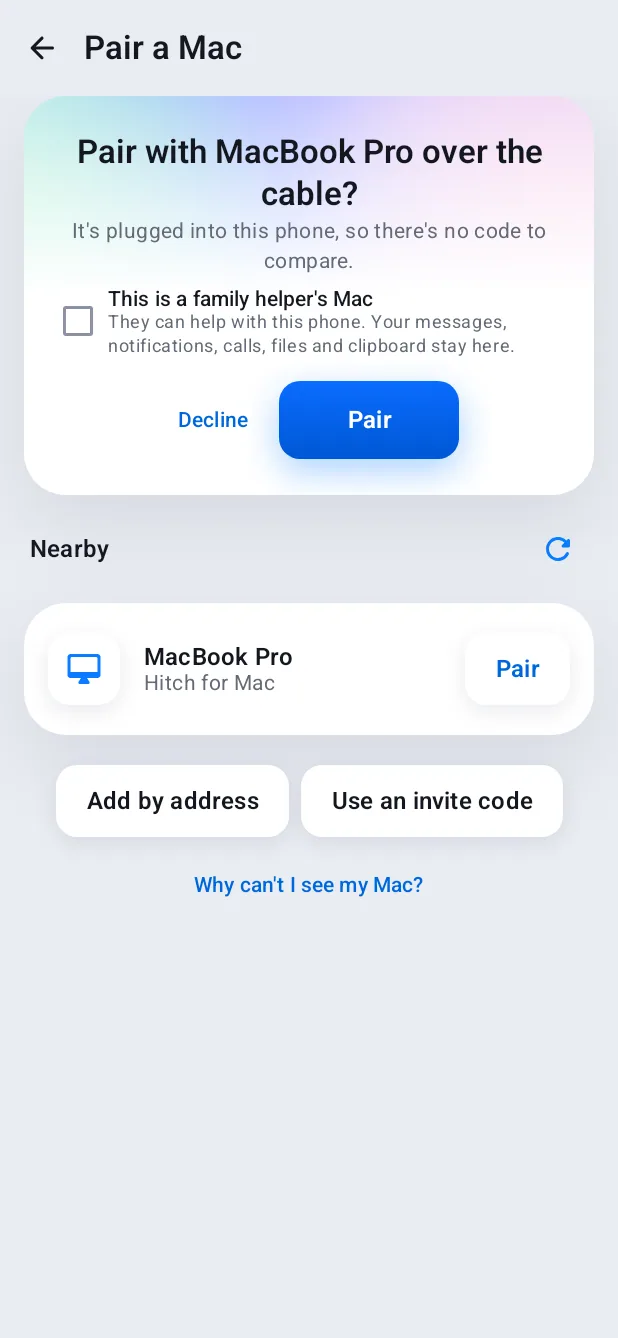
Plug in a cable. It just works.
No USB debugging. Pair with one tap on each side, and files and mirroring use the cable while it's there. Unplug and Wi-Fi takes over.
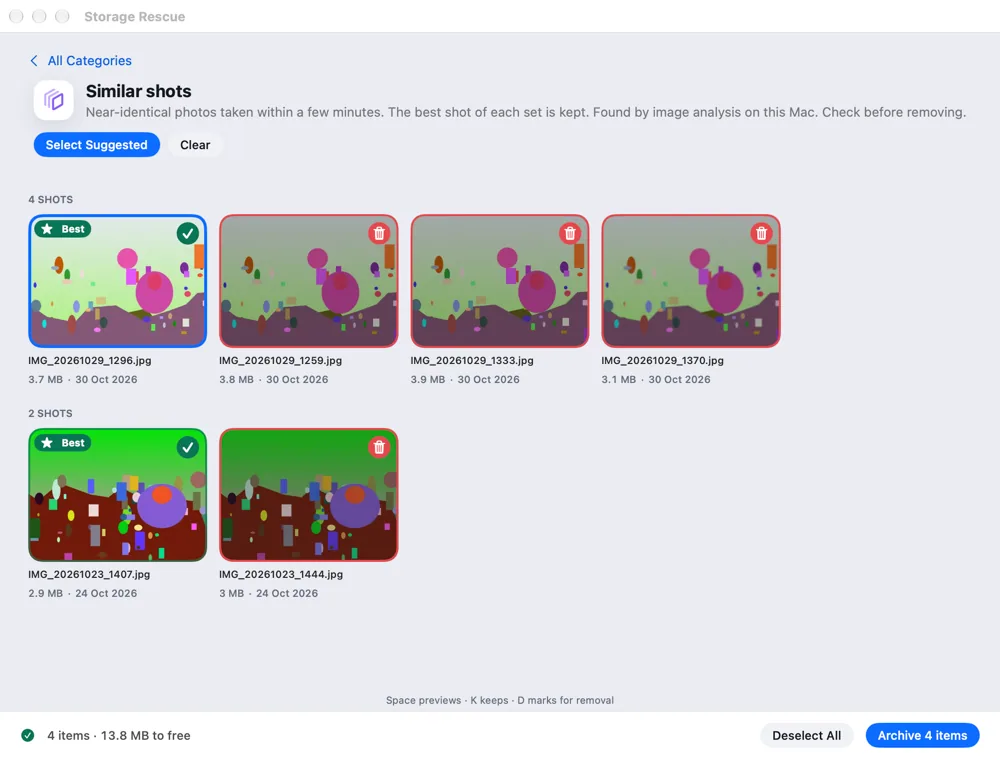
Storage Rescue and Backup
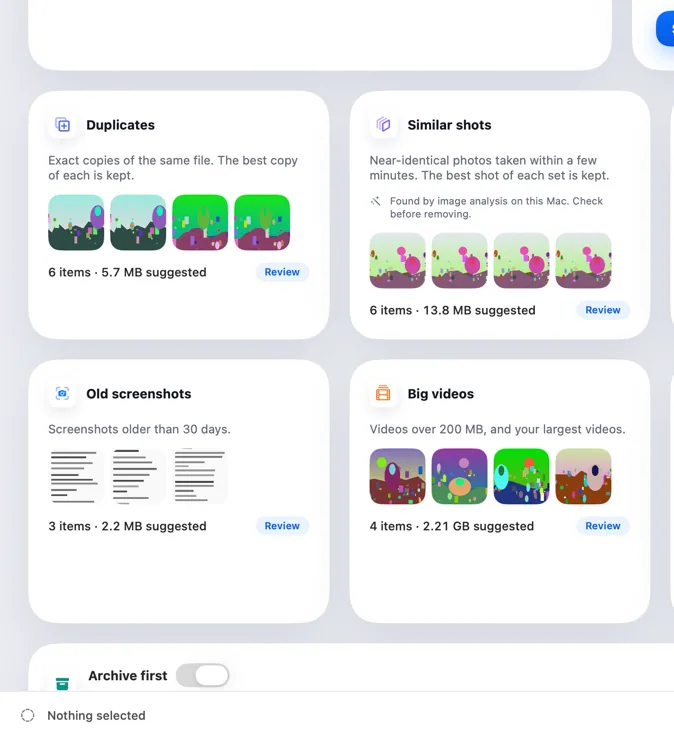
Look after your phone from your Mac.
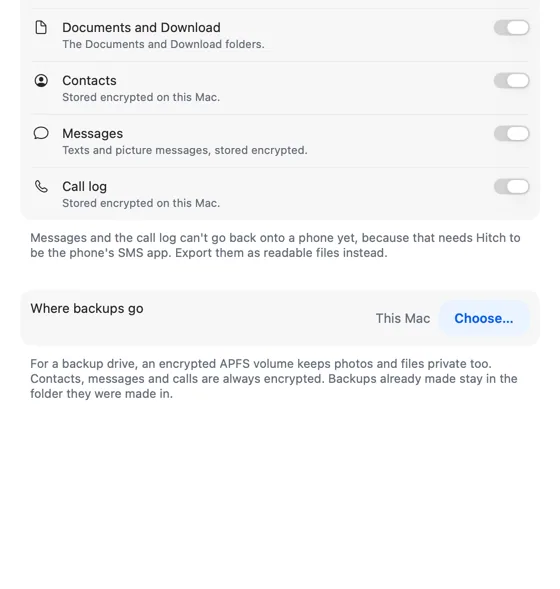
Find duplicates, similar shots and big videos on the big screen, with originals archived first. Back up photos, documents, contacts, texts and the call log every day it charges.
Folder sync
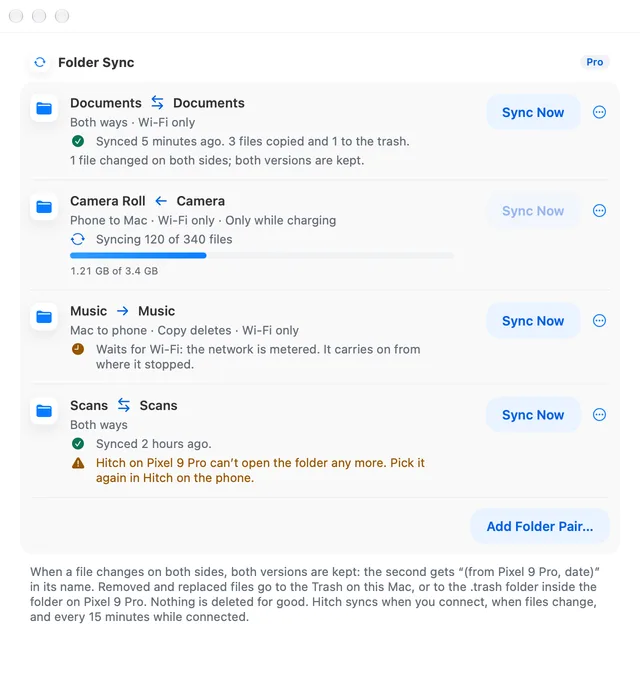
ProTwo folders, always in step.
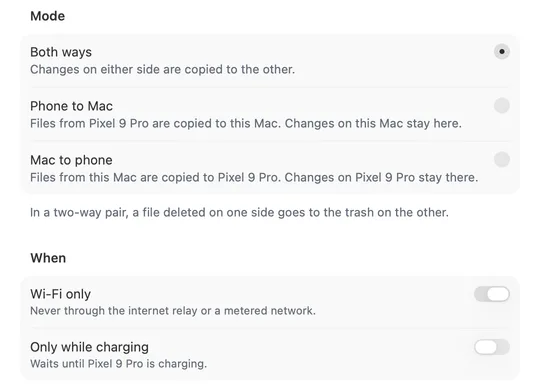
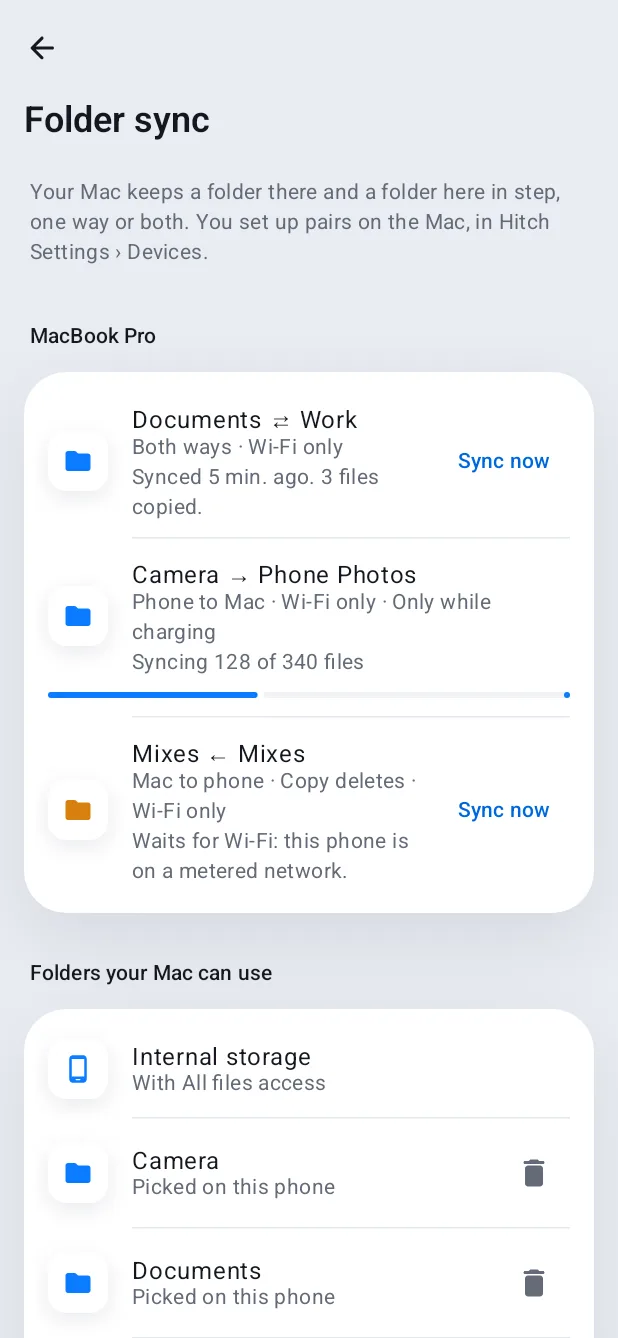
Pair a folder on your Mac with one on your phone, and choose phone to Mac, Mac to phone, or both ways. If a file changes on both sides, Hitch keeps both. Deletes go to the trash, never for good.
- Runs on connect, on change and every 15 minutes
- Wi-Fi only and Only while charging, if you want them
- Large first syncs show progress and carry on after a break
A closer look
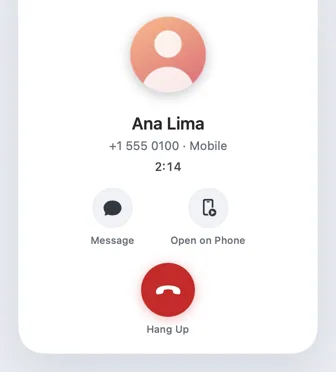
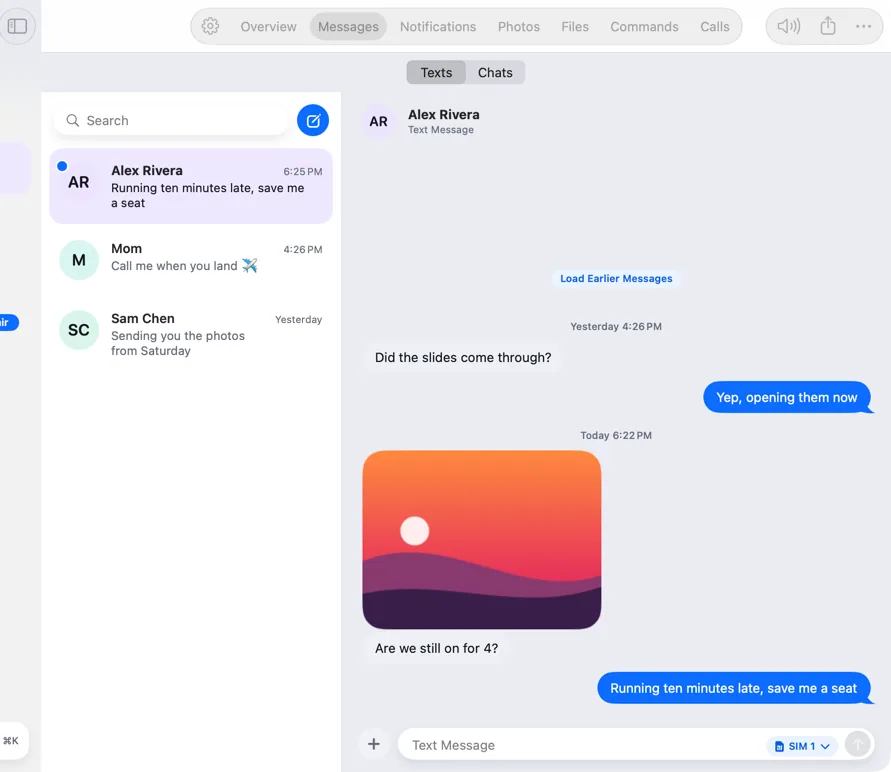
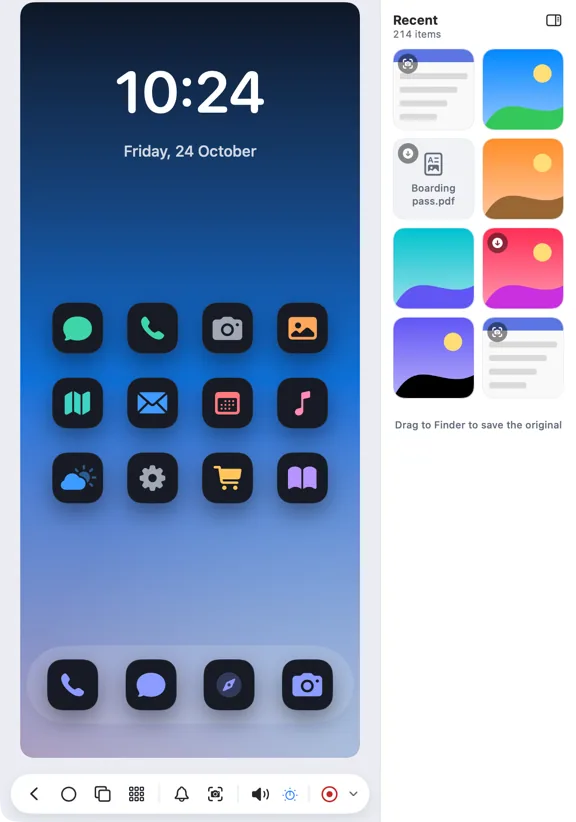
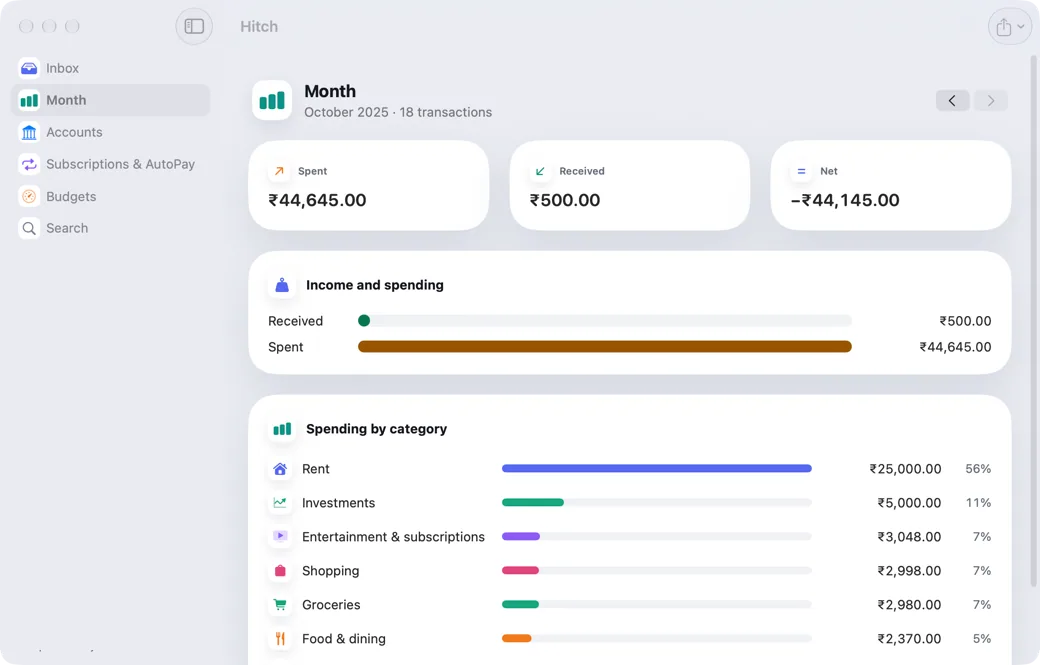
Screenshots from Hitch, with sample names and data.
Every feature in Files
All features- Send files both ways
Drop it on one, it's on the other.
- Your phone's photos
Your whole library on the Mac, a drag away.
- Your phone in Finder
Your phone's storage, mounted like a drive.
- Shared clipboard
Copy on one, paste on the other.
- Clipboard history
Everything that crossed between phone and Mac, kept for a week.
- USB connection
Plug in a cable and it just works.
- Folder syncNew
Keep a Mac folder and a phone folder in step.
- Storage Rescue
Clean up your phone on your Mac's big screen.
- Phone Backup
Automatic, versioned backups of your phone, on your Mac.
Your phone and your Mac. Finally on speaking terms.
Hitch is in a tester beta for Mac and Android. Ask to join, and we'll let you know when there's room.
Every Pro feature free for 14 days. No card.
Mac: macOS 15 or later · Phone: Android 10 or later · Developer settings: Not needed
