

Clipboard history
Everything that crossed between phone and Mac, kept for a week.
ProThe last 50 items that crossed, sealed on both devices. Search, pin, and act on links, numbers and addresses.
Every Pro feature free for 14 days. No card.
What it does.
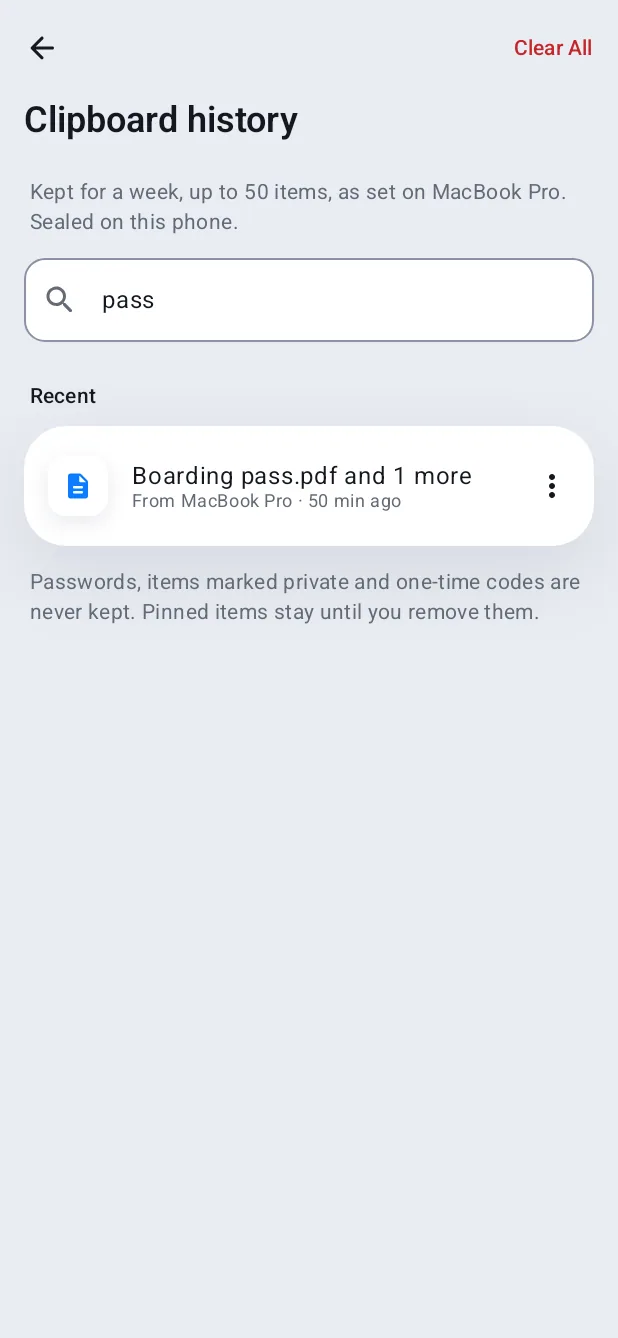
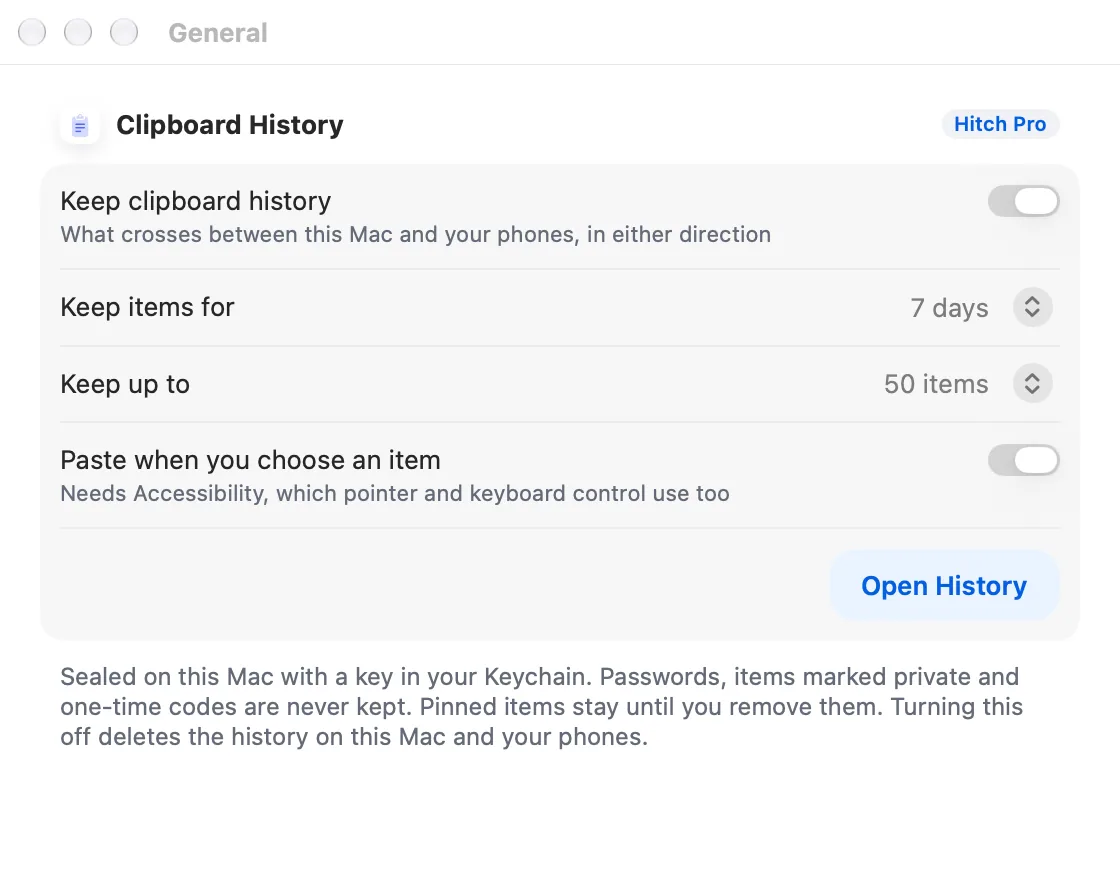
Hitch keeps the last 50 clipboard items that crossed between your phone and Mac, in either direction, for seven days by default. Both are adjustable.
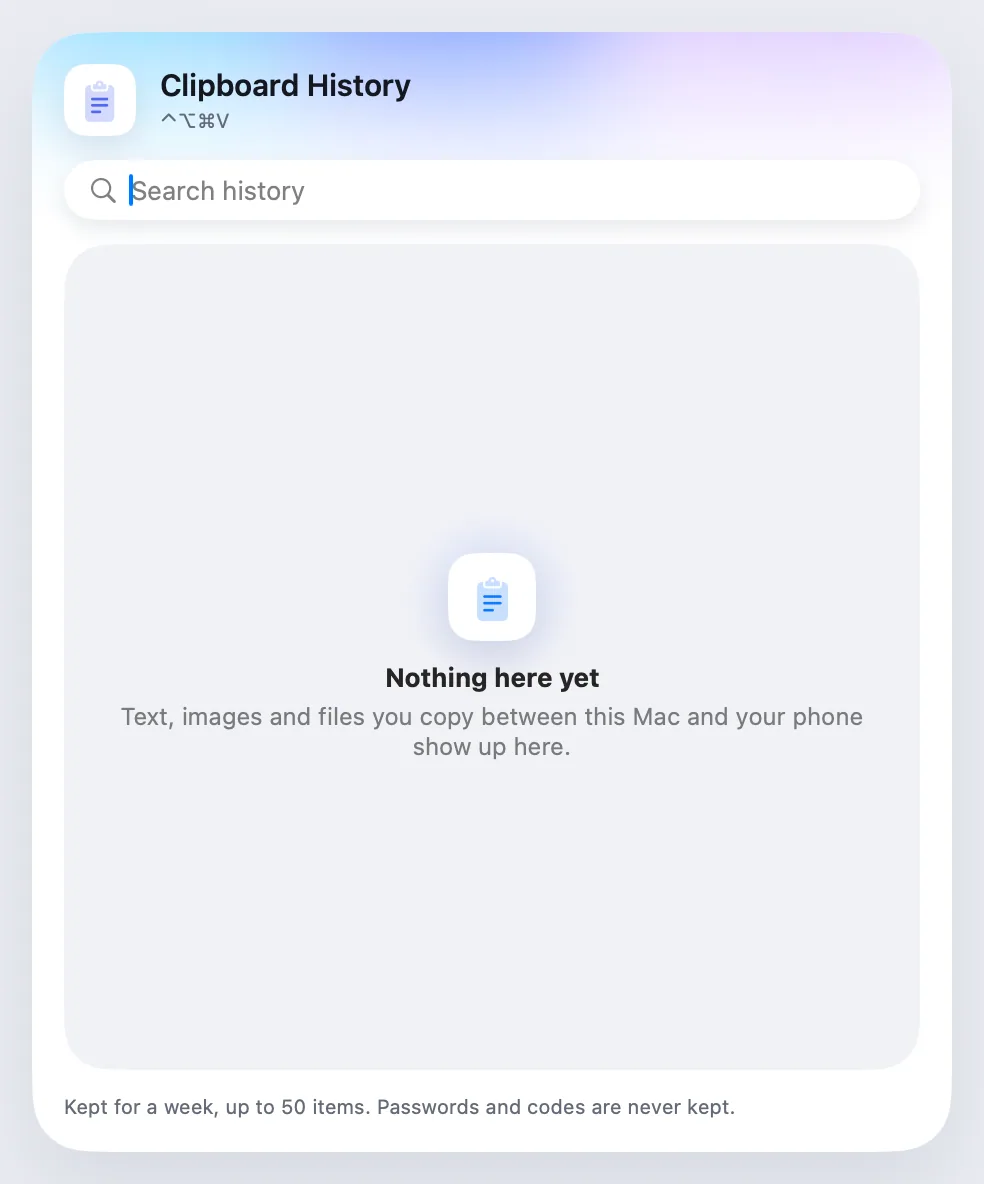
Open the panel with ⌃⌥⌘V to search, pin, delete or Clear All. Choosing an item copies it; smart actions open a link, call or text a number through the phone, or show an address in Maps.
Passwords, items marked private and one-time codes are never kept.
How it works.
- 1
Copy as usual
Items that cross are added on both sides.
- 2
Open history
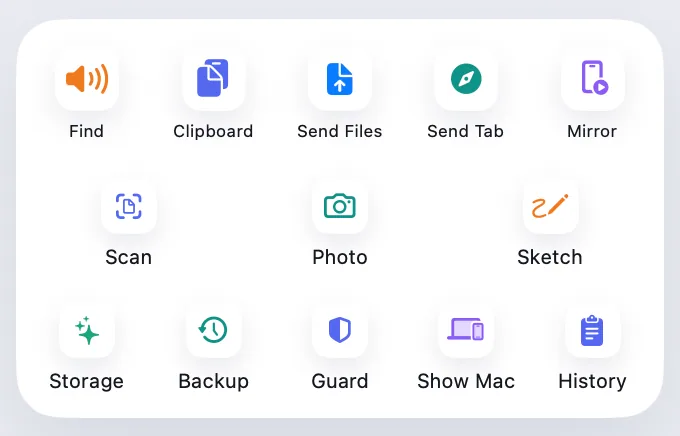
⌃⌥⌘V on the Mac, or the tile on the phone.
- 3
Pick an item
It's on your clipboard again.
Every Pro feature free for 14 days. No card.
In the app.
Screenshots from Hitch, with sample names and data.
The limits, plainly.
- Only items that crossed between devices are kept, not everything you copy.
Try it in the Hitch beta.
Hitch is in a tester beta for Mac and Android. Ask to join, and we'll let you know when there's room.
Every Pro feature free for 14 days. No card.
Mac: macOS 15 or later · Phone: Android 10 or later · Developer settings: Not needed
