

Shared clipboard
Copy on one, paste on the other.
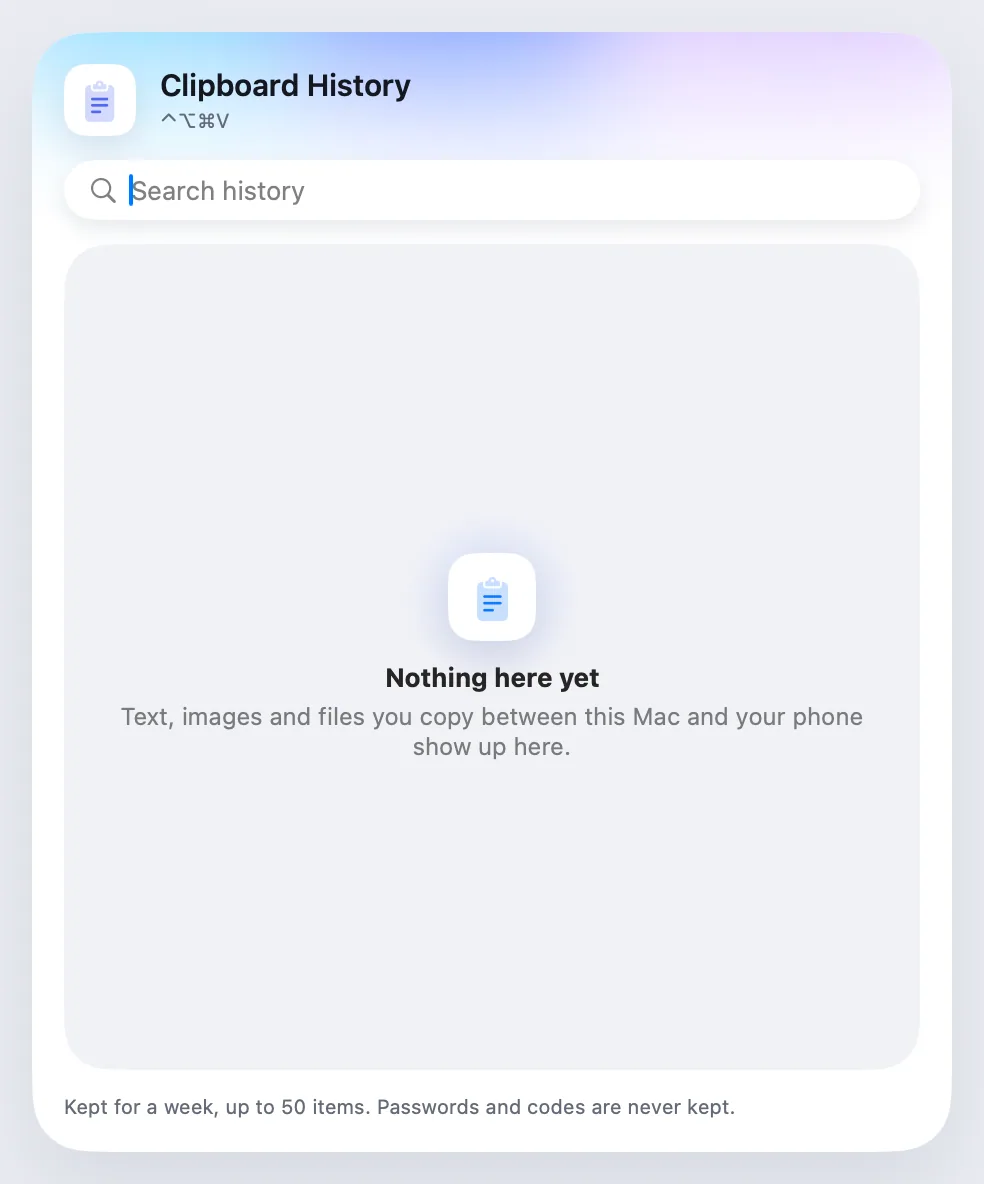
FreeText and images you copy move between your phone and your Mac, both ways.
Every Pro feature free for 14 days. No card.
What it does.
Copy on the Mac and paste on the phone, or the other way round. Text and images cross both ways.
On the phone, a Quick Settings tile sends what you copied, because Android doesn't let apps read the clipboard in the background.
How it works.
- 1
Copy
As you always do.
- 2
Paste on the other device
From the Mac, it's there. From the phone, tap the tile first.
Free
Get the betaFree, always.
In the app.
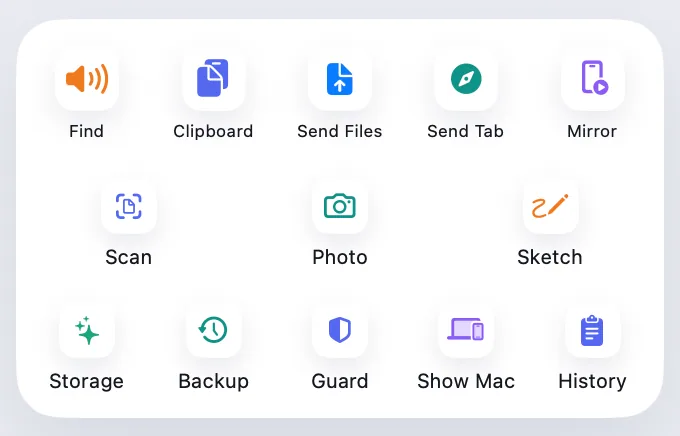
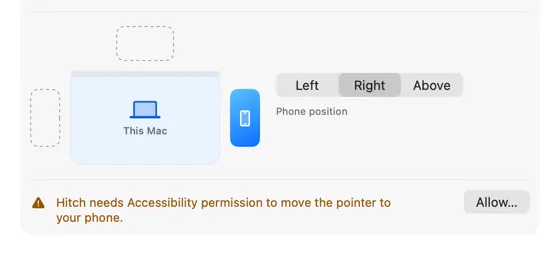
Screenshots from Hitch, with sample names and data.
The limits, plainly.
- On Android 10 and later, sending from the phone takes a tap on the tile or the share sheet.

Try it in the Hitch beta.
Hitch is in a tester beta for Mac and Android. Ask to join, and we'll let you know when there's room.
Every Pro feature free for 14 days. No card.
Mac: macOS 15 or later · Phone: Android 10 or later · Developer settings: Not needed
