

USB connection
Plug in a cable and it just works.
FreeConnect with a USB cable, without USB debugging. Pair with one tap on each side, and files and mirroring use the cable.
Every Pro feature free for 14 days. No card.
What it does.
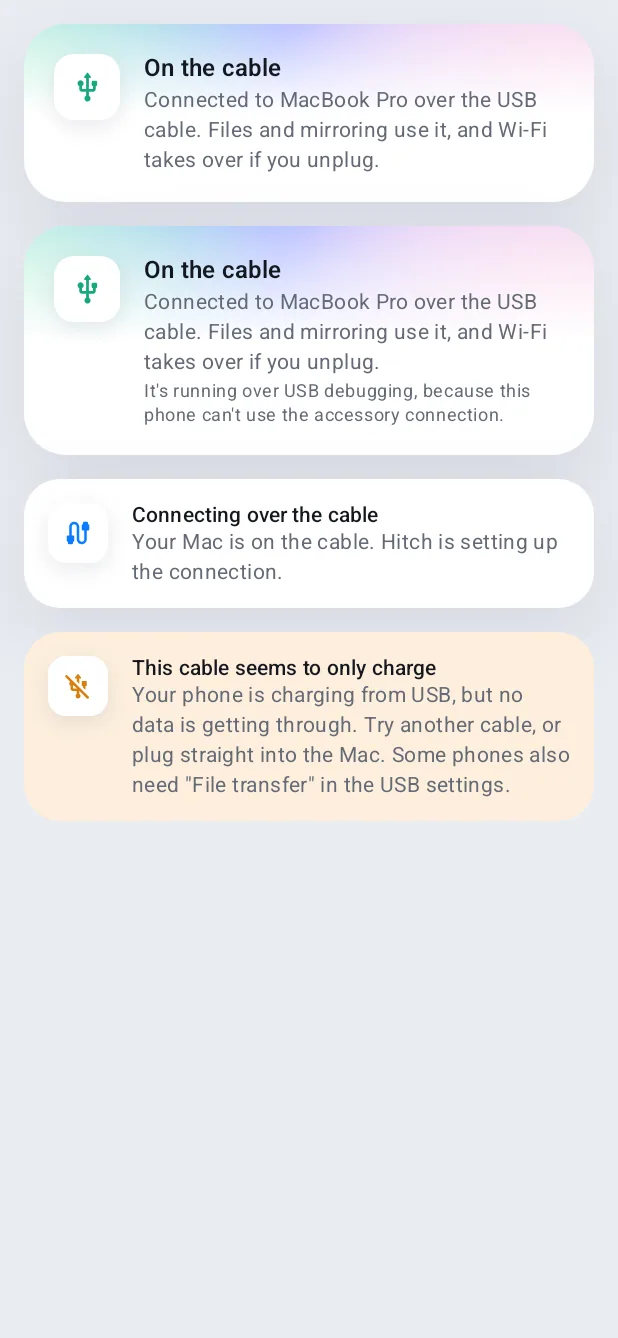
Plug your phone into the Mac and Hitch connects over the cable, using Android's accessory mode rather than USB debugging. The connection is encrypted exactly like Wi-Fi.
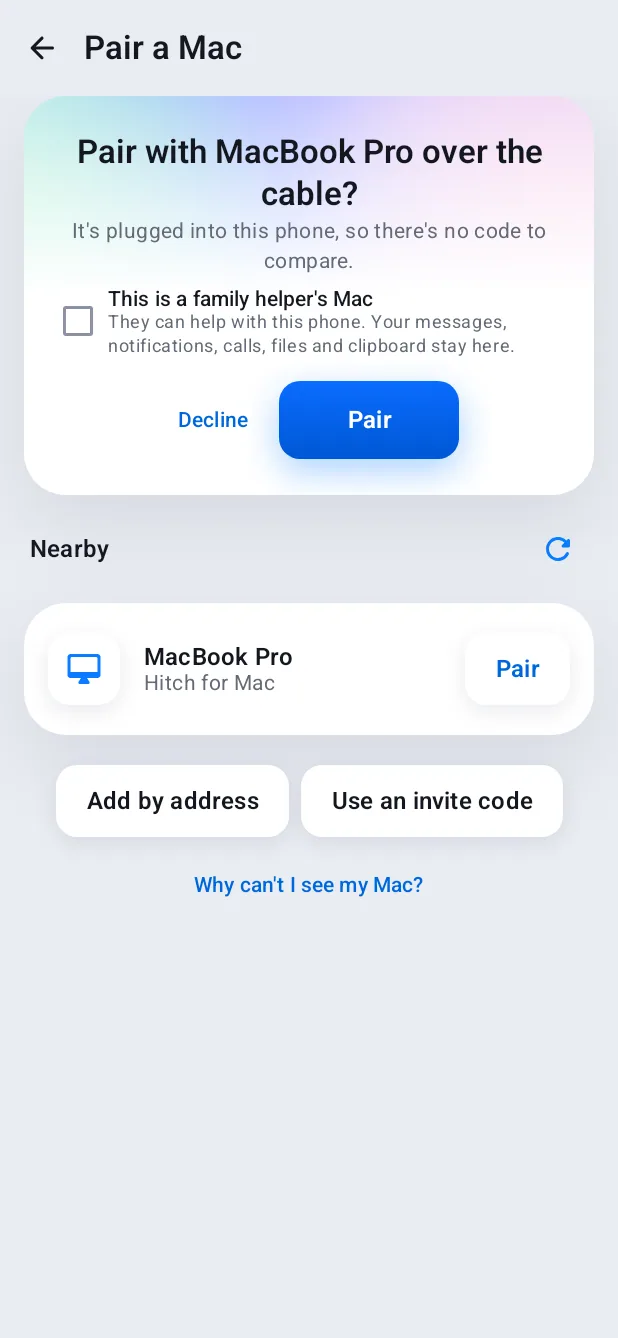
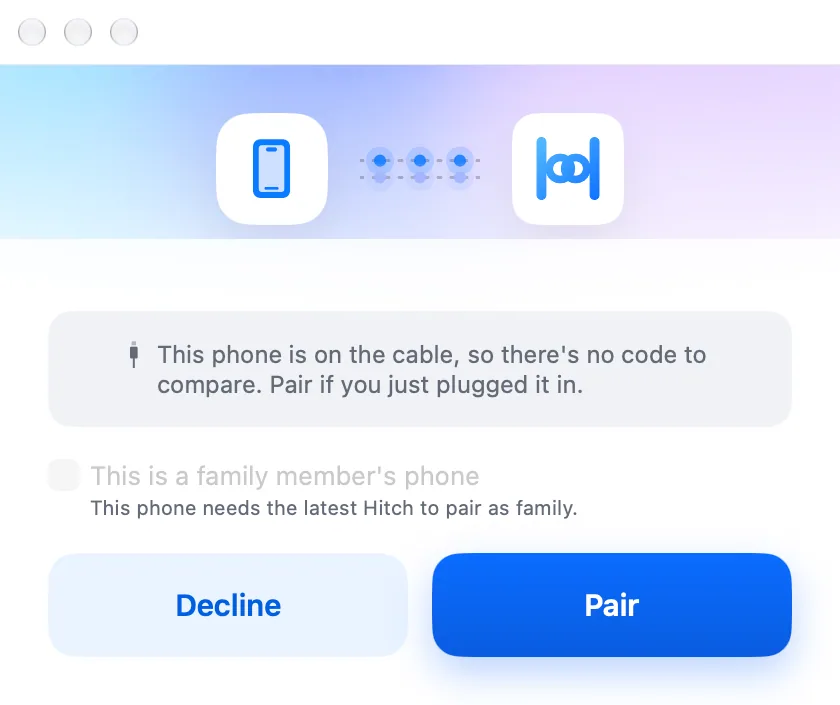
An unpaired phone on the cable pairs with one tap on each side, with no code: the cable is the proof. Unplug and Wi-Fi takes over without losing the session.
How it works.
- 1
Plug in
Android asks once whether Hitch should open for this accessory.
- 2
Pair if needed
One tap on each side.
- 3
Work as usual
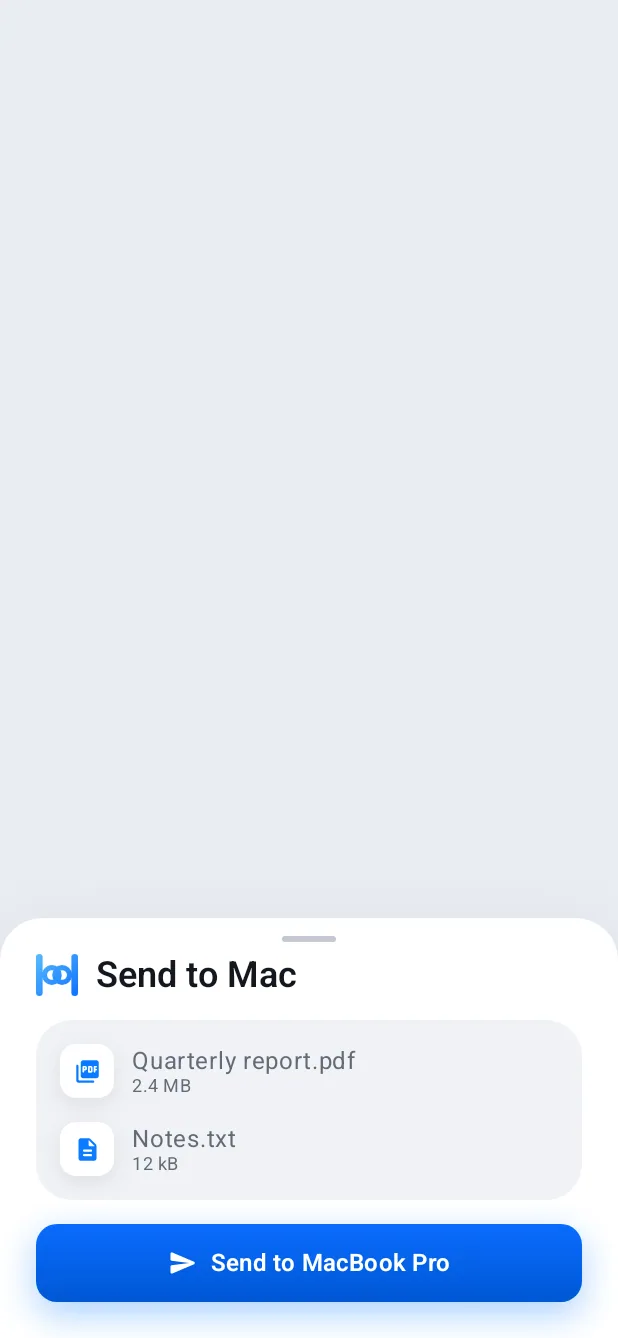
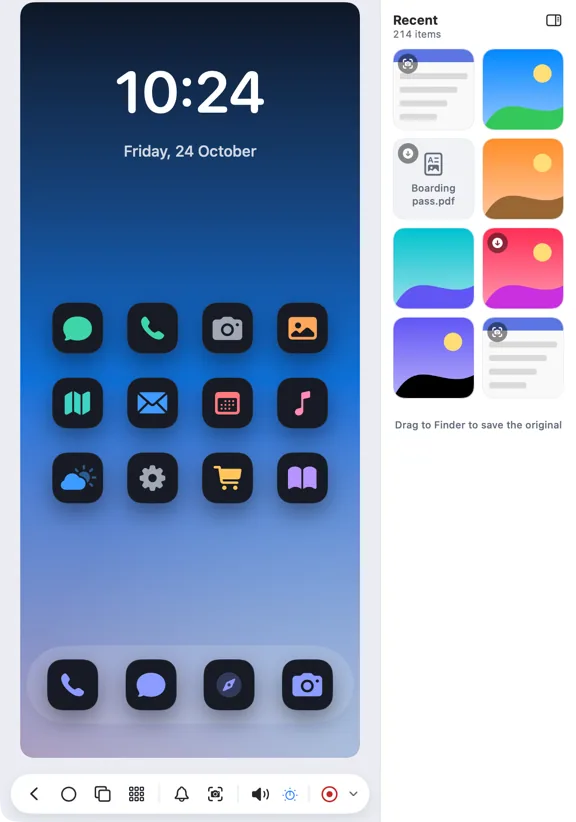
Transfers and mirroring prefer the cable while it's there.
Free, always.
In the app.
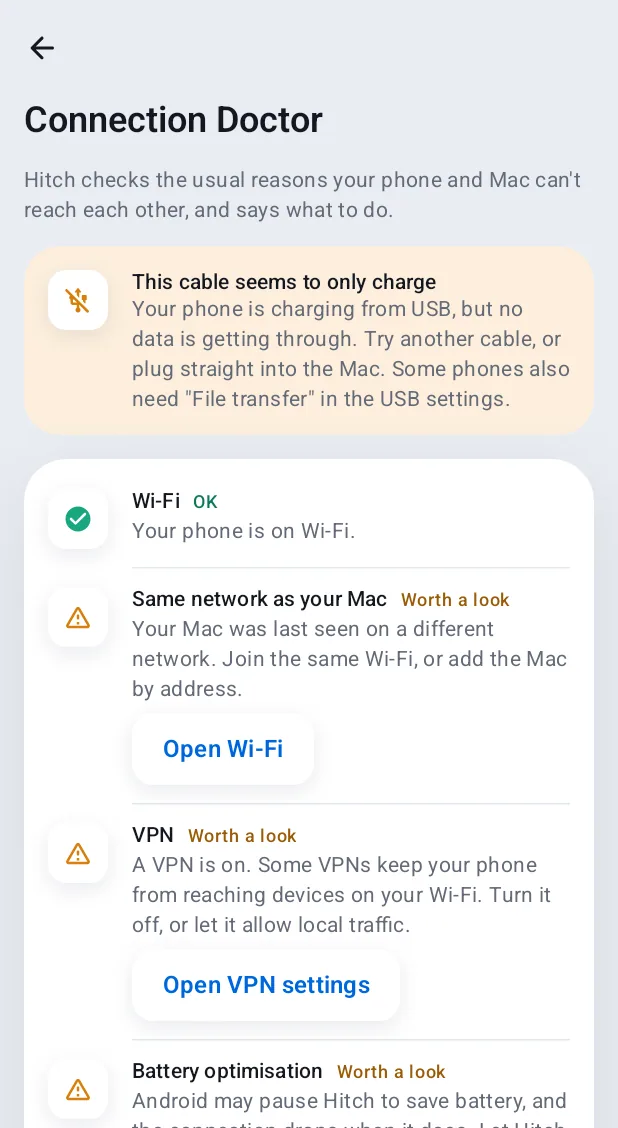
Screenshots from Hitch, with sample names and data.
The limits, plainly.
- Some phones need File transfer mode, and some cables only charge. Hitch tells you which.
Try it in the Hitch beta.
Hitch is in a tester beta for Mac and Android. Ask to join, and we'll let you know when there's room.
Every Pro feature free for 14 days. No card.
Mac: macOS 15 or later · Phone: Android 10 or later · Developer settings: Not needed
