

Folder sync
Keep a Mac folder and a phone folder in step.
ProPairs of folders that stay in sync one way or both ways. Nothing is deleted for good: deletes go to the trash.
Every Pro feature free for 14 days. No card.
What it does.
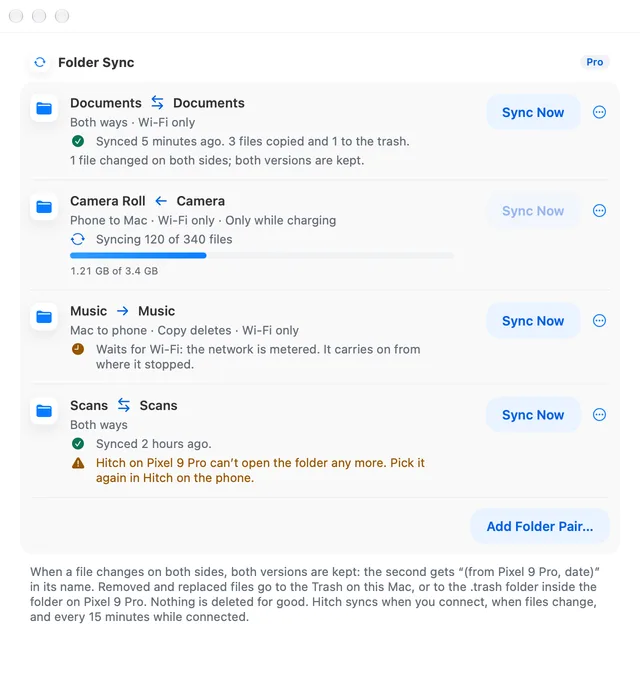
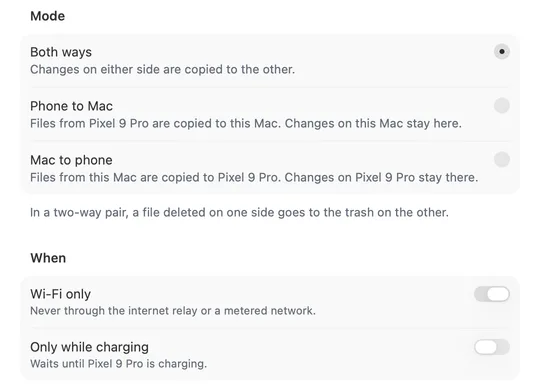
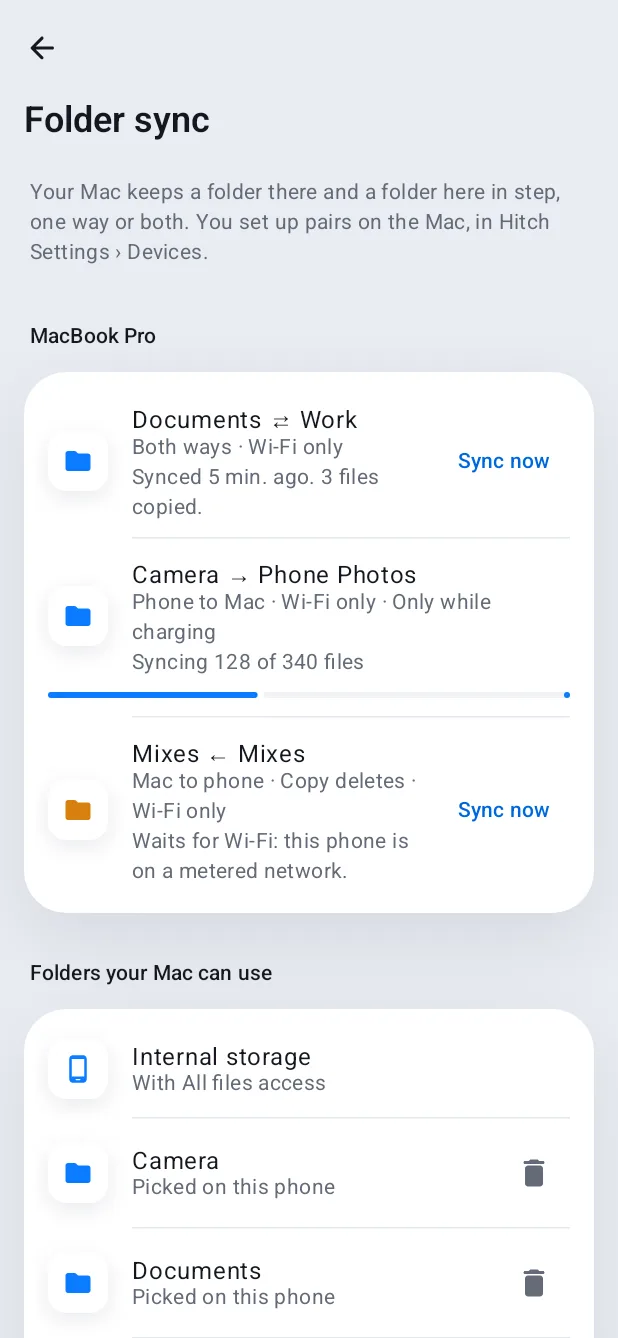
Pick a folder on the Mac and one on the phone, then choose phone to Mac, Mac to phone, or both ways.
When the same file changes on both sides, Hitch keeps both. The second copy is named with the device and the date, so nothing is overwritten.
Deletes go to the Mac's Trash or the phone's trash, never for good. In a one-way pair, deletes only cross over if you turn that on.
Sync runs when the phone connects, when a file changes, and every 15 minutes while connected. Wi-Fi only and Only while charging are there if you want them.
How it works.
- 1
Pair two folders
One on the Mac, one on the phone. On the phone you pick it with Android's folder picker.
- 2
Choose a direction
Phone to Mac, Mac to phone, or both ways.
- 3
Forget about it
Large first syncs show progress and carry on where they stopped if they are interrupted.
Every Pro feature free for 14 days. No card.
In the app.
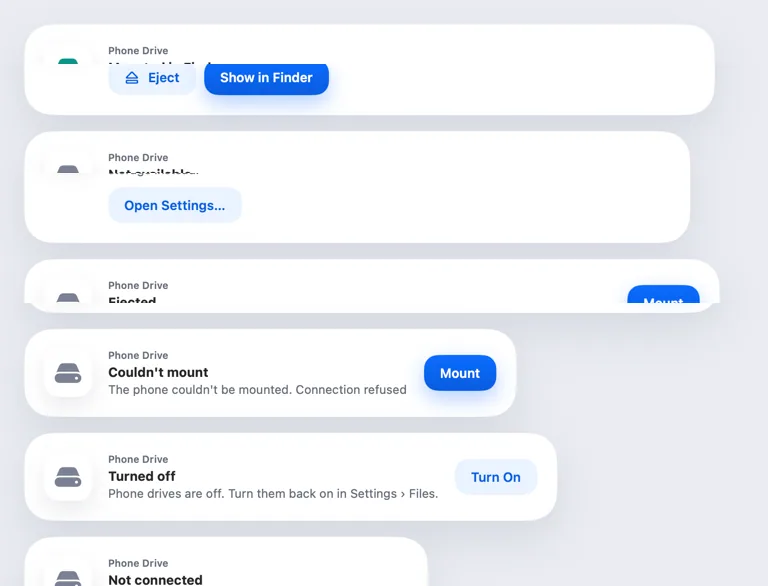
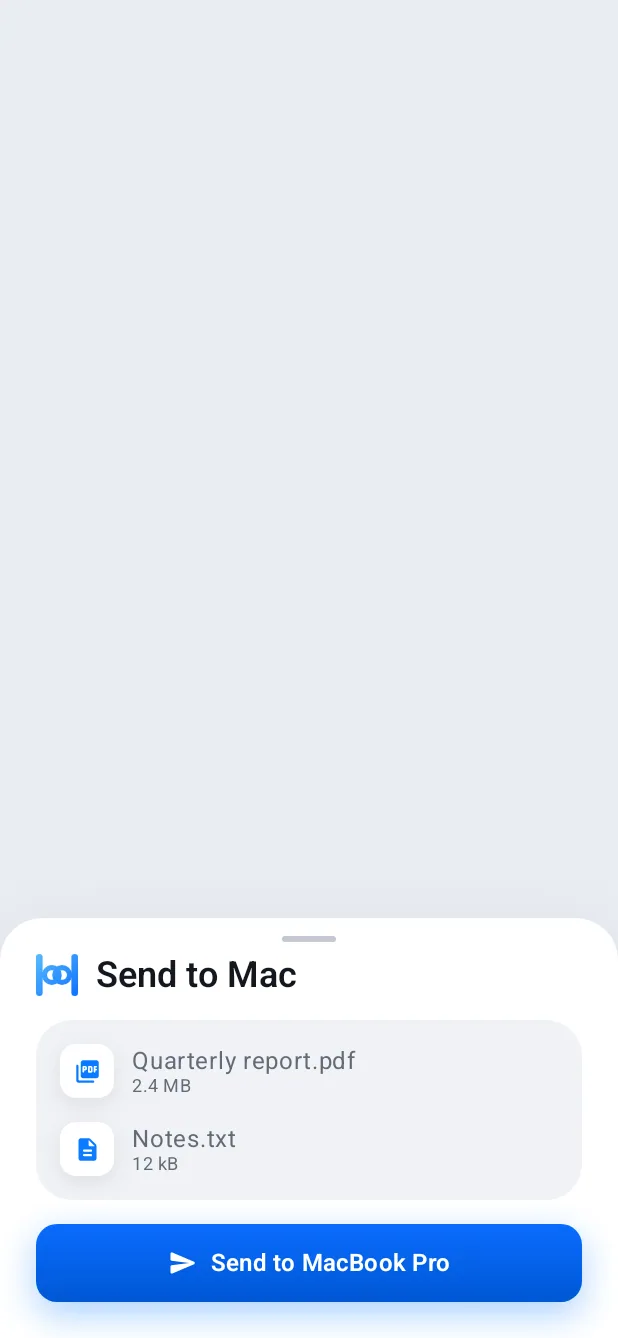
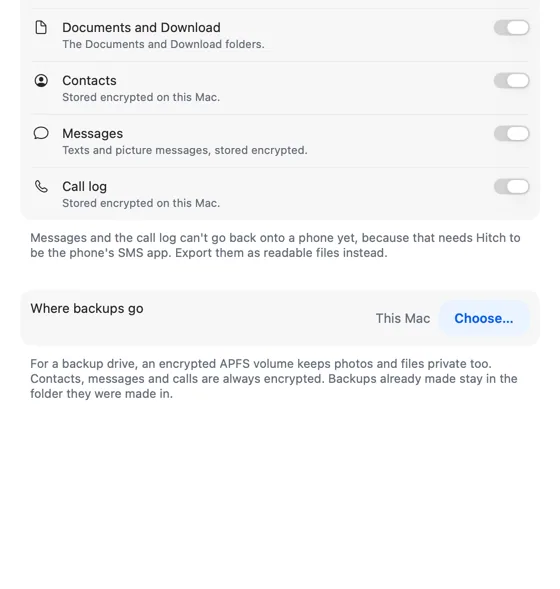
Screenshots from Hitch, with sample names and data.
The limits, plainly.
- Same Wi-Fi or USB for now.
- Nothing is deleted for good. Deleted files go to a trash on the Mac or the phone.
- Wi-Fi only pauses sync on metered networks.
Try it in the Hitch beta.
Hitch is in a tester beta for Mac and Android. Ask to join, and we'll let you know when there's room.
Every Pro feature free for 14 days. No card.
Mac: macOS 15 or later · Phone: Android 10 or later · Developer settings: Not needed
