

The call window
A small window that stays with you for the whole call.
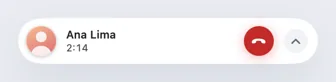
ProA floating window shows the caller, a live timer and the buttons you need. It sits above full-screen apps and collapses to a pill.
Every Pro feature free for 14 days. No card.
What it does.
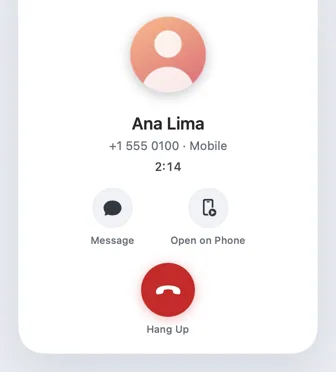
The call window appears by itself when a call rings and stays for the call. It floats above other windows, on every Space and over full-screen apps, and remembers where you put it.
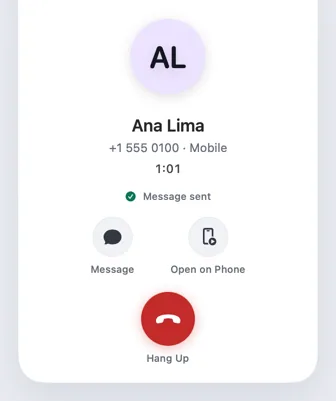
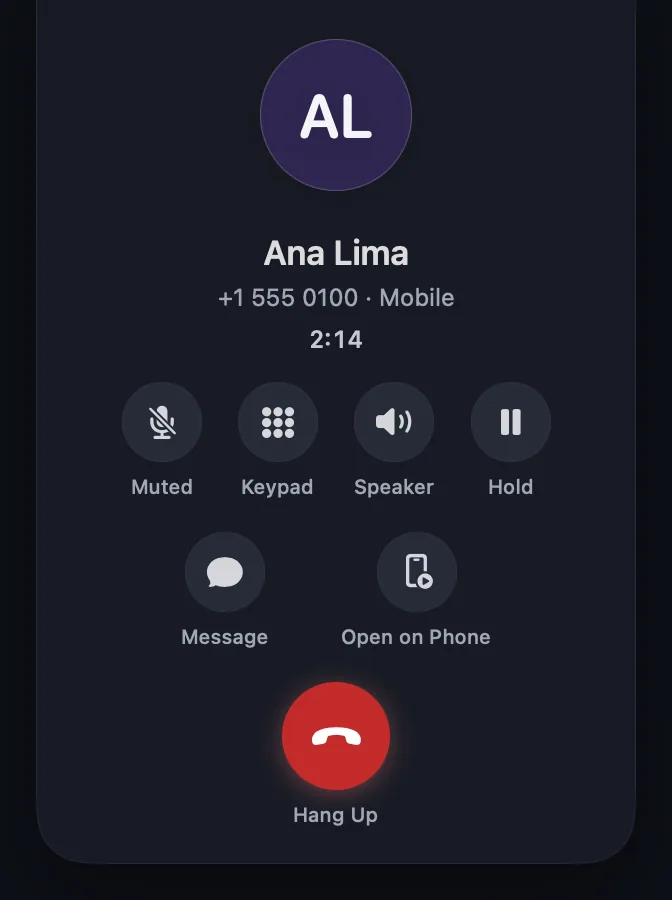
While ringing it offers Decline, Answer, Message with quick replies and Mute Ringer. During the call it shows a live duration with Hang Up, Message and Open on Phone.
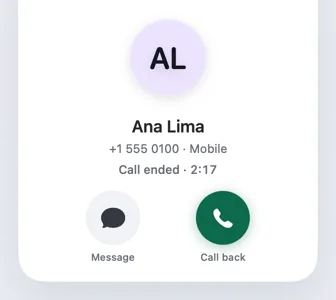
After the call it says how long it lasted, with Call back and Message, then fades after a few seconds.
How it works.
- 1
It appears when the phone rings
No need to open anything; the window comes to you.
- 2
Drag it anywhere
It stays where you put it, next time too.
- 3
Collapse it to a pill
Press Esc to hide it; the call timer in the menu bar brings it back.
- 4
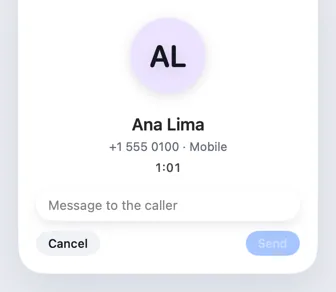
Message the caller
Send a quick reply or your own words without leaving the window.
Every Pro feature free for 14 days. No card.
In the app.
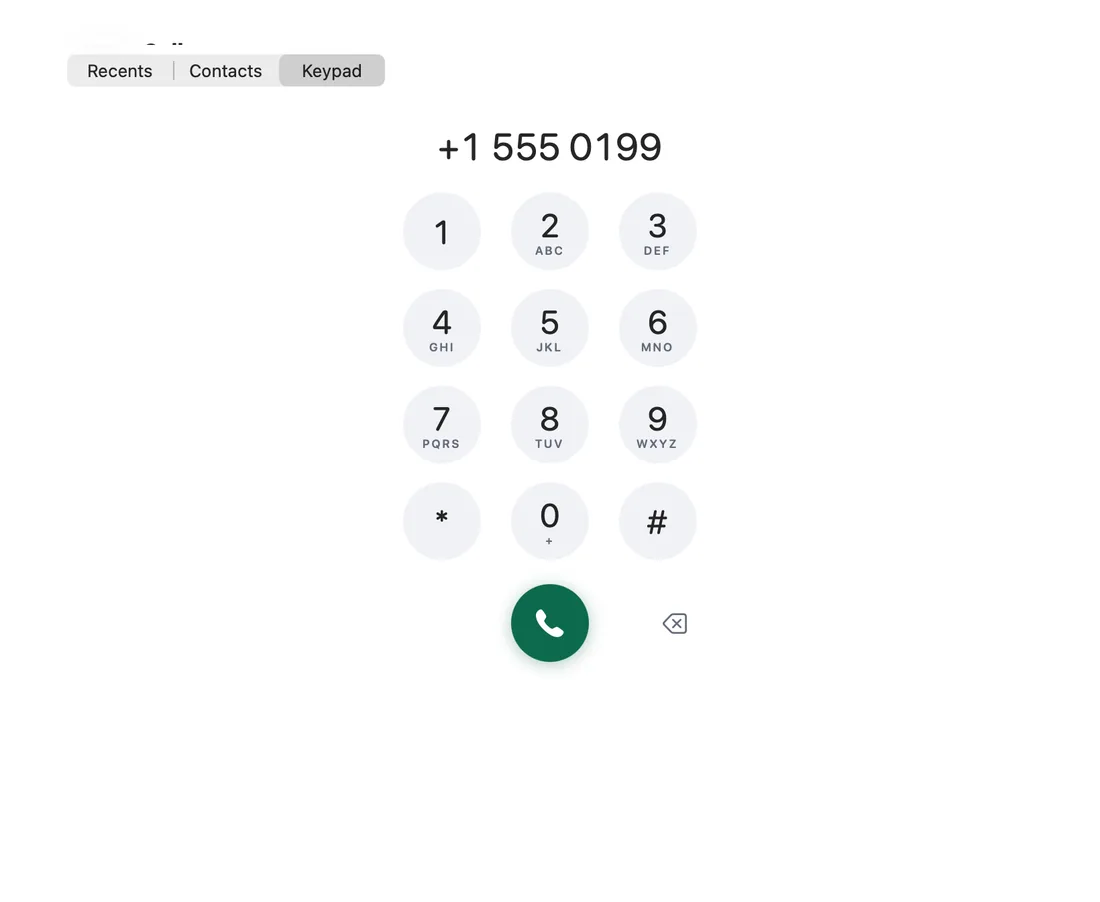
Screenshots from Hitch, with sample names and data.
The limits, plainly.
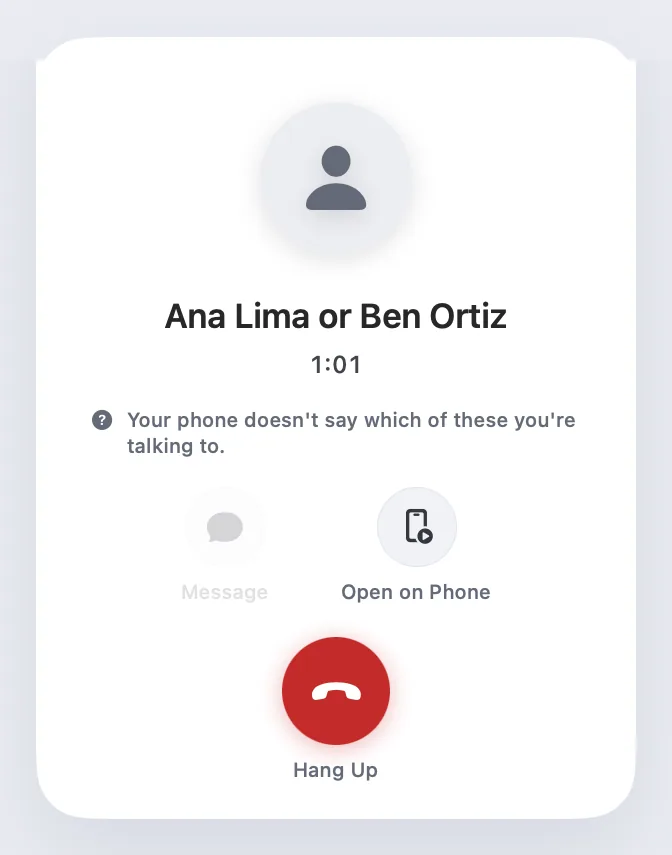
- When a waiting call is settled on the phone, Android doesn't say which call you kept, so the window says so rather than guessing.
- You can turn the window off in Settings › Notifications › Calls.
Try it in the Hitch beta.
Hitch is in a tester beta for Mac and Android. Ask to join, and we'll let you know when there's room.
Every Pro feature free for 14 days. No card.
Mac: macOS 15 or later · Phone: Android 10 or later · Developer settings: Not needed
