

Keypad, hold and audio route
Everything a call needs while it's going on.
ProPress menu digits, hold and resume, swap between two calls, merge them, mute, and move audio between earpiece, speaker and Bluetooth.
Every Pro feature free for 14 days. No card.
What it does.
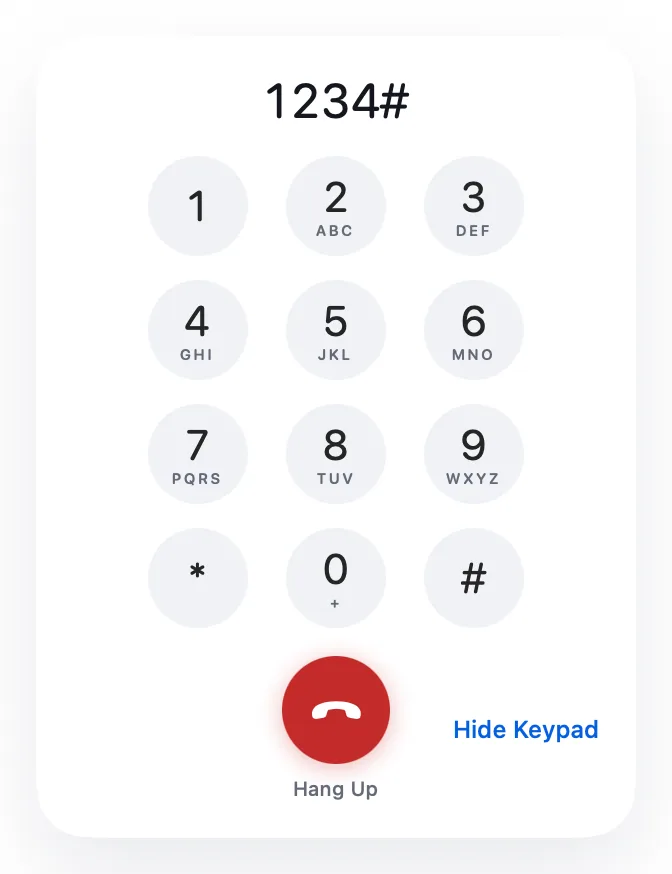
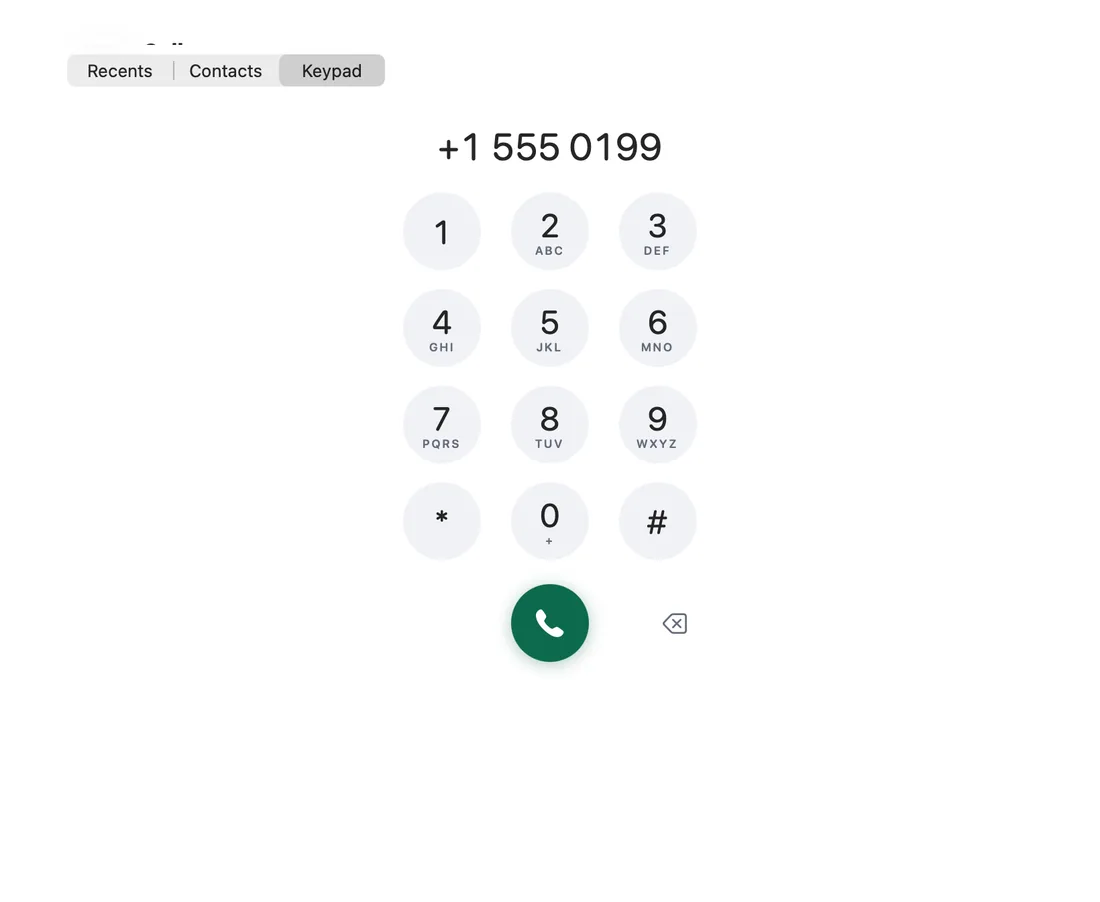
The call window has a keypad sheet for menus and extensions. While the window is in front, typing digits on your Mac's keyboard sends them too.
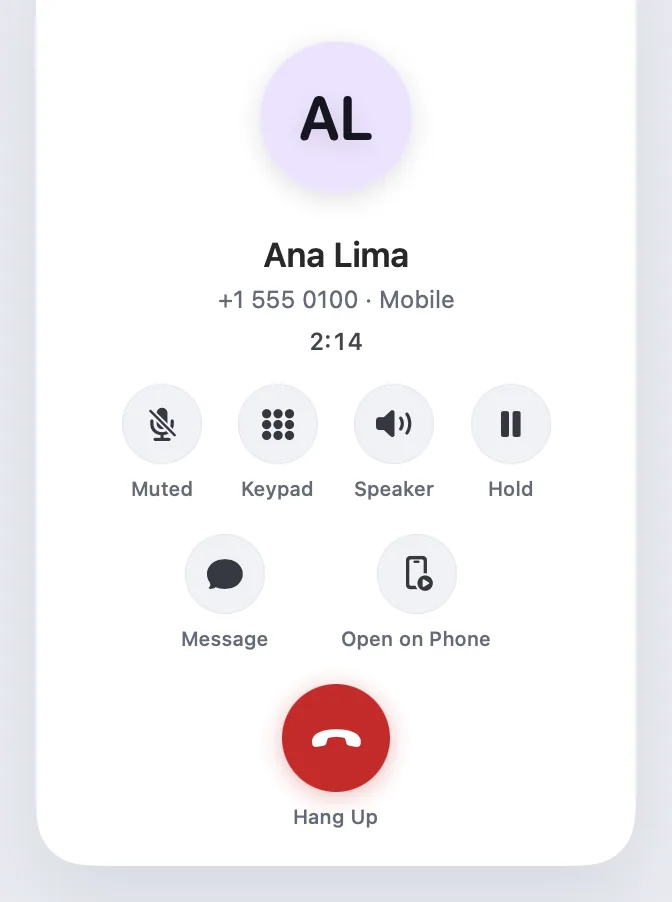
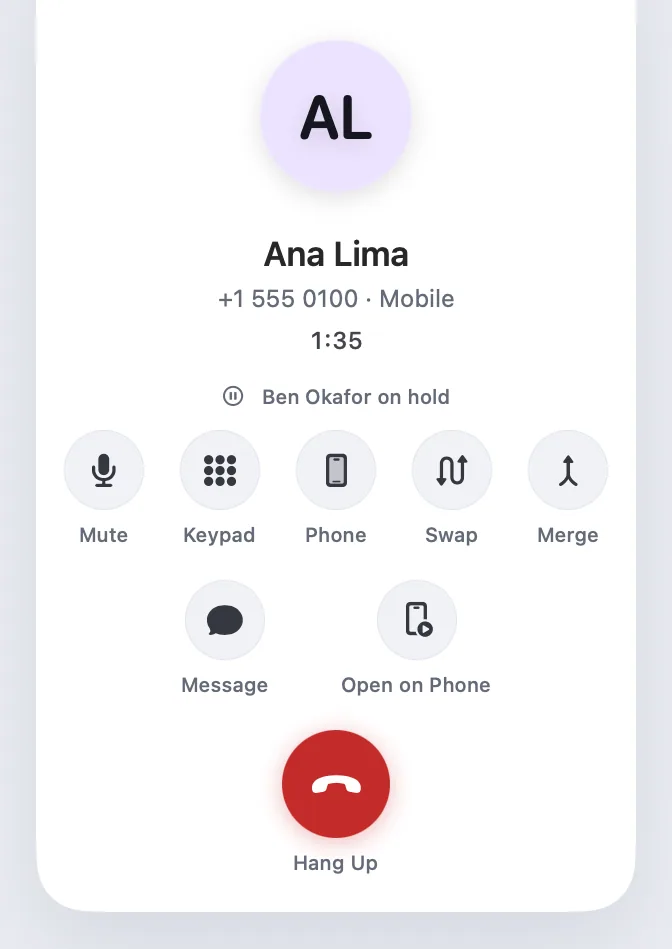
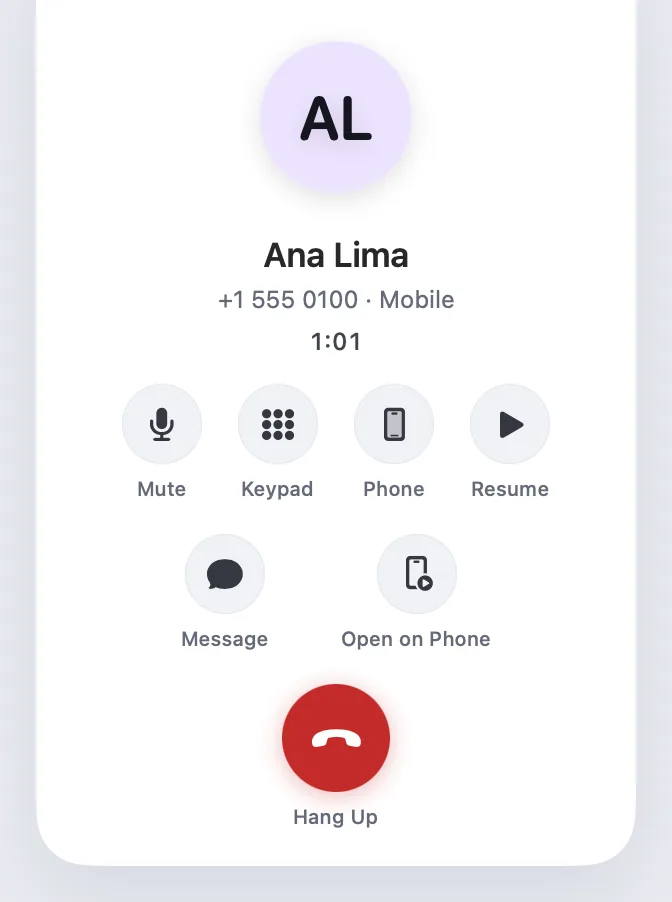
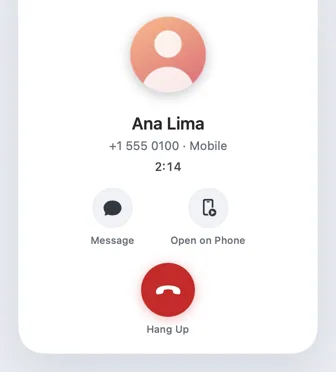
Hold and Resume, Swap between two calls and Merge sit in the in-call view, with Mute and the audio route: phone earpiece, speaker, Bluetooth, or the Mac when you're talking through it.
Held calls show in the menu-bar call timer.
How it works.
- 1
Set up once
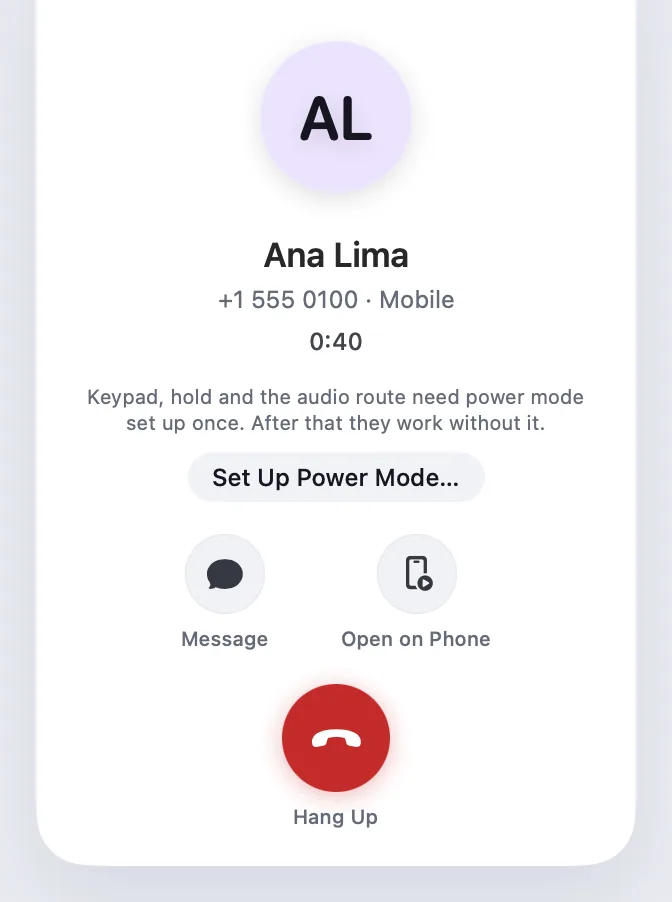
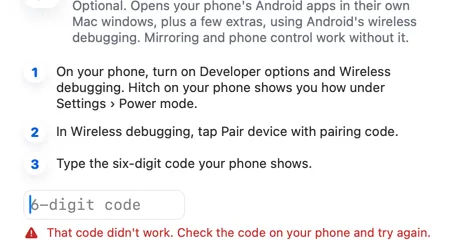
These controls use power mode the first time. After that they keep working without debugging.
- 2
Open the keypad
Click Keypad in the call window, or just type digits.
- 3
Manage two calls
Swap moves the active call; Merge joins them where your network allows.
Every Pro feature free for 14 days. No card.
In the app.
Screenshots from Hitch, with sample names and data.

The limits, plainly.
- The keypad, hold and audio route need power mode set up once.
- Merging calls depends on your mobile network.
Try it in the Hitch beta.
Hitch is in a tester beta for Mac and Android. Ask to join, and we'll let you know when there's room.
Every Pro feature free for 14 days. No card.
Mac: macOS 15 or later · Phone: Android 10 or later · Developer settings: Not needed
