

Power mode
Optional extras, using Android's wireless debugging.
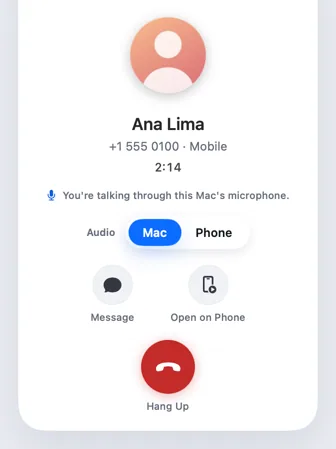
ProPower modeSet up once, power mode adds app windows, talking through the Mac and call controls. Nothing else needs it.
Every Pro feature free for 14 days. No card.
What it does.
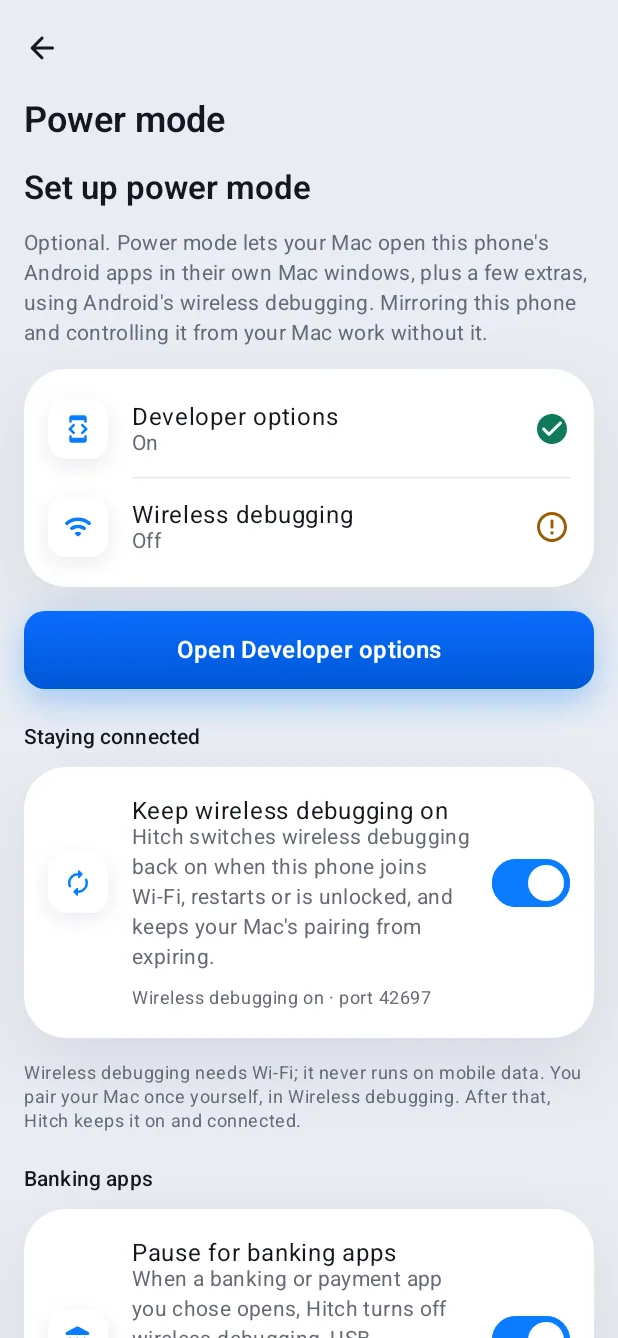
Every core feature works without developer settings. Power mode is the optional exception: it connects through Android's wireless debugging to add a few extras.
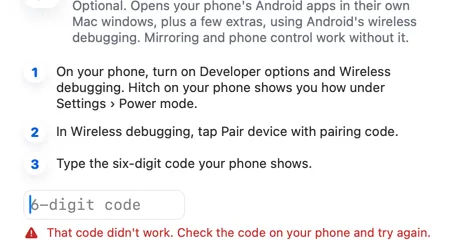
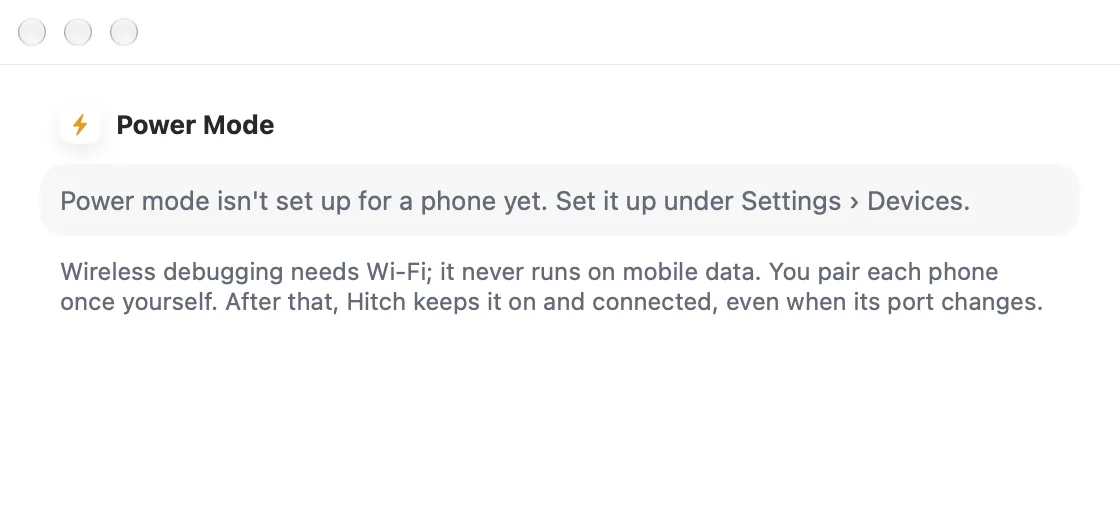
Pair once with the six-digit code your phone shows, and Hitch keeps wireless debugging on and connected by itself, even when its port changes.
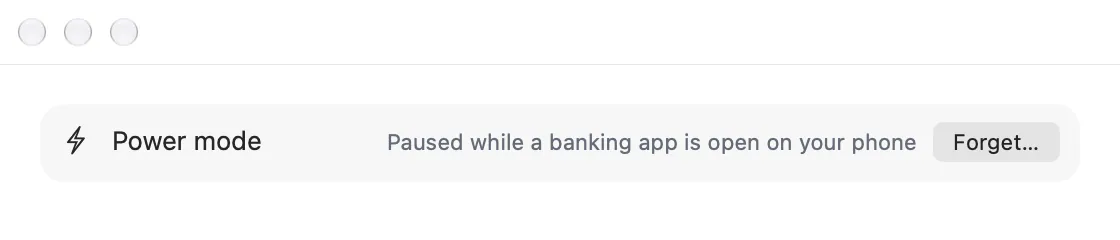
It pauses itself while a banking app is open, so payments are never blocked.
How it works.
- 1
Turn on developer options
The phone shows you how, step by step.
- 2
Pair with a code
Type the phone's six-digit code on the Mac.
- 3
That's it
Hitch keeps it connected from then on.
Every Pro feature free for 14 days. No card.
In the app.
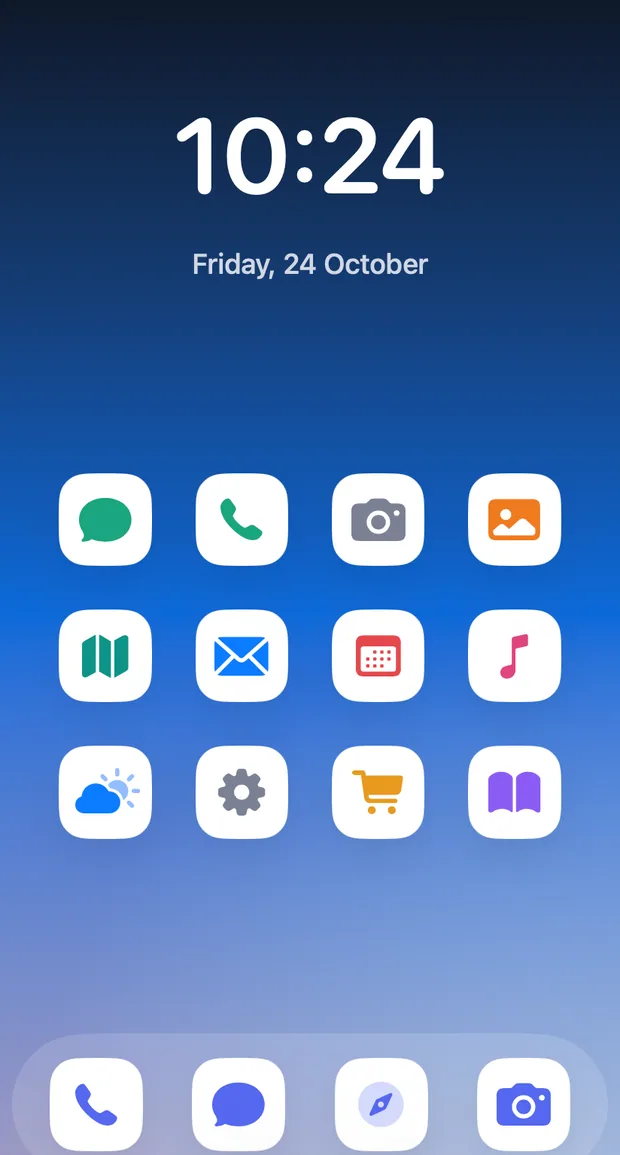
Screenshots from Hitch, with sample names and data.
The limits, plainly.
- Wireless debugging needs Wi-Fi; it never runs on mobile data.
- Android 11 or later.
- Never used for a family member's phone.
Try it in the Hitch beta.
Hitch is in a tester beta for Mac and Android. Ask to join, and we'll let you know when there's room.
Every Pro feature free for 14 days. No card.
Mac: macOS 15 or later · Phone: Android 10 or later · Developer settings: Not needed
