

Click to call or text
Click a phone number on your Mac. Your phone makes the call.
ProPhone links in Safari, Mail and other apps call or text through your phone, after a quick confirmation.
Every Pro feature free for 14 days. No card.
What it does.
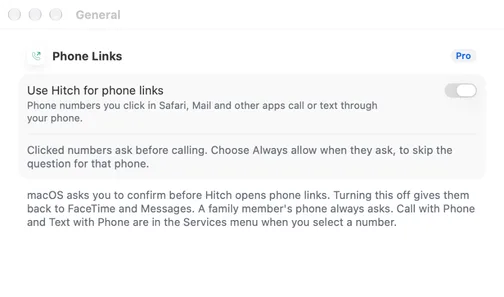
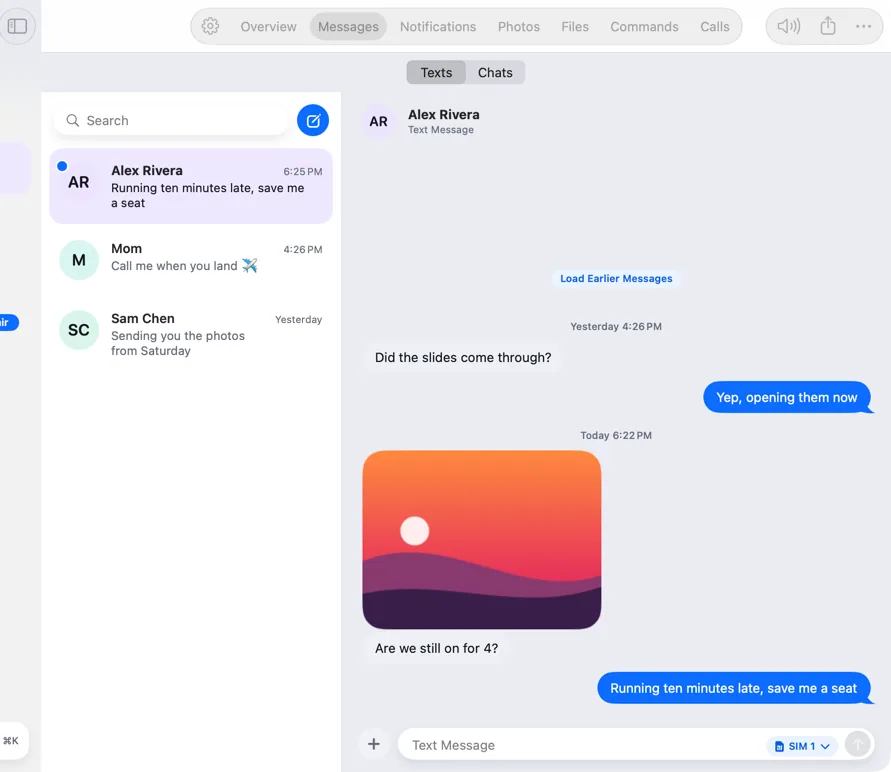
Click a phone number in Safari, Mail or another app, and your phone places the call. A text link opens a new message in Hitch with the number filled in.
macOS asks once whether to make Hitch the app for phone links. You can change that later in Settings.
Before the first call, a sheet on the Mac asks you to confirm. You can switch on Always allow for that phone. A family member's phone always asks.
Select a number in any app and use Call with Phone or Text with Phone in the Services menu.
How it works.
- 1
Let Hitch handle phone links
Turn on Use Hitch for phone links in Settings. macOS asks you to agree.
- 2
Click a number
In Safari, Mail or any app that shows phone links.
- 3
Confirm
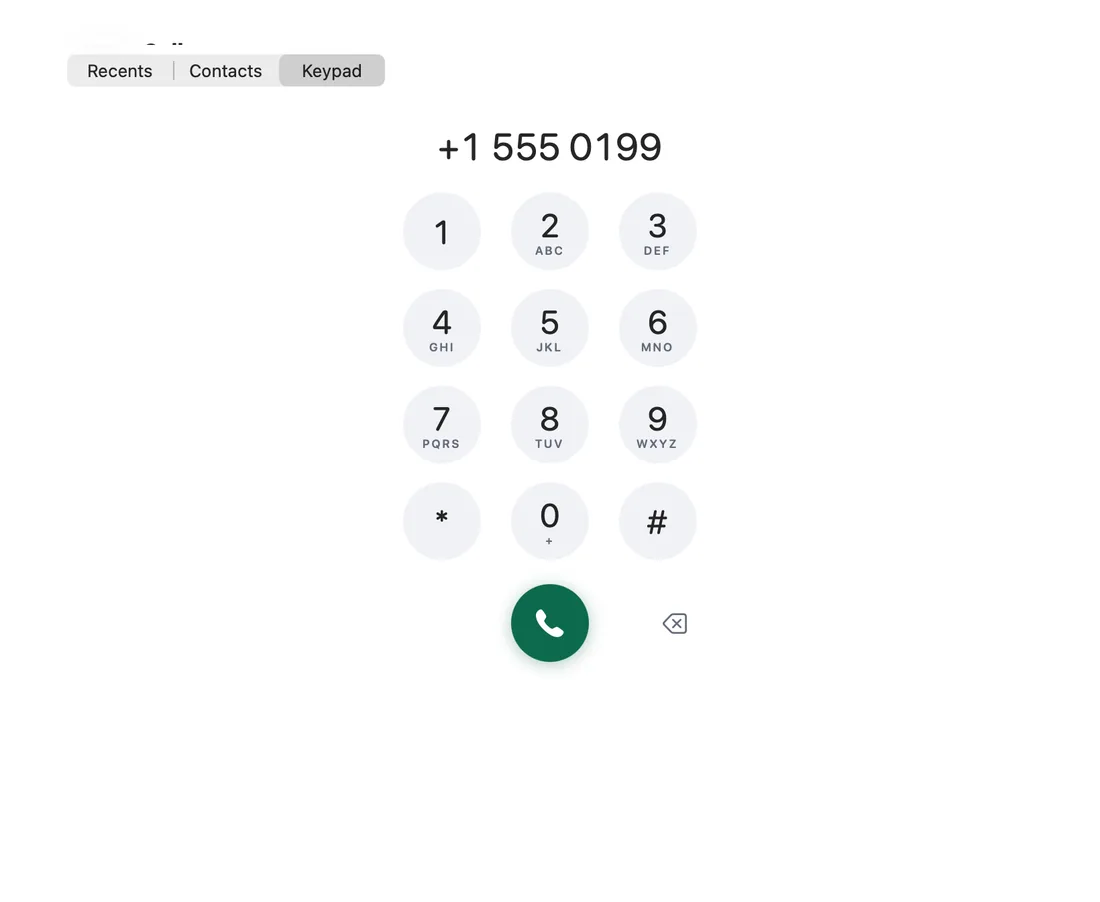
Check the number and the phone, then choose Call. Your phone dials.
Every Pro feature free for 14 days. No card.
In the app.
Screenshots from Hitch, with sample names and data.
The limits, plainly.
- Your phone must be connected, and it needs permission to place calls.
- Always allow is per phone, and you can turn it off. A family member's phone always asks.
- The number is dialled exactly as written, with any extension sent after it connects.
Try it in the Hitch beta.
Hitch is in a tester beta for Mac and Android. Ask to join, and we'll let you know when there's room.
Every Pro feature free for 14 days. No card.
Mac: macOS 15 or later · Phone: Android 10 or later · Developer settings: Not needed
