

Guard Mode
Your Mac watches itself and tells your phone.
ProArm it when you step away. If someone opens or uses the Mac, your phone gets an alert with a photo, and can sound an alarm or lock it.
Every Pro feature free for 14 days. No card.
What it does.
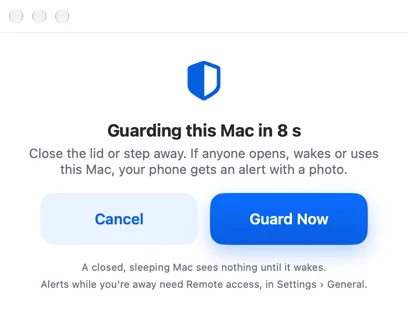
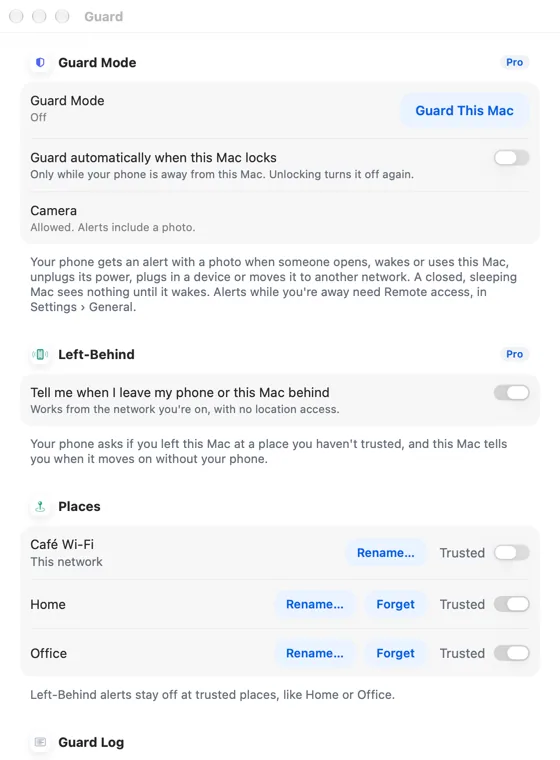
Guard This Mac arms after a short countdown. It can also arm by itself when the Mac locks and your phone leaves.
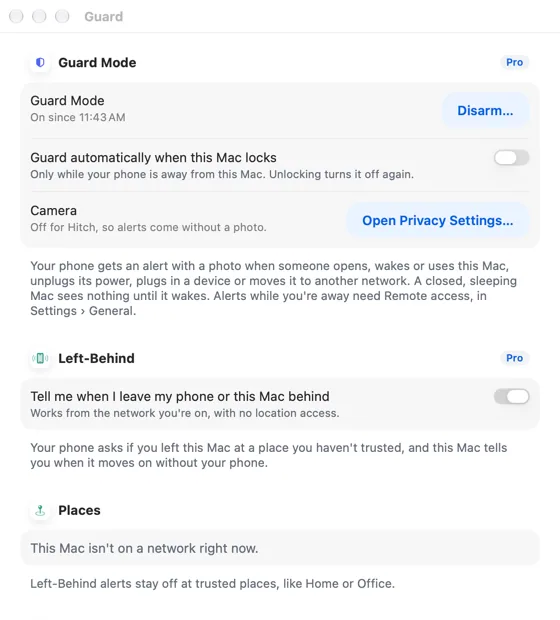
If the lid opens, the Mac wakes or someone types, unplugs the charger, connects a device or joins another network, the Mac takes photos with its camera and sends the best one to your phone.
From the alert you can Sound alarm, Lock Mac, or say It's me. Disarm on the Mac needs Touch ID or your password.
How it works.
- 1
Arm it
From the menu bar. The camera is asked for the first time.
- 2
Get the alert
With a photo, wherever your phone is on the same network.
- 3
Act
Alarm, lock, or disarm.
Every Pro feature free for 14 days. No card.
In the app.
Screenshots from Hitch, with sample names and data.
The limits, plainly.
- A closed, sleeping Mac sees nothing until it wakes.
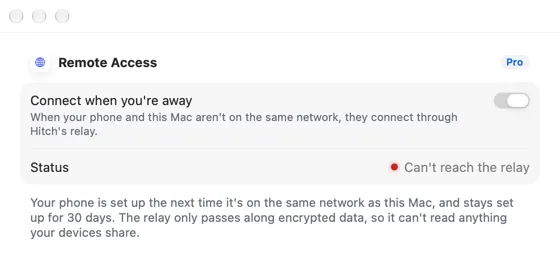
- Alerts while you're away from the Mac's network need remote access, which is coming soon.

Try it in the Hitch beta.
Hitch is in a tester beta for Mac and Android. Ask to join, and we'll let you know when there's room.
Every Pro feature free for 14 days. No card.
Mac: macOS 15 or later · Phone: Android 10 or later · Developer settings: Not needed
