

Open on Phone, apps and drag and drop
Mirroring that works the way you'd expect.
ProOpen a notification straight into the mirror, launch any phone app from a grid, drop files onto the phone, and drag photos out.
Every Pro feature free for 14 days. No card.
What it does.
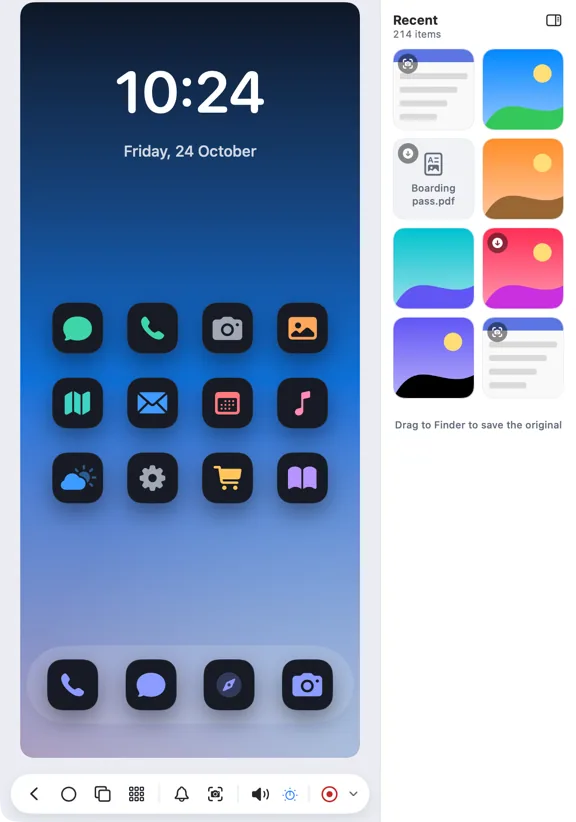
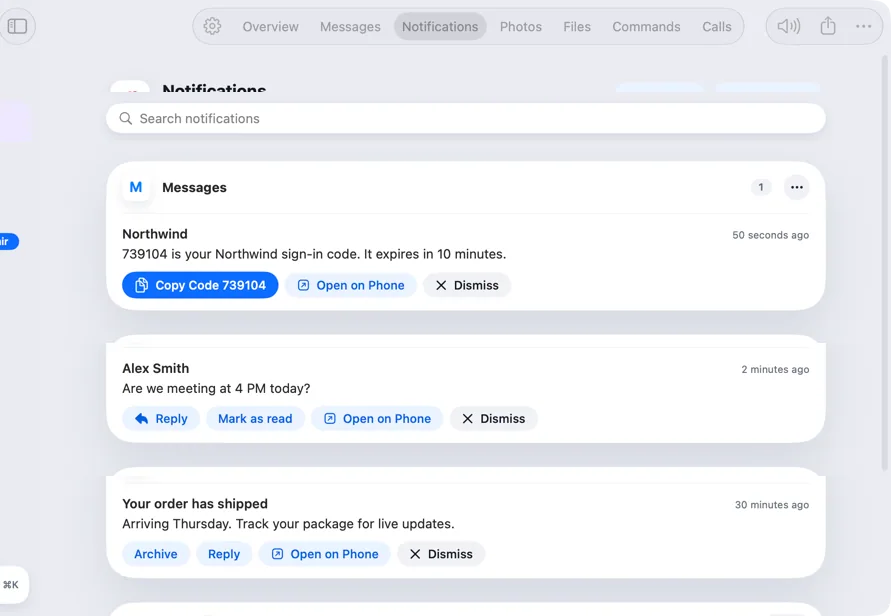
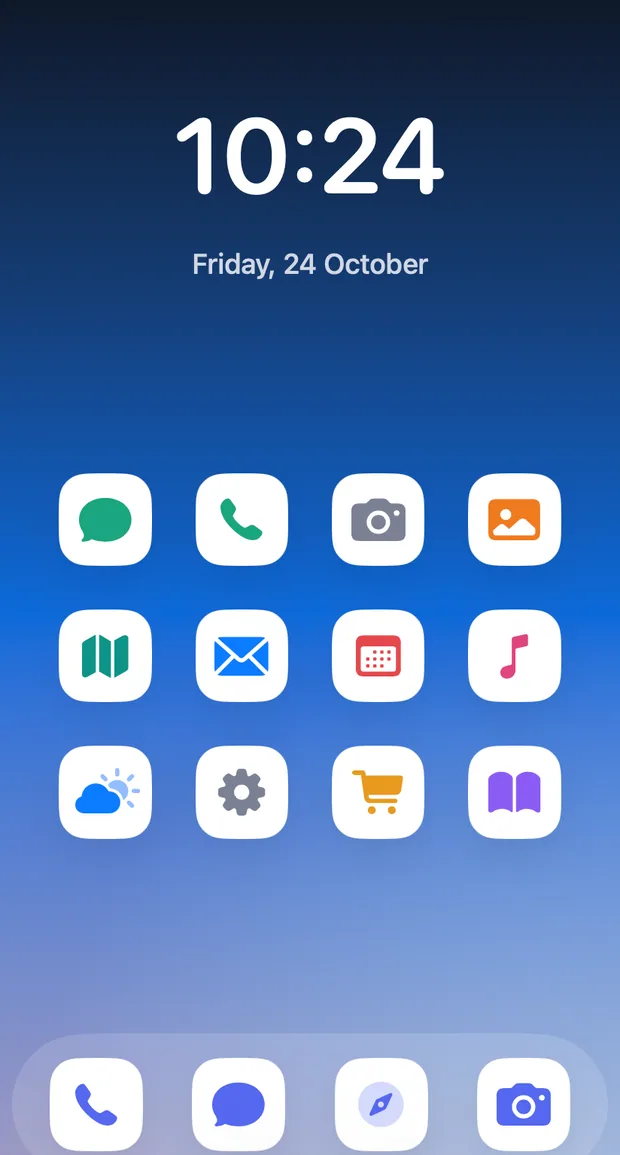
Open on Phone on any notification opens the mirror at that app. An Apps button and ⌘3 show a searchable grid of your phone's apps, with recent ones first.
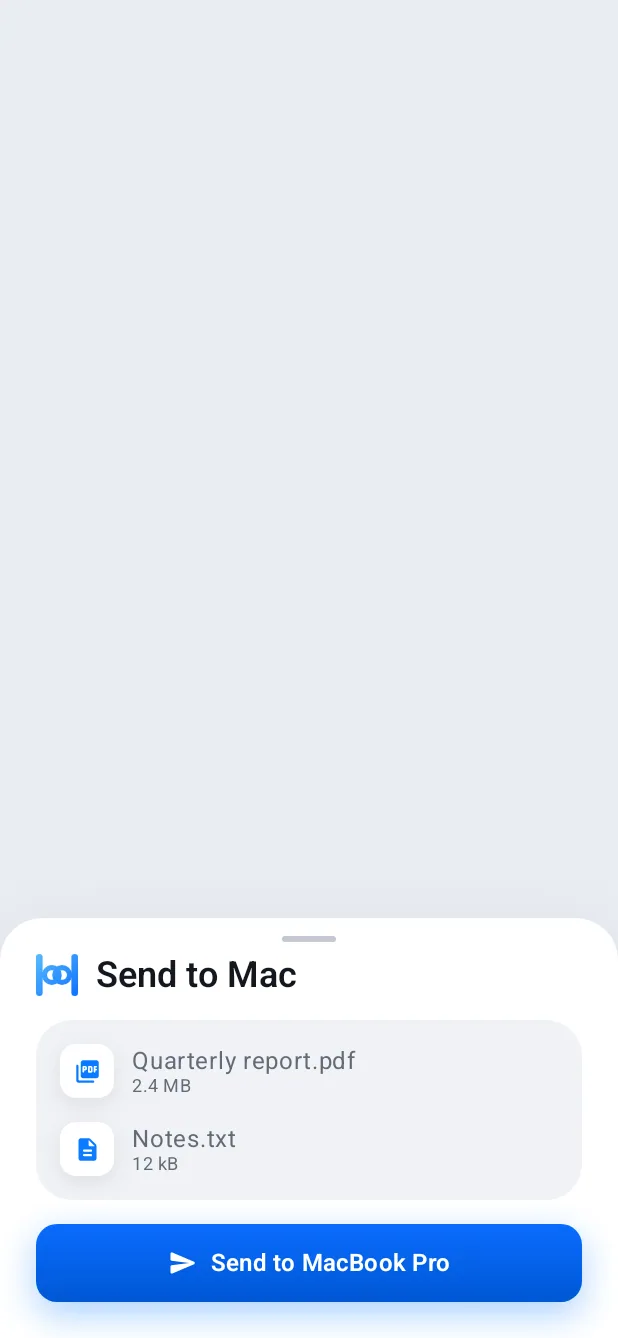
Drop files on the mirror and Hitch shares them into the app in front; drop text and it's typed into the focused field. A Recent shelf beside the mirror shows your newest photos, screenshots and downloads to drag into Finder.
Keyboard shortcuts: ⌘1 Home, ⌘2 Recents, ⌘3 Apps, ⌘[ Back.
How it works.
- 1
Turn on Hitch Control
These extras need it on the phone, for opening apps from the background.
- 2
Open anything
From a notification, or from the app grid.
- 3
Drag and drop
In from Finder, or out from the Recent shelf.
Every Pro feature free for 14 days. No card.
In the app.
Screenshots from Hitch, with sample names and data.
The limits, plainly.
- Unlike mirroring on an iPhone, the phone must stay awake and unlocked.
Try it in the Hitch beta.
Hitch is in a tester beta for Mac and Android. Ask to join, and we'll let you know when there's room.
Every Pro feature free for 14 days. No card.
Mac: macOS 15 or later · Phone: Android 10 or later · Developer settings: Not needed
