

Tweaks
Hidden macOS settings, one switch each.
macOS has useful options it doesn't show in System Settings. Sweep puts 19 of them for Finder, the Dock, screenshots and more behind plain switches, and switching one off restores macOS's default exactly.
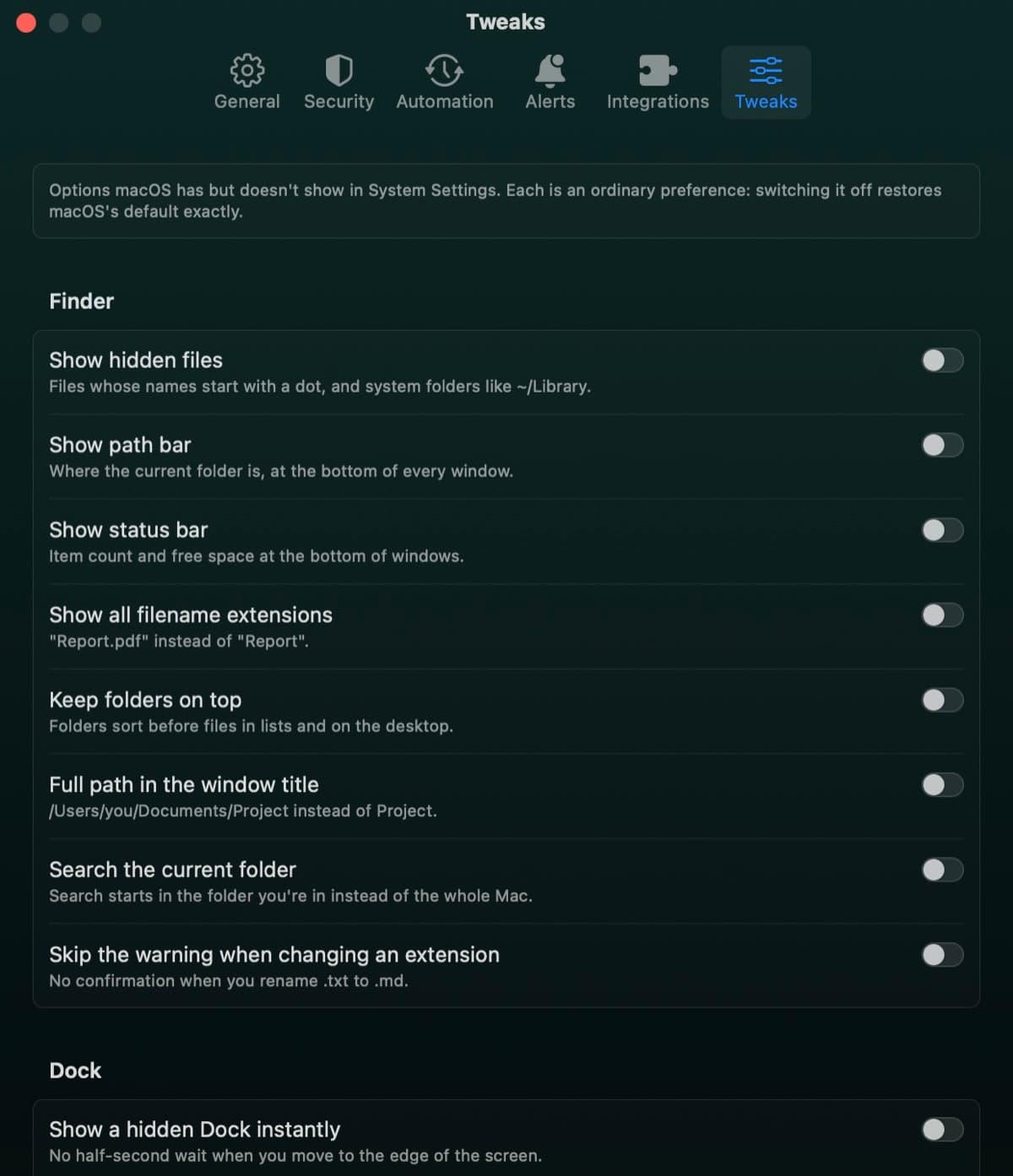
Nineteen tweaks in four groups
Finder
Show hidden files, the path bar, the status bar and all extensions. Keep folders on top, show the full path, search the current folder, and skip the extension warning.
Dock
Show a hidden Dock instantly, a faster animation, only open apps, and dimmed hidden apps.
Screenshots
Choose the file format, leave out window shadows, and leave the date out of file names.
General
Open save dialogs expanded, no .DS_Store files on network or USB drives, and no Time Machine offer for new disks.
Undoable by design
- Each tweak is an ordinary macOS preference
- Switching it off deletes the preference, so macOS's default returns
- Restore All Defaults in one click
- Finder or the Dock restarts only when a tweak needs it
Tweak questions
Something else? Ask us.
Works well with
Maintenance
Run the tasks people usually look up for Terminal: flush the DNS cache, free up memory, thin Time Machine snapshots, speed up Mail and more. Each task says what it fixes, and the ones that need your password say so.
ExploreAutomation
Run Checkup every day, week or month and hear what it found. Auto-tidy rules move old installers, desktop screenshots and old downloads to the Trash, once a day.
ExploreCommand line
The sweep command shows where the space goes in any folder, as text or JSON, and can save the Disk Map bubble view as an image. It uses the same scanner as the app.
Explore
Clean, protect and understand your Mac.
Finds junk, big files and leftovers, checks for malware and risky settings, keeps apps updated, and shows what your Mac does when you're not looking. Free and open source.