

Maintenance
The housekeeping macOS doesn't always do.
Run the tasks people usually look up for Terminal: flush the DNS cache, free up memory, thin Time Machine snapshots, speed up Mail and more. Each task says what it fixes, and the ones that need your password say so.
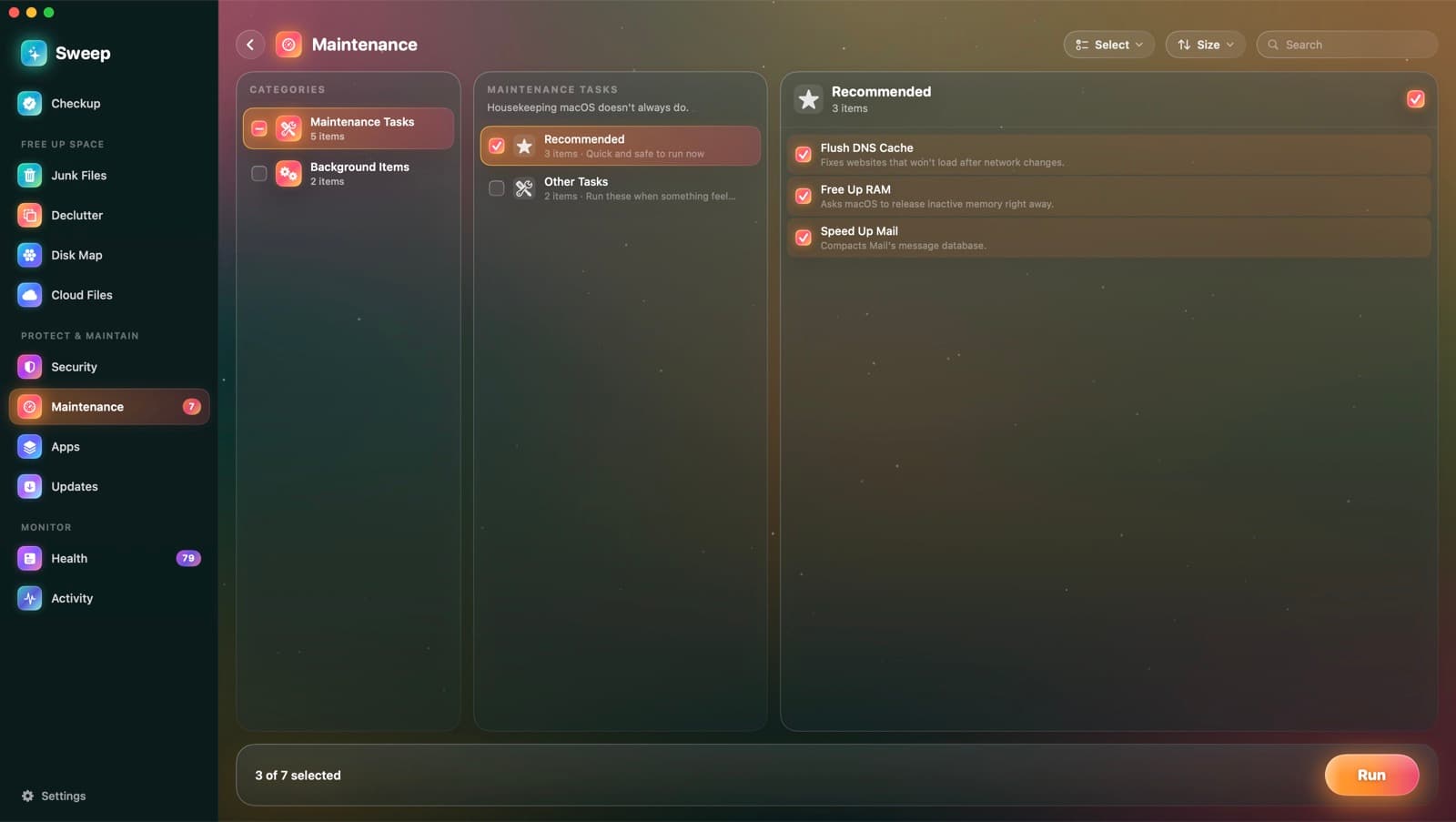
Eight tasks, each explained
Flush DNS Cache
RecommendedFixes websites that won't load after network changes. Needs your password.
Free Up RAM
RecommendedAsks macOS to release inactive memory right away. Needs your password.
Thin Time Machine Snapshots
RecommendedReclaims space held by local Time Machine snapshots.
Speed Up Mail
RecommendedCompacts Mail's message database. Mail is closed first.
Rebuild Launch Services
Fixes duplicate apps in Open With and wrong default apps.
Reindex Spotlight
Rebuilds the search index. Searches are incomplete for a while. Needs your password.
Repair Home Folder Permissions
Resets permissions in your home folder. Needs your password.
Run Maintenance Scripts
Runs the daily, weekly and monthly system scripts. Needs your password.
Also in Maintenance
- Login items: apps that open when you log in
- Background items, grouped by developer
- Remove a background item to stop it starting
- Recommended tasks are ticked for you
- Tasks you ran recently aren't recommended again
One password prompt, nothing installed
Tasks that need administrator rights use the standard macOS password prompt, once per batch. Sweep doesn't install a helper tool to do it.
Maintenance questions
Something else? Ask us.
Works well with
Startup items
Sweep lists every login item, launch agent and background helper, who signed it and whether it's running. It flags new ones as they appear, and points out items that behave like adware.
ExploreAutomation
Run Checkup every day, week or month and hear what it found. Auto-tidy rules move old installers, desktop screenshots and old downloads to the Trash, once a day.
ExploreTweaks
macOS has useful options it doesn't show in System Settings. Sweep puts 19 of them for Finder, the Dock, screenshots and more behind plain switches, and switching one off restores macOS's default exactly.
Explore
Clean, protect and understand your Mac.
Finds junk, big files and leftovers, checks for malware and risky settings, keeps apps updated, and shows what your Mac does when you're not looking. Free and open source.