

Download Sweep
Free and open source, for macOS 14 or later. One universal app for Apple silicon and Intel, with no account and nothing to sign up for.
Sweep-0.1.0.dmg · about 12 MB · released 20 October 2026
What you need
macOS 14 Sonoma or later
The animated background needs macOS 15. On macOS 14, you get a softer fallback.
Apple silicon or Intel
Sweep is one universal app that runs natively on both.
Full Disk Access
Recommended for full scans. Sweep works without it and marks the folders it can't read.
Internet, only for updates
Sweep goes online only to check for updates to your apps.
Four steps, about a minute
- 1
Download Sweep.dmg
Get the latest release from GitHub Releases.
- 2
Drag to Applications
Open the disk image and drag Sweep onto the Applications folder.
- 3
Open Anyway, once
macOS says it can't check the app. Open System Settings › Privacy & Security, scroll down and click Open Anyway next to Sweep.
- 4
Give Full Disk Access
Switch Sweep on in System Settings › Privacy & Security › Full Disk Access. Sweep checks again whenever it comes to the front.
Why the Open Anyway step?
Sweep 0.1.0 isn't notarized yet. Notarization needs a paid Apple Developer account, which is what the support link goes towards. Until then, macOS asks you to confirm the first time you open Sweep. The full source is public if you'd like to read what it does first.
Read the source on GitHubWatch the 1:45 demo
A short tour of Sweep's main screens, from Checkup to the menu bar, before you download.
Watch on YouTube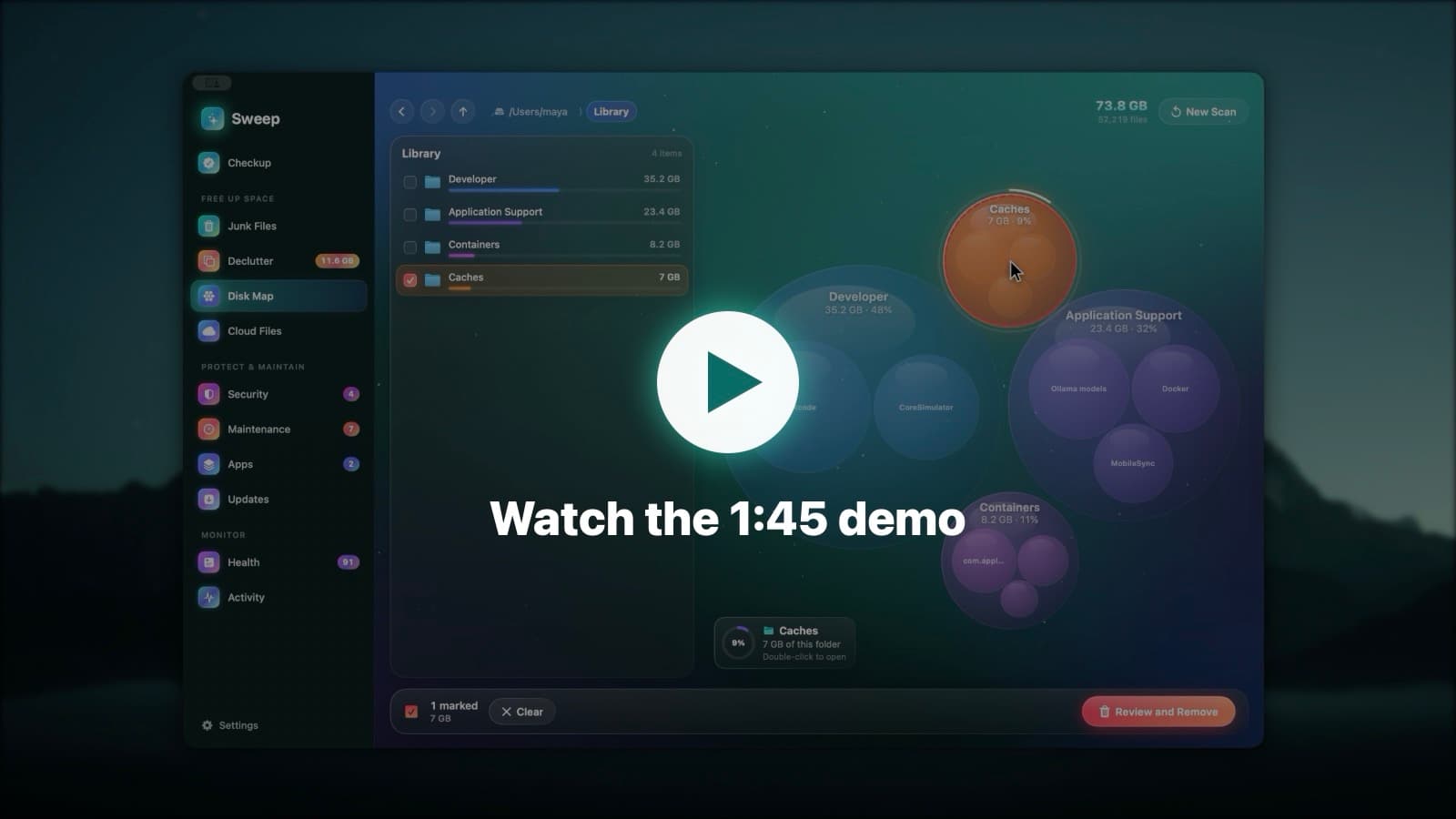
What you get
- Sweep.app, one universal app
- Every feature on this site, free
- No account and no sign-up
- No analytics or tracking
- Updates for your apps from inside Sweep
- New versions of Sweep on GitHub Releases
Download questions
Something else? Ask us.
