

Updates
Every app update in one list.
Sweep checks each app's own update feed, the App Store and Homebrew, and shows every update together. Update All asks before quitting open apps, and reopens them afterwards.
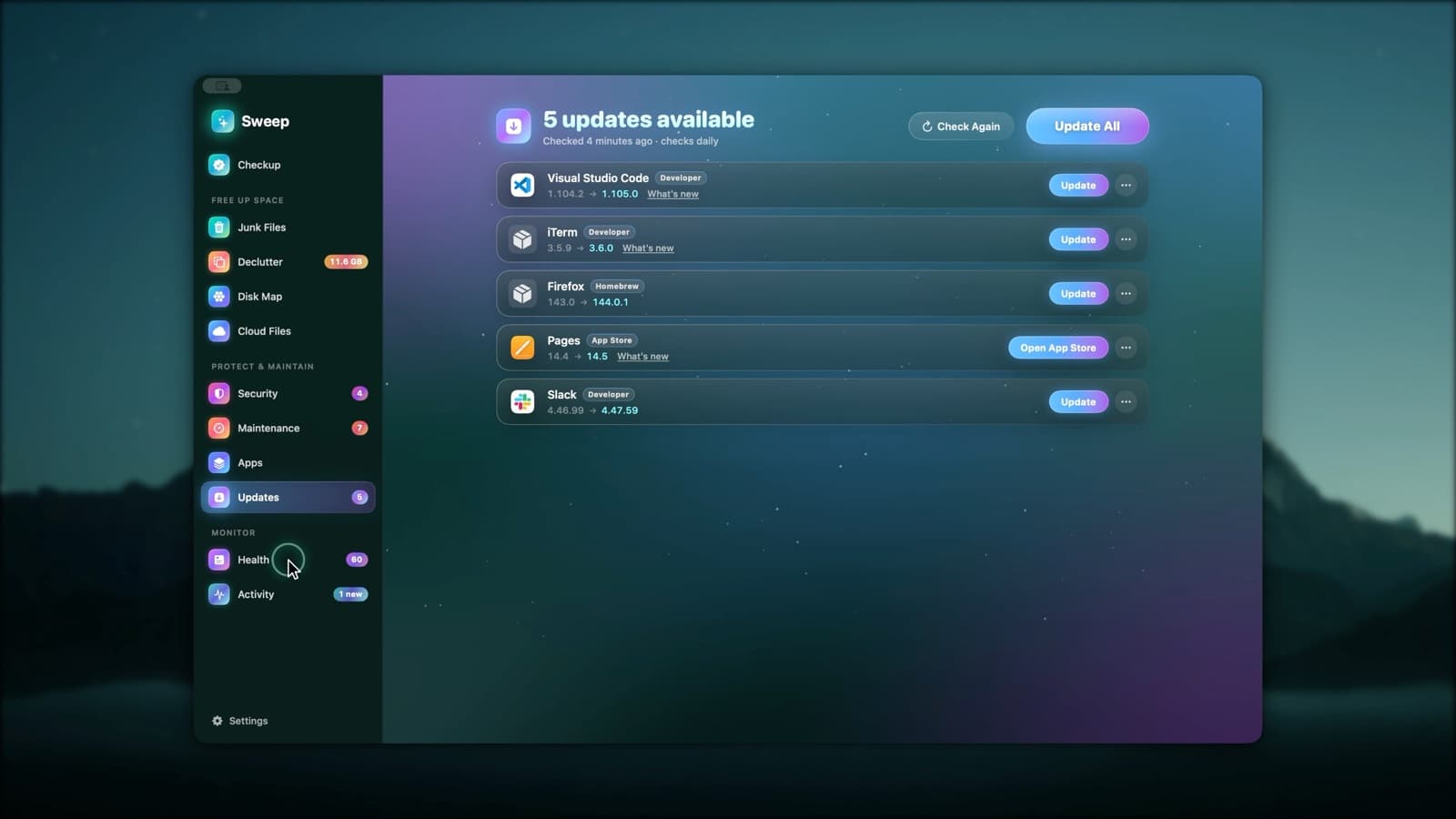
One list, one source per app
From the developer
Apps that update through their own feed. Sweep checks the download's signature and that it comes from the same developer before installing.
App Store
App Store updates are listed too. Updating opens the App Store's Updates page, once.
Homebrew
Apps you installed with Homebrew are updated with brew upgrade, so Homebrew's records stay right.
Small things that help
- Release notes before you update
- Skip This Version
- Ignore an app
- A daily check, with a notification when updates appear
- Update All quits open apps after asking, then reopens them
Update questions
Something else? Ask us.
Works well with
Complete uninstalls
Dragging an app to the Trash leaves its caches, settings and helpers behind. Sweep finds the files an app owns across your Library and the system's, so you can remove all of it, or reset the app to a clean start.
ExploreRosetta check
Intel-only apps run through Rosetta, which macOS includes only up to macOS 27. Sweep finds them now, so you have time to update or replace them.
ExploreCheckup
Press Scan once and Sweep looks for junk, threats, maintenance tasks and app updates in turn. Review any card, or run everything at once.
Explore
Clean, protect and understand your Mac.
Finds junk, big files and leftovers, checks for malware and risky settings, keeps apps updated, and shows what your Mac does when you're not looking. Free and open source.